
Tutorials
Learn Loft by watching it work
Every video does real work in a demo studio, from the first click to the result, with each step written out below it. Pick the playlist for your role.
New to Loft · 5 videos
Start here
New to Loft? What it is for, setting up your studio and people, how a project is laid out, and one shot followed from brief to the cut.
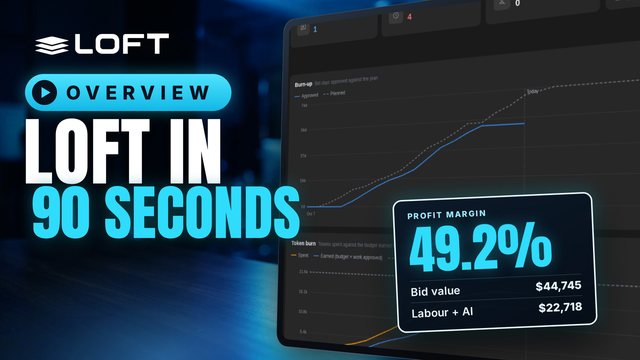
One system for an AI production, from the bid to the P and L. Here is one short, start to finish.
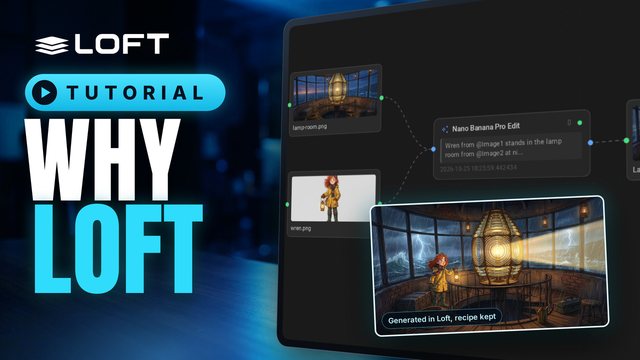
A production usually runs on a spreadsheet for the bid, a tracker for the shots, a review tool for dailies, and AI tools in browser tabs, and the numbers never meet. This is a tour of one studio's slate in Loft, from a bid to the cost of a shot, showing what changes when all of it is one system.
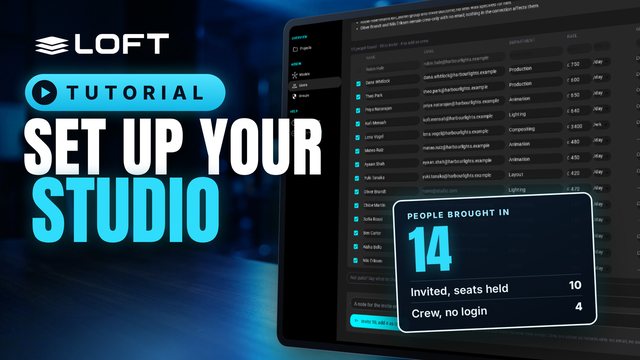
A studio's first hour in Loft: bring your people in from the crew list you already keep, see who logs in and who is only scheduled, check what each department costs, start a first project, and ask the Assistant about it. Harbour Lights Studio has just signed up; nothing else is set up yet.
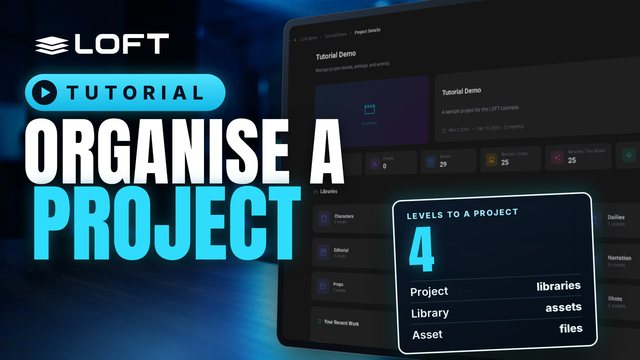
Before you make anything, it helps to know where things go. This tutorial tours a project's sidebar and explains what libraries, asset types, folders and assets are each for, and when to reach for which. Then it makes two folders and a first asset to show it in practice.
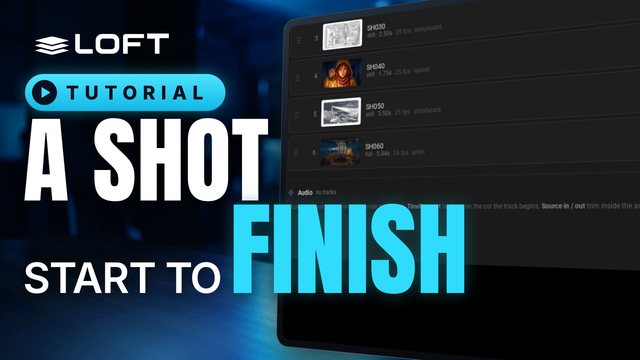
This tutorial follows one shot all the way through. An artist makes the shot in its sequence, links the character and location it needs, generates a keyframe from them and animates it with Kling 3.0. The director reviews it in dailies and asks for a change; the artist revises it, the director approves, and the published shot plays in the cut, between its neighbours.
Producers · 6 videos
Plan and run a production
For producers: set up the studio and crew, bid a project, turn it into a schedule and crew, track it, keep AI spend on budget, and share work with the client.
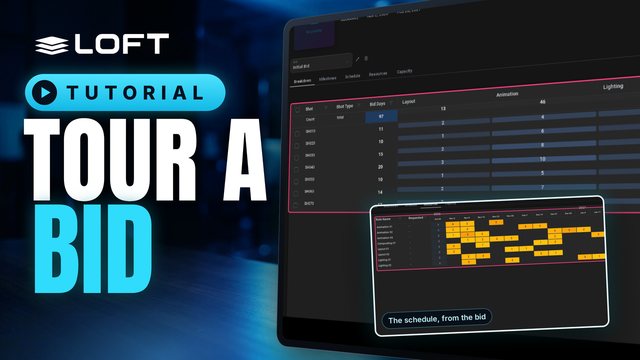
A bid is where you estimate a project: how many days each shot or asset needs in each department, and what that means for people and schedule. This tour opens an existing bid and walks through its tabs, from the breakdown through to capacity.
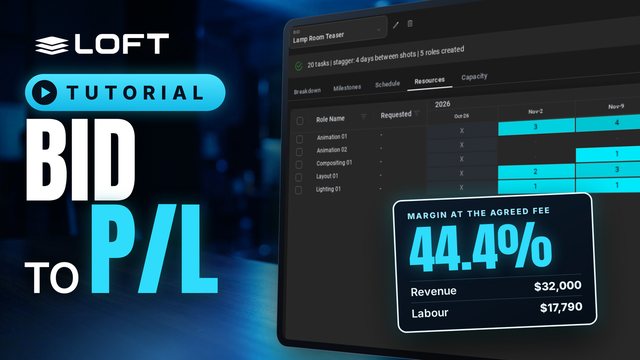
A bid estimates the days each shot needs in each department. This tutorial builds a small bid, turns it into a schedule and the roles to staff it, publishes it as the project's working plan, and reads the preliminary profit and loss: what the bid is worth against what the plan will cost.
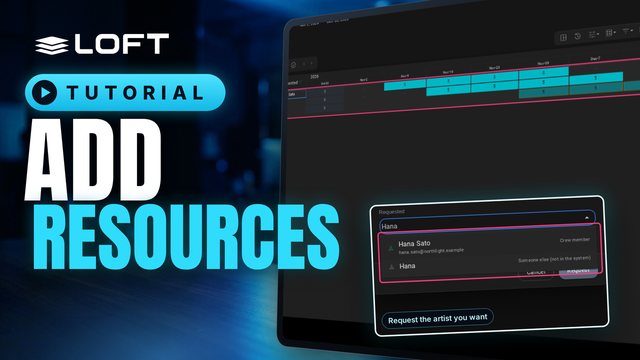
Resources are the people a project needs, planned as roles: an animator for four weeks, a compositor for two. This tutorial adds roles to a project, books their weeks, and requests a crew member for one of them.
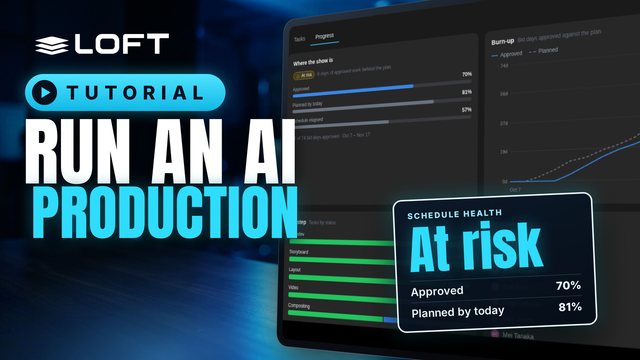
After the bid, the schedule exists but nobody is on it yet. This tutorial is the production manager's side of an AI short: assign the storyboard, layout, video, compositing and lookdev work from the tracking grid, check the schedule by artist, then come back three weeks later and measure the show: what is approved against the plan, what is late, what is waiting for review, and what to do about it.

AI generation is spent in tokens, and like labour it needs a budget. This tutorial budgets an AI short's tokens from its bid, gives an artist an allowance with a hard limit, then comes back three weeks later to see the spend against the work approved, a forecast at completion, an allowance doing its job, and the tokens in the project's P/L.
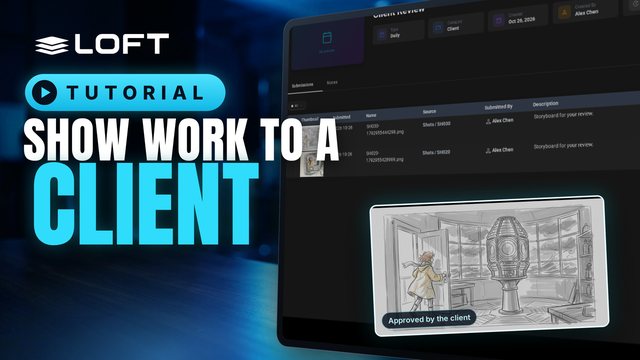
A client reviews what you choose to show them, and nothing else. Give the project a Client library that only the Client group can see, add a daily to it, and submit work there. The client opens the daily, looks at each submission and approves it or asks for changes.
Artists & leads · 7 videos
Make and review the work
For artists and leads: libraries and scripts, generating from references, directing the Assistant, provenance, the animatic and dailies.
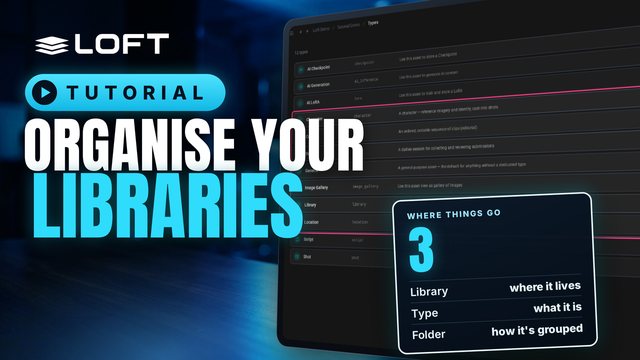
Everything in a Loft project is an asset, and every asset lives in a library. Folders keep a library tidy; the asset type decides what an asset gets. This tutorial makes folders, creates a character and a location, adds a library of its own, and defines a new asset type with the folders it should start with.
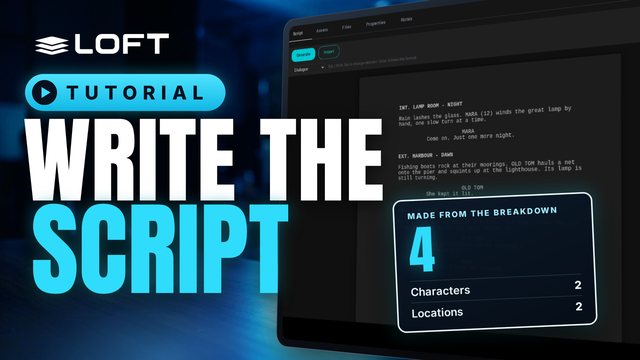
A script in Loft is a screenplay you write in industry format. As you write, Loft breaks it down into scenes, characters and locations. This tutorial writes a short script, then creates assets for its characters and locations and links them to the script.
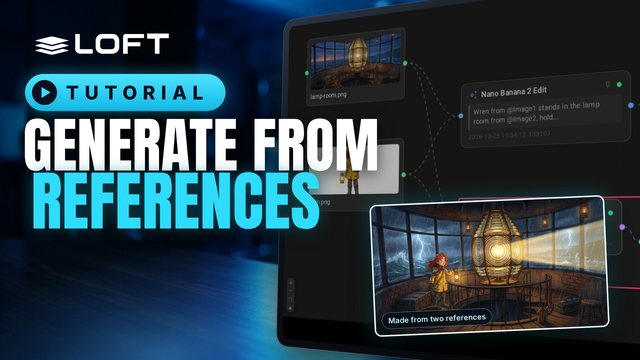
Most images start from references: a character, a place, a colour key. This tutorial uploads references into a folder, pins them, generates a new image from two of them in another folder, and then opens the image's flow to see exactly what made it, and to make a variation on a different model.
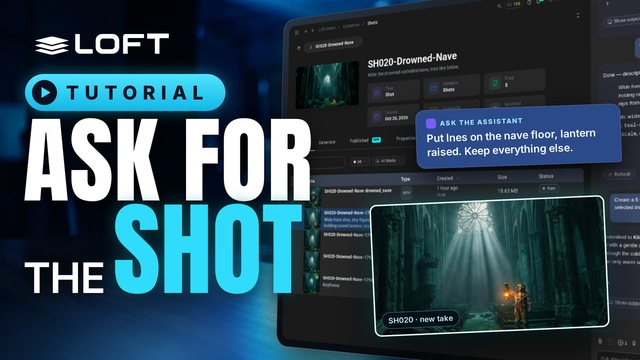
The Assistant is how you direct work in Loft: say what you want in plain language, and it picks the model, uses the right references, and files the result on the shot. The project's and the shot's playbooks hold the intent, so a short request is enough. This tutorial follows one shot from keyframe to video, with a correction and a character reference on the way.
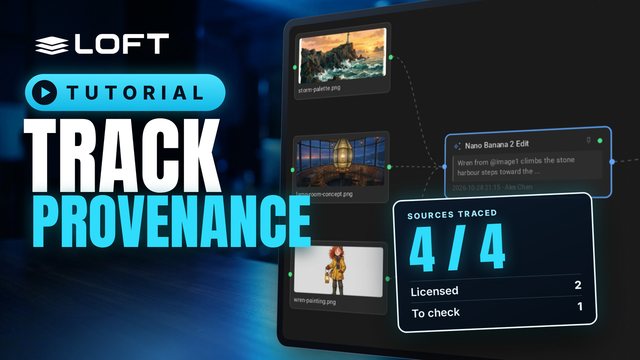
Studios, guilds, insurers and regulators now ask the same question of AI-assisted work: what is it made from, who made it, and were you allowed to use it? Loft keeps that record as you work. This tutorial brings in three sources, generates and publishes a keyframe from them, and then follows the record: every action, every input, and every licence, with nothing typed in by hand.
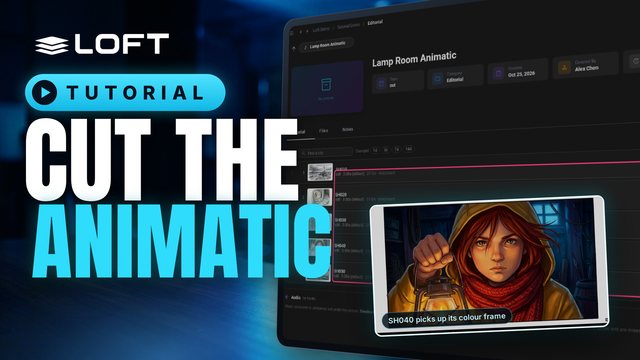
Before a shot is animated, the cut tells you how long it should be. This tutorial puts five storyboard frames on a cut, times them by dragging and by tapping along as it plays, then works on one shot and publishes a finished frame, which the cut picks up on its own. Editorial in Loft is not a full editor; it is there so continuity and timing are right from the start.
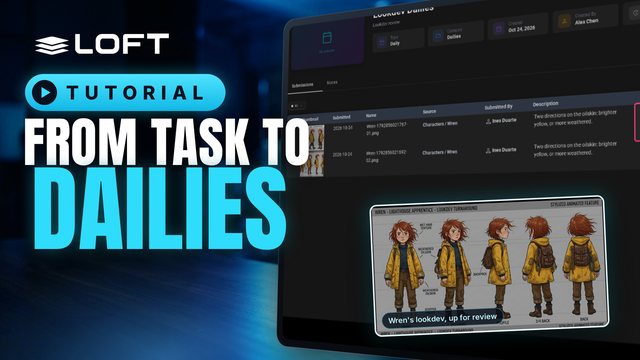
An artist works a task, generates takes, and sends the best ones to dailies. A supervisor reviews them there and gives each one a verdict. Approving in dailies doesn't publish anything: the artist publishes the approved take afterwards, and that is what the rest of the production sees.