STEP 01
Open the project
Hana is an animator. She opens Tutorial Demo from her projects.
Tutorials/Start here
This tutorial follows one shot all the way through. An artist makes the shot in its sequence, links the character and location it needs, generates a keyframe from them and animates it with Kling 3.0. The director reviews it in dailies and asks for a change; the artist revises it, the director approves, and the published shot plays in the cut, between its neighbours.
Follow along
Hana is an animator. She opens Tutorial Demo from her projects.
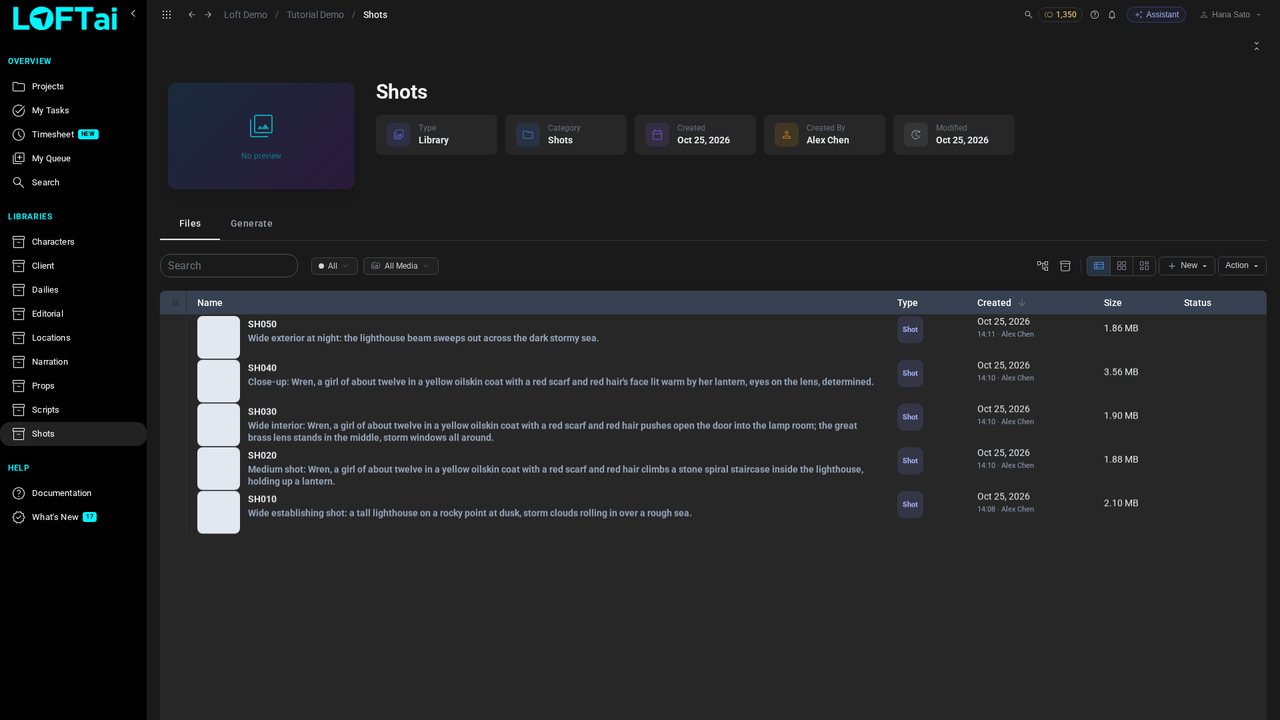
In the sidebar, click Shots: the film's shots so far, SH010 to SH050, each with its storyboard.
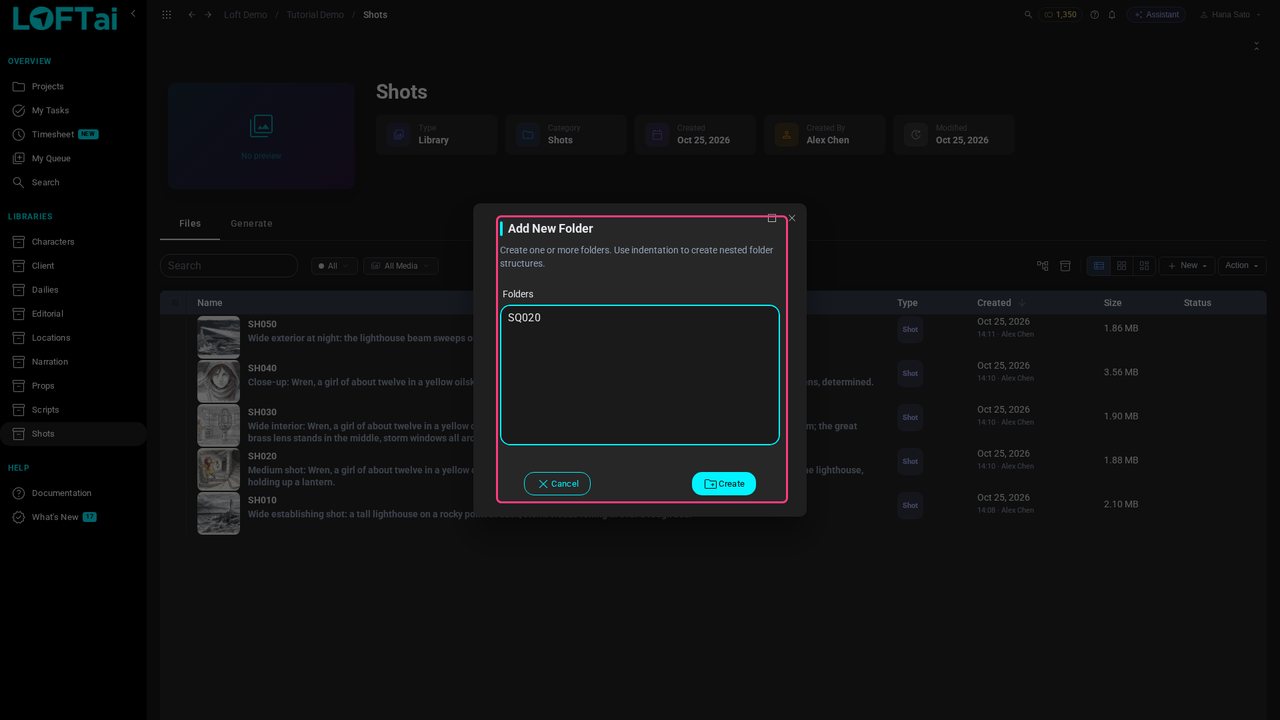
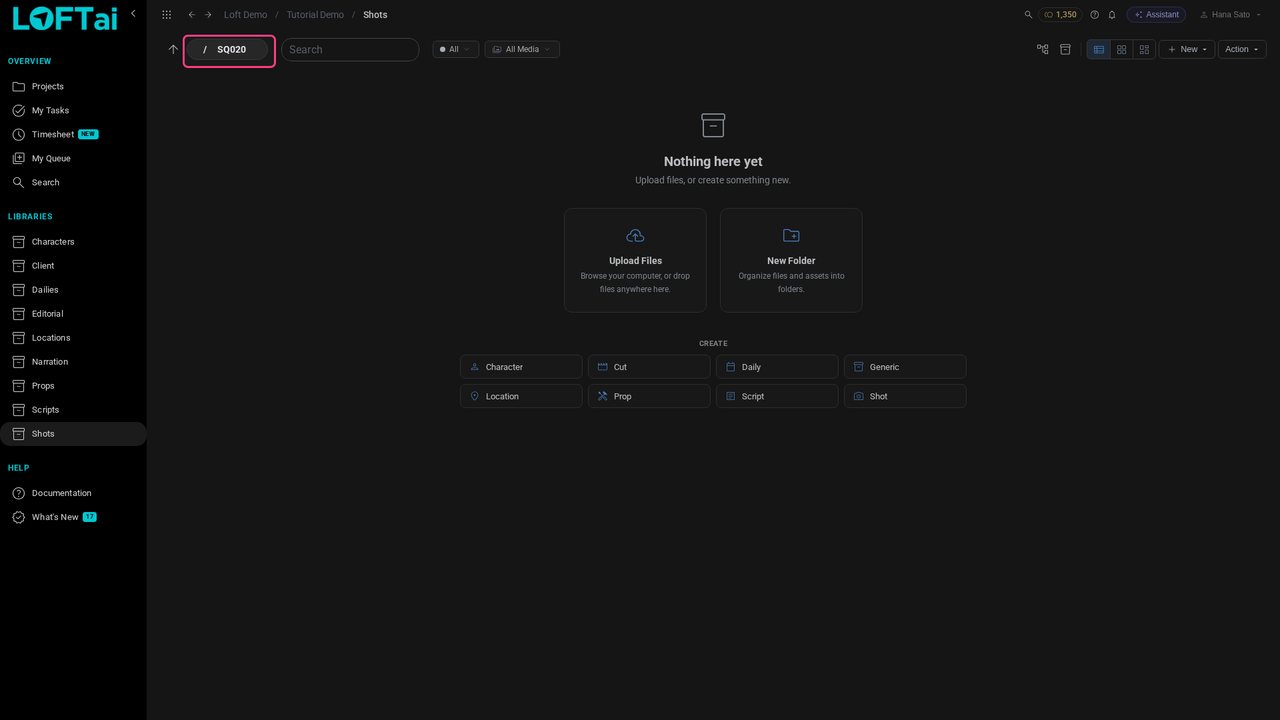
Click New, then Folder, and name it SQ020. A folder per sequence keeps the shots in story order.
Click Create, and open SQ020.
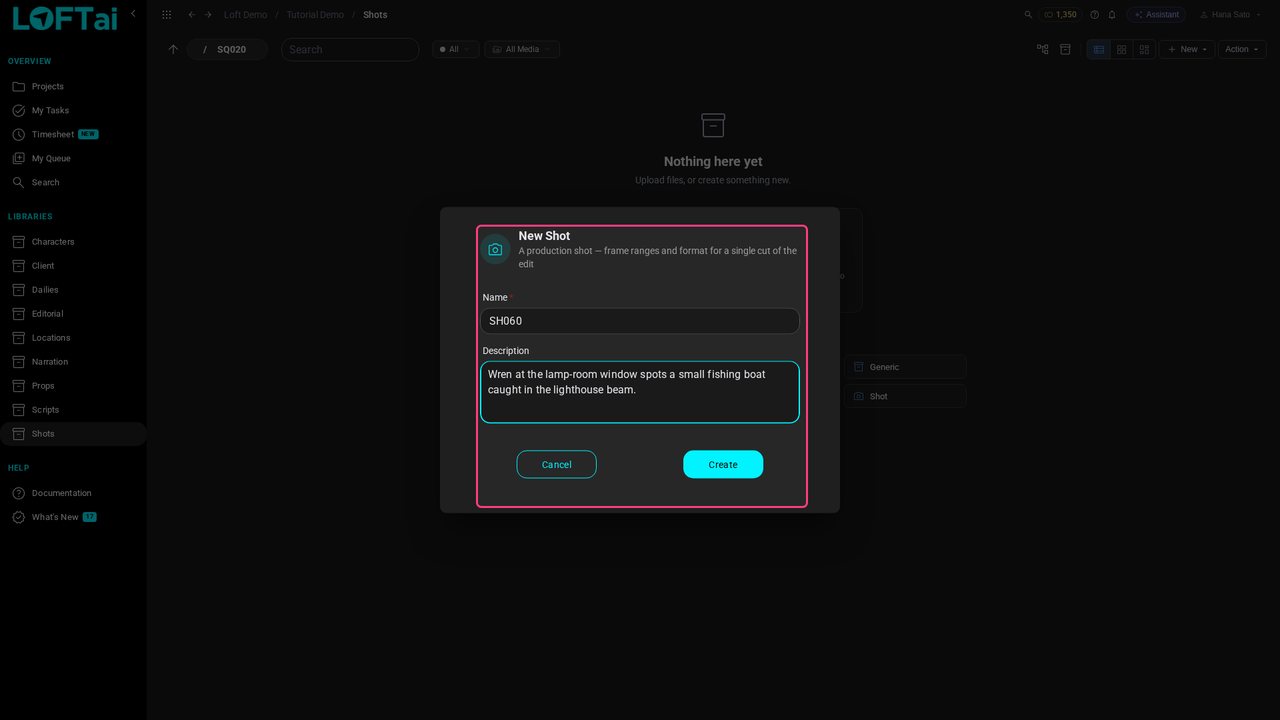
Click New, then Shot. Name it SH060 and say what happens in it: Wren, at the lamp-room window, spots a fishing boat caught in the lighthouse beam.
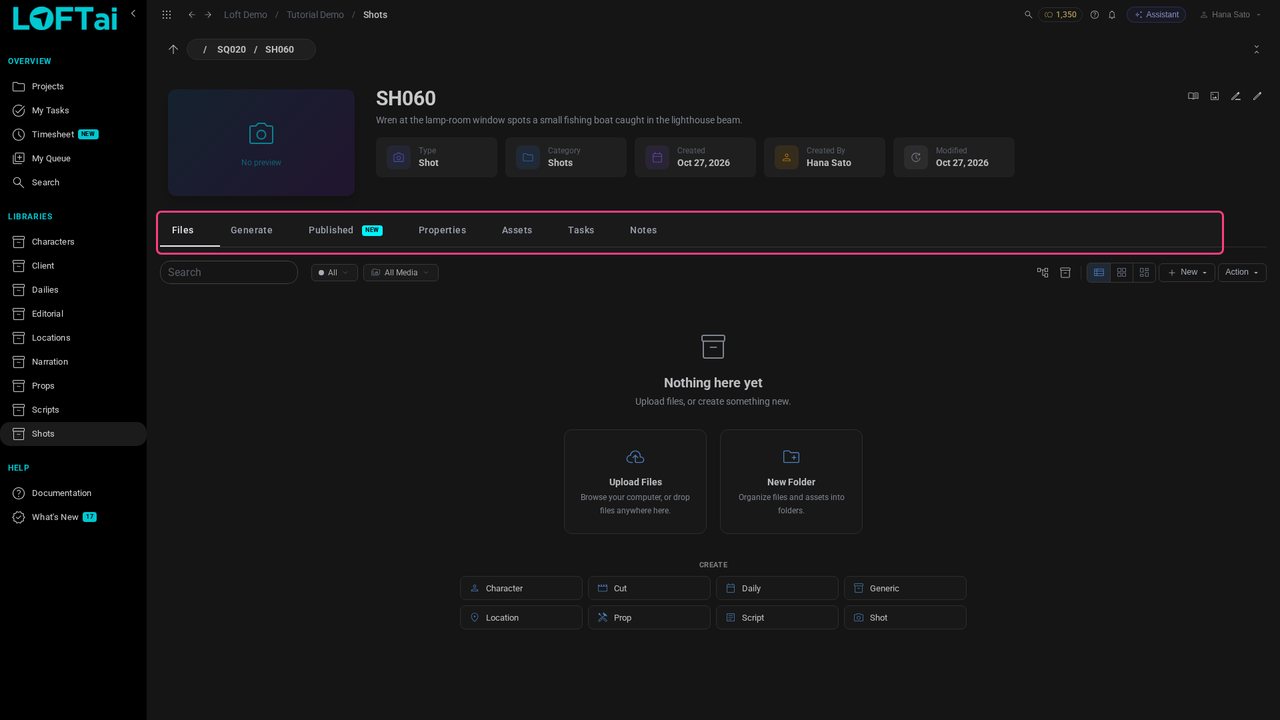
Click Create, and open SH060. A shot's page gathers everything about it: its files, generations, properties and the assets it uses.
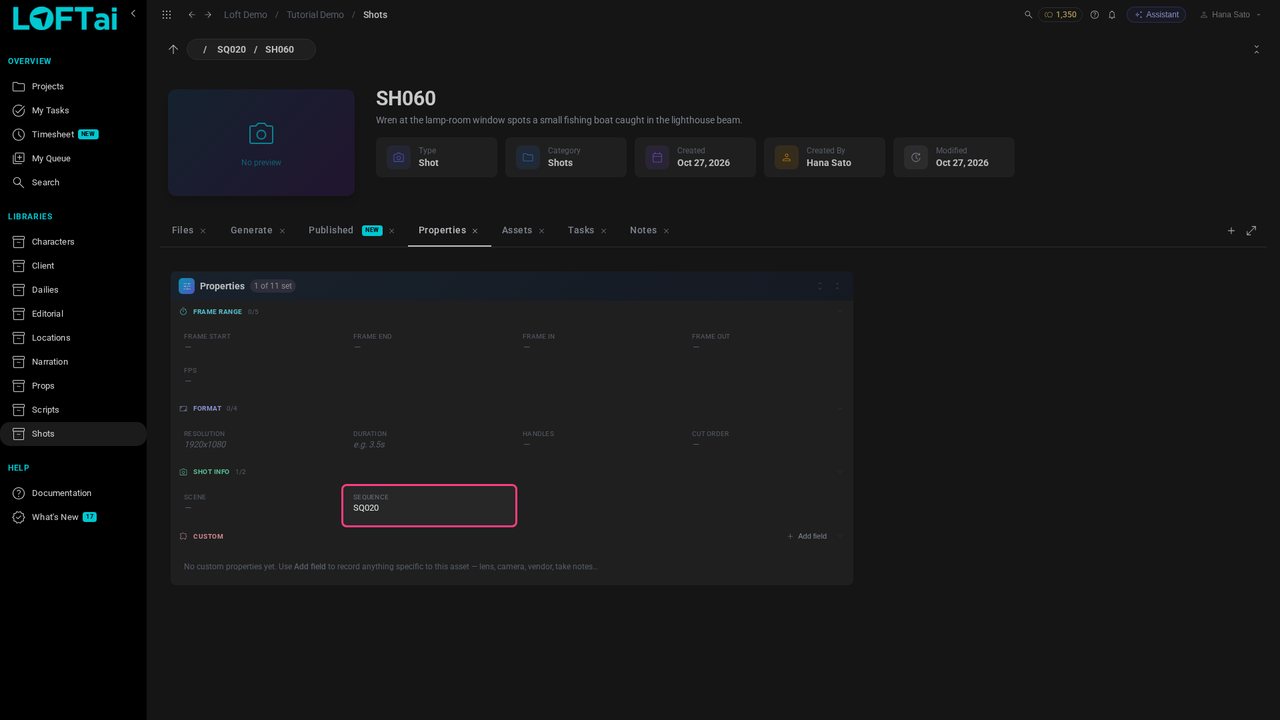
Open Properties. The shot's Sequence is already SQ020, from the folder it was made in.
Open Assets and click Link assets. A shot links what it's made of: its characters, locations and props.
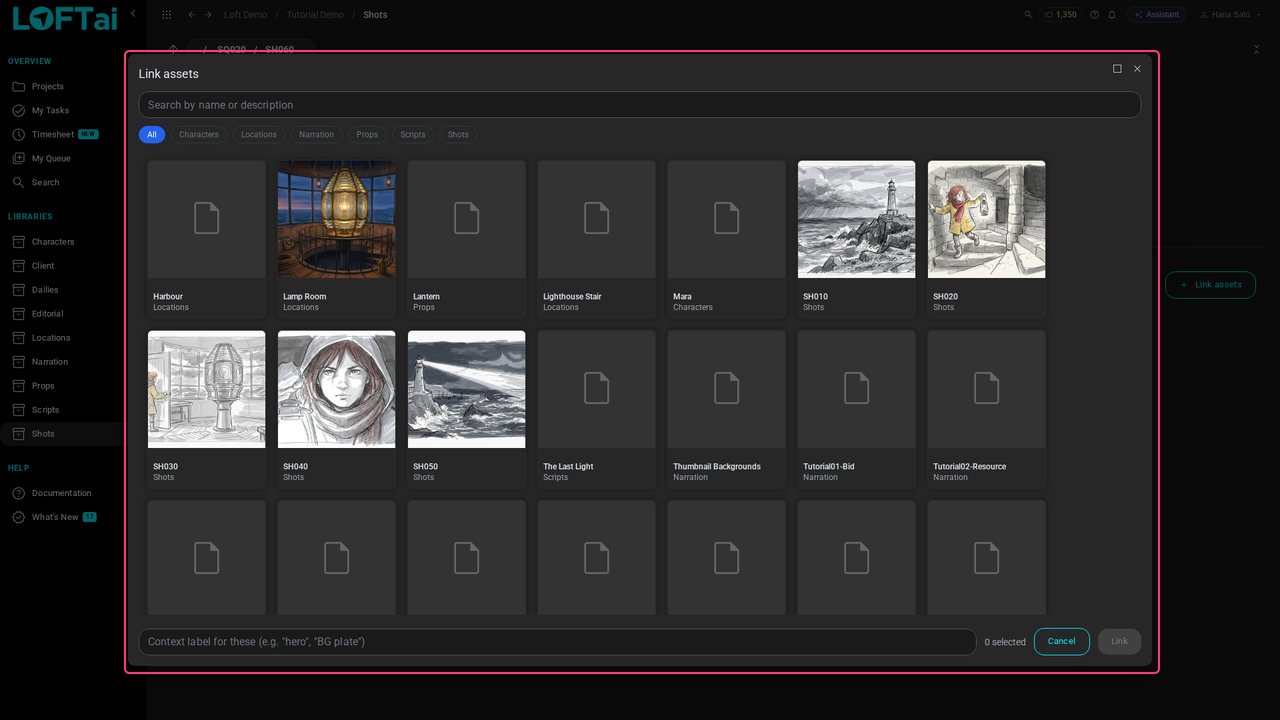
Under Characters pick Wren; under Locations, the Lamp Room.
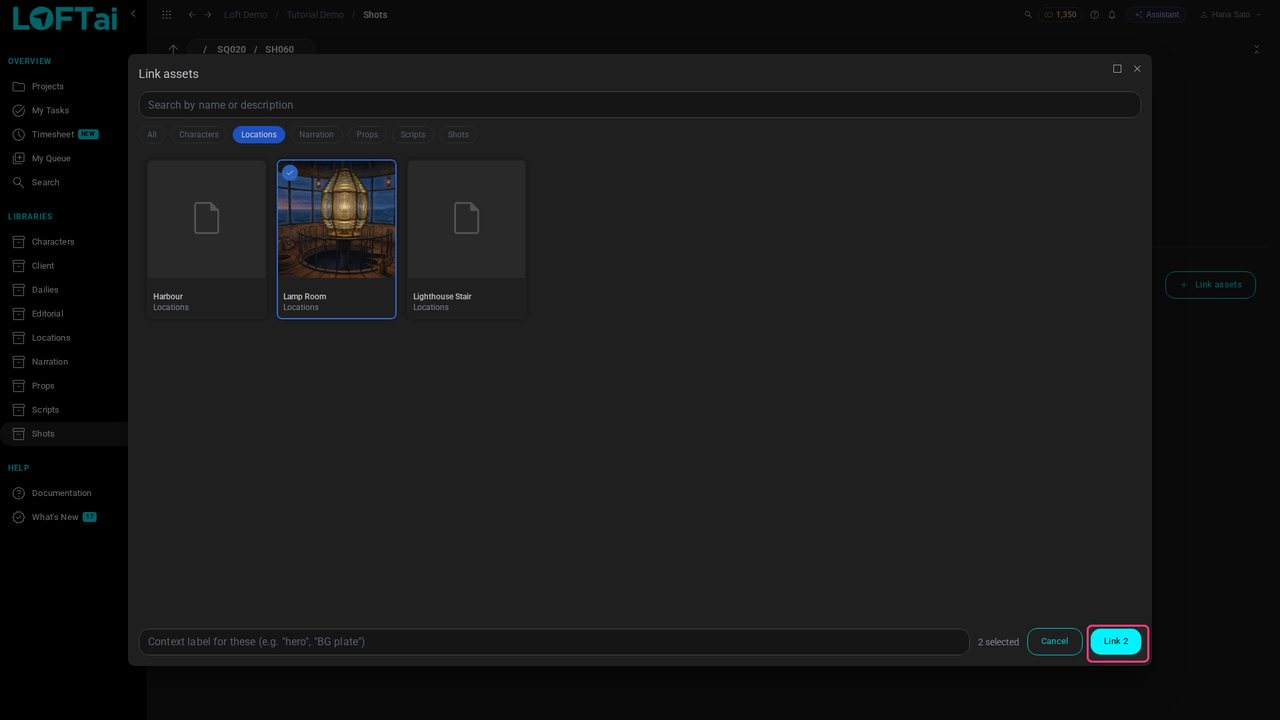
Click Link 2. Wren and the Lamp Room are part of SH060 now, and their published images are at hand whenever you generate for this shot.
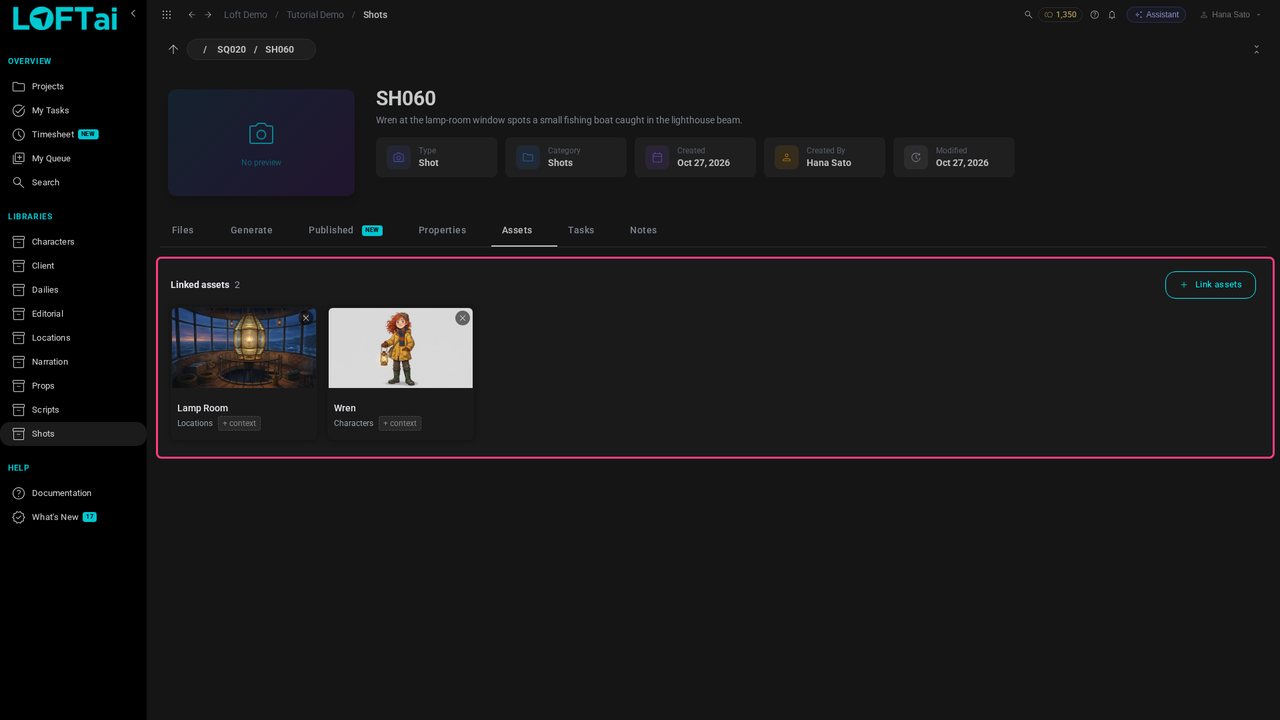
Open Generate and choose Nano Banana 2 Edit, an image model that works from references.
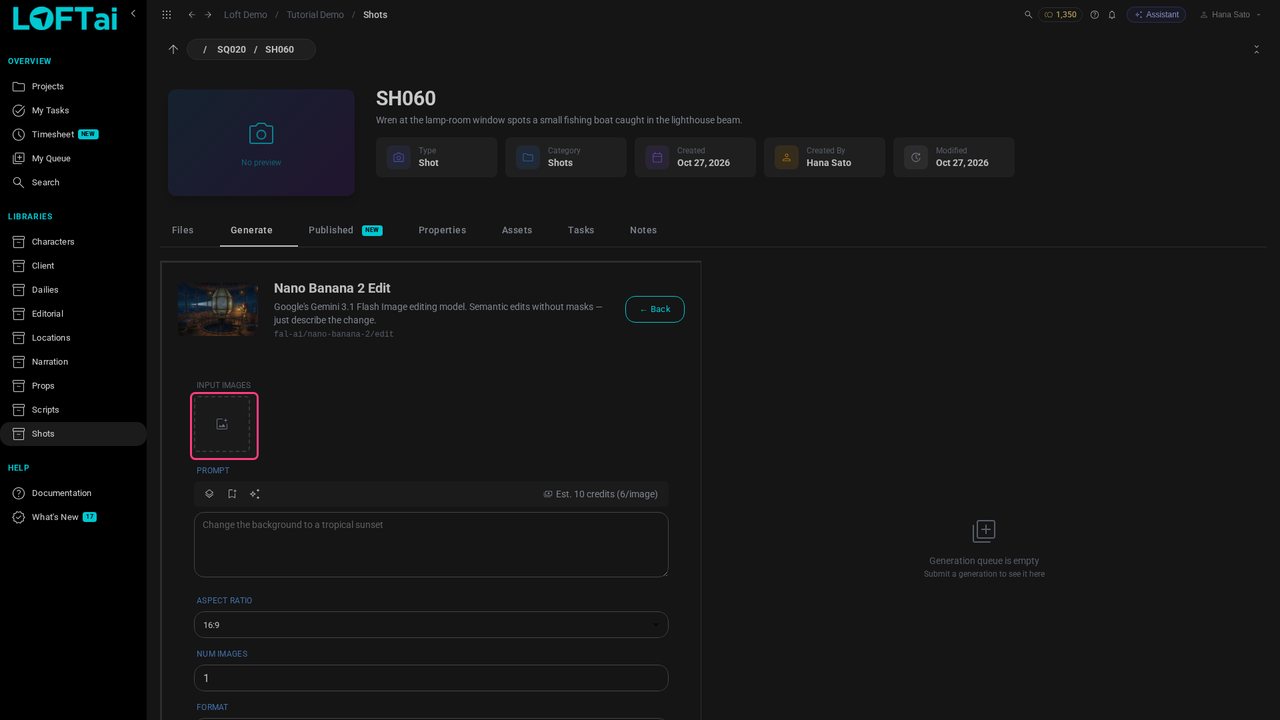
Click the Input Images box. The picker opens on Linked: the published images of the assets this shot links. Pick the Lamp Room, then Wren.
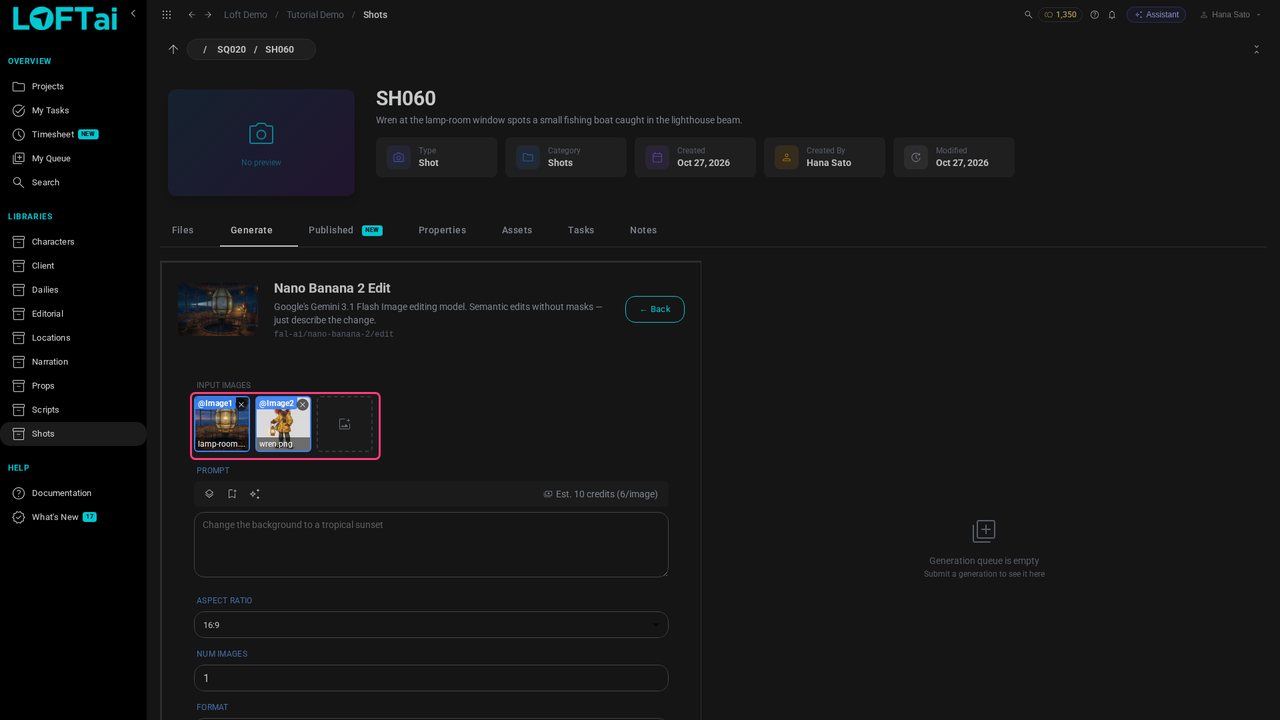
Describe the keyframe. @Image1 is the Lamp Room and @Image2 is Wren, in the order they were picked.
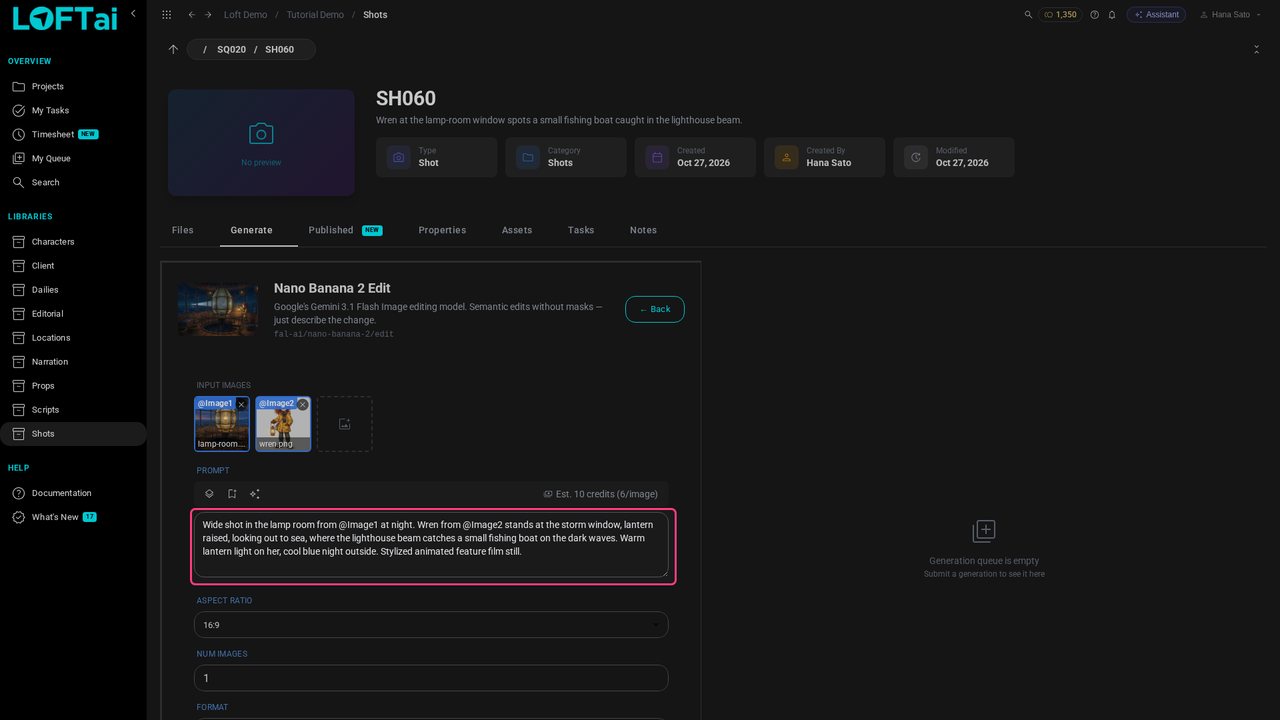
Click Generate. The request joins the queue on the right, and the image lands there and in the shot's files.
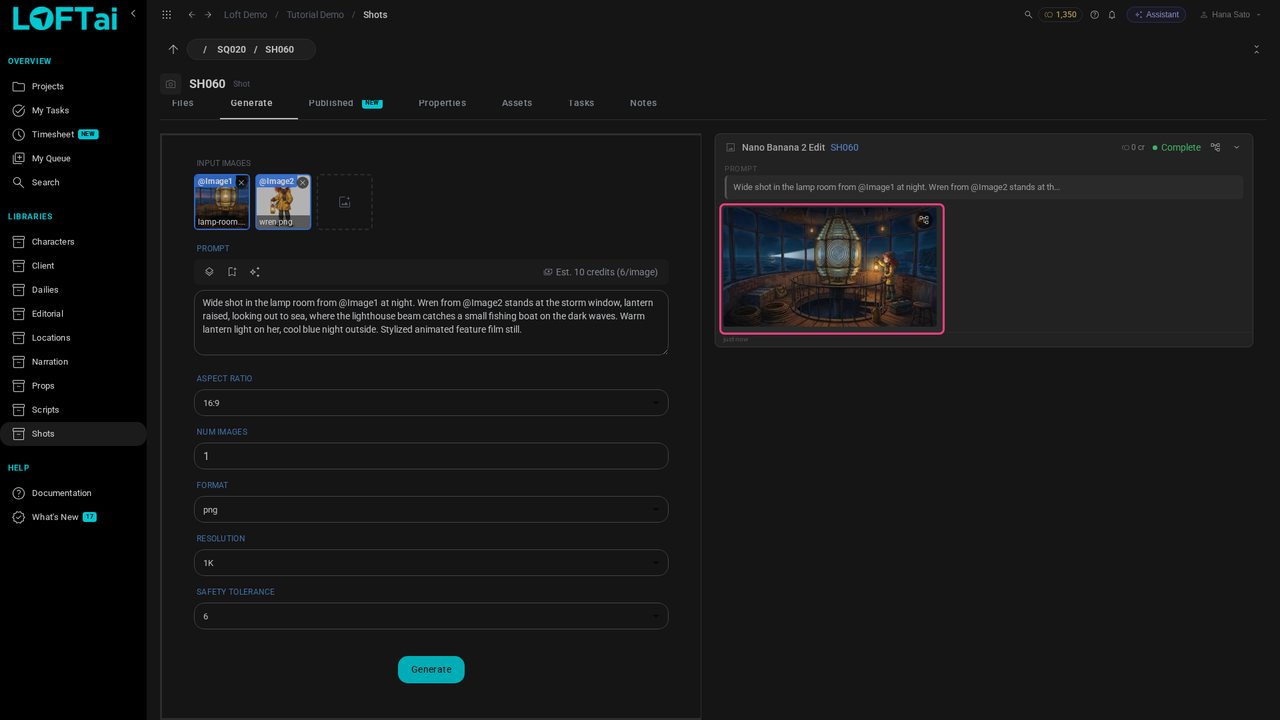
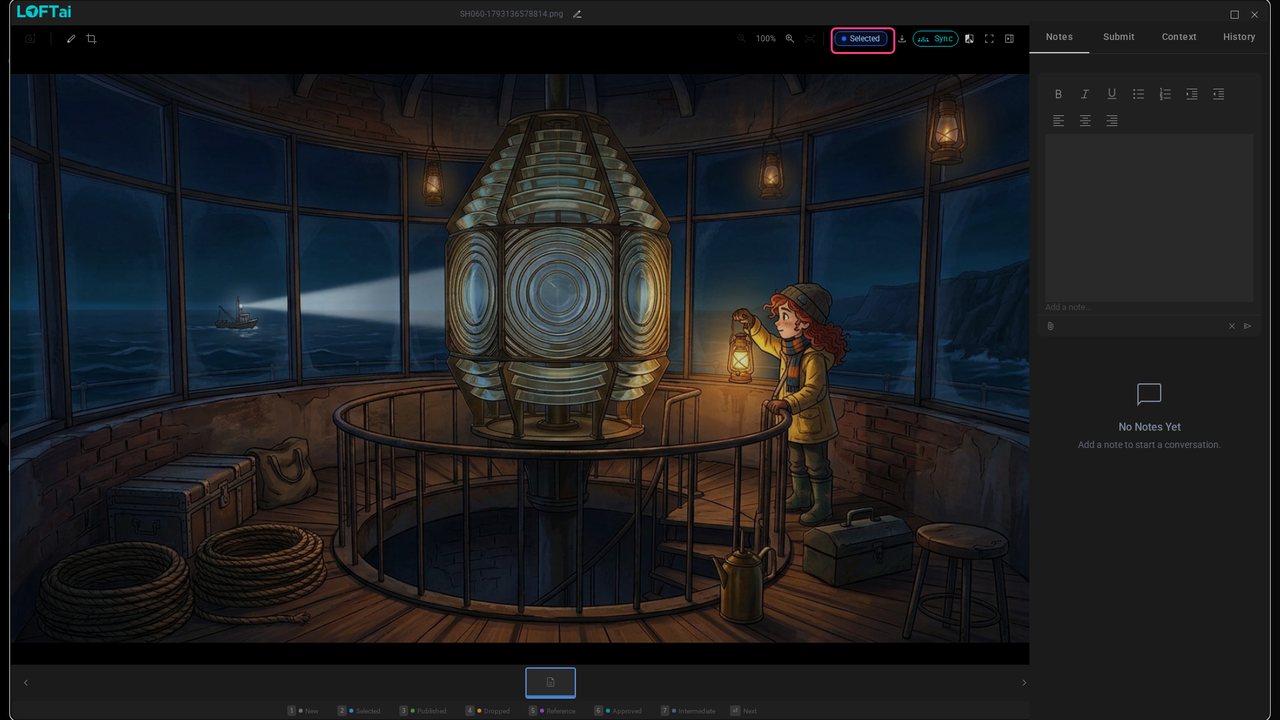
Click the keyframe to see it full size, and press 2 to mark it Selected: your pick, which only you see, and what the video will start from.
Close the viewer, click Back and choose Kling 3.0 Pro Image to Video: it animates a first frame, and keeps a character on model from reference images.
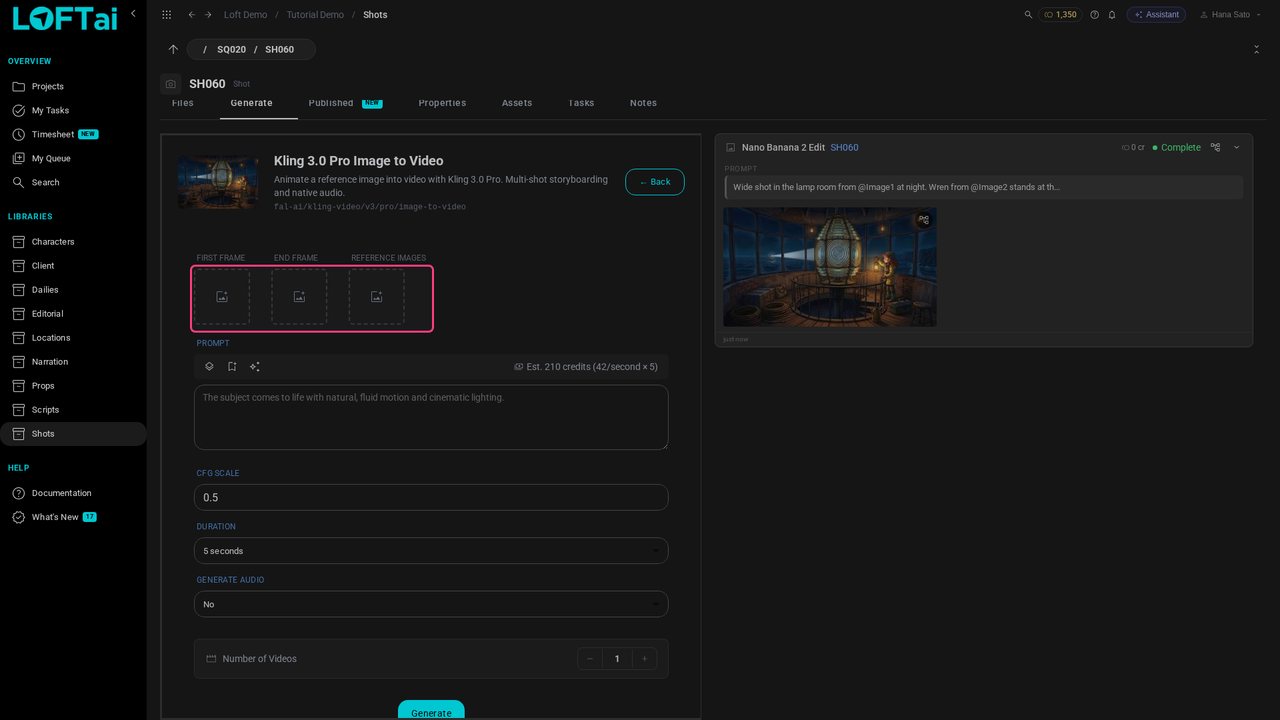
Click First Frame. It opens on the shot's own files: pick the Selected keyframe.
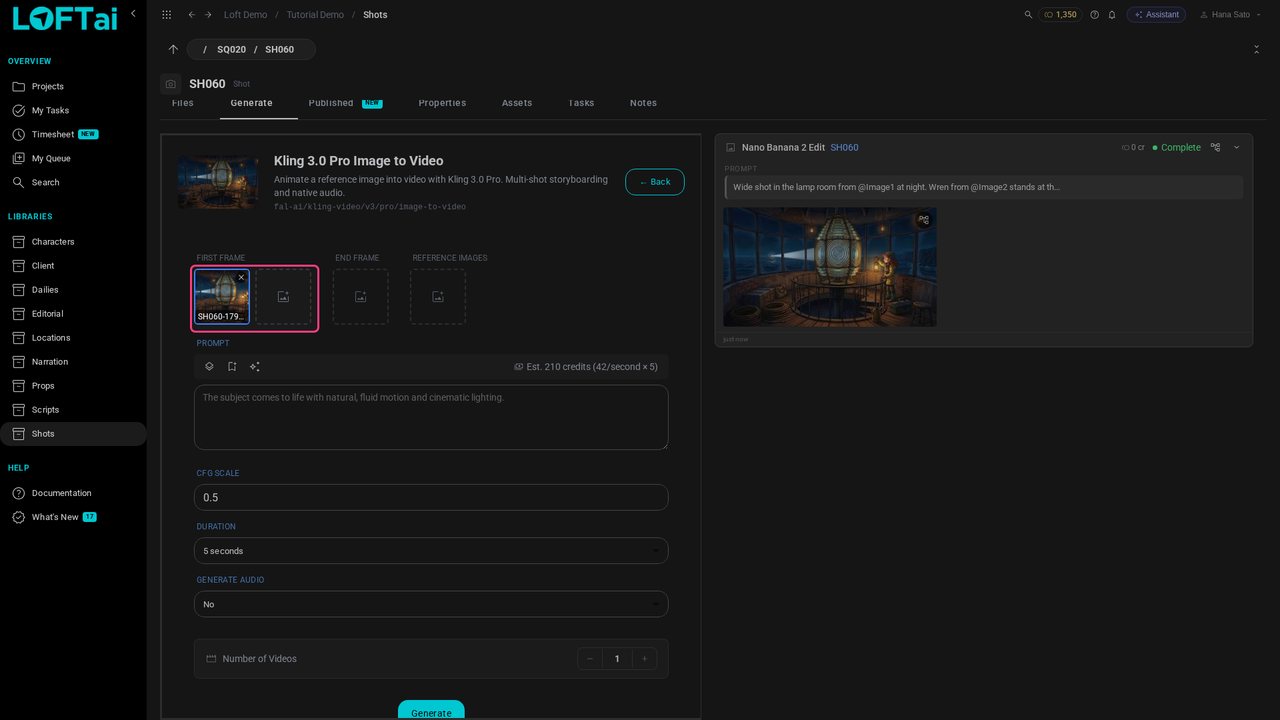
Click Reference Images. It opens on Linked again: pick Wren.
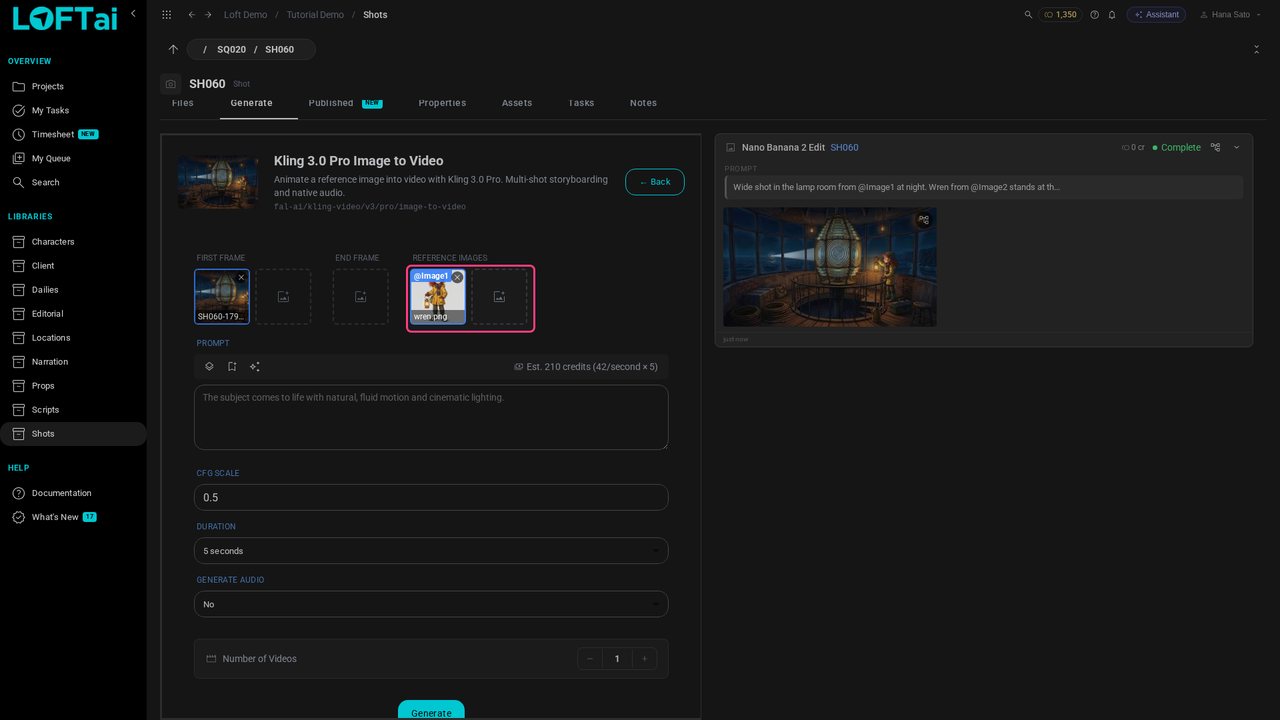
Describe what moves: a slow push-in on Wren as the beam finds the boat.
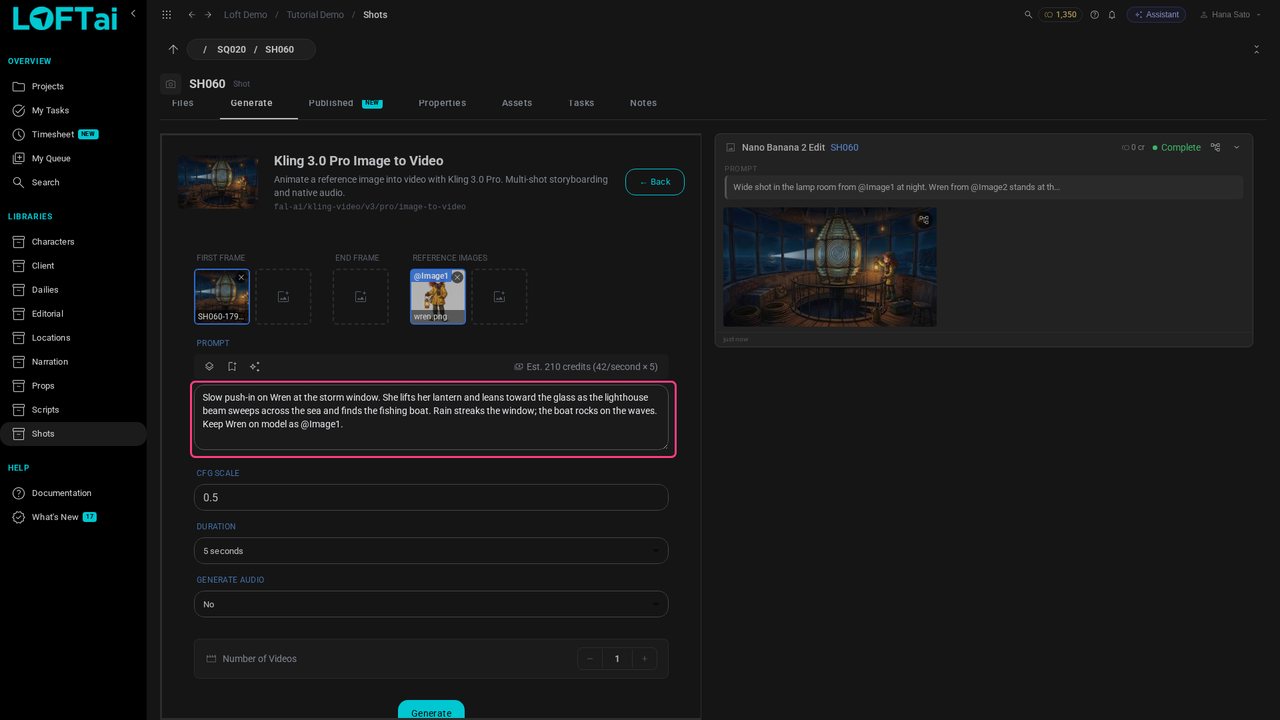
Click Generate. Five seconds of Kling 3.0 Pro takes a few minutes; the queue shows it running, and a notification says when it's done.
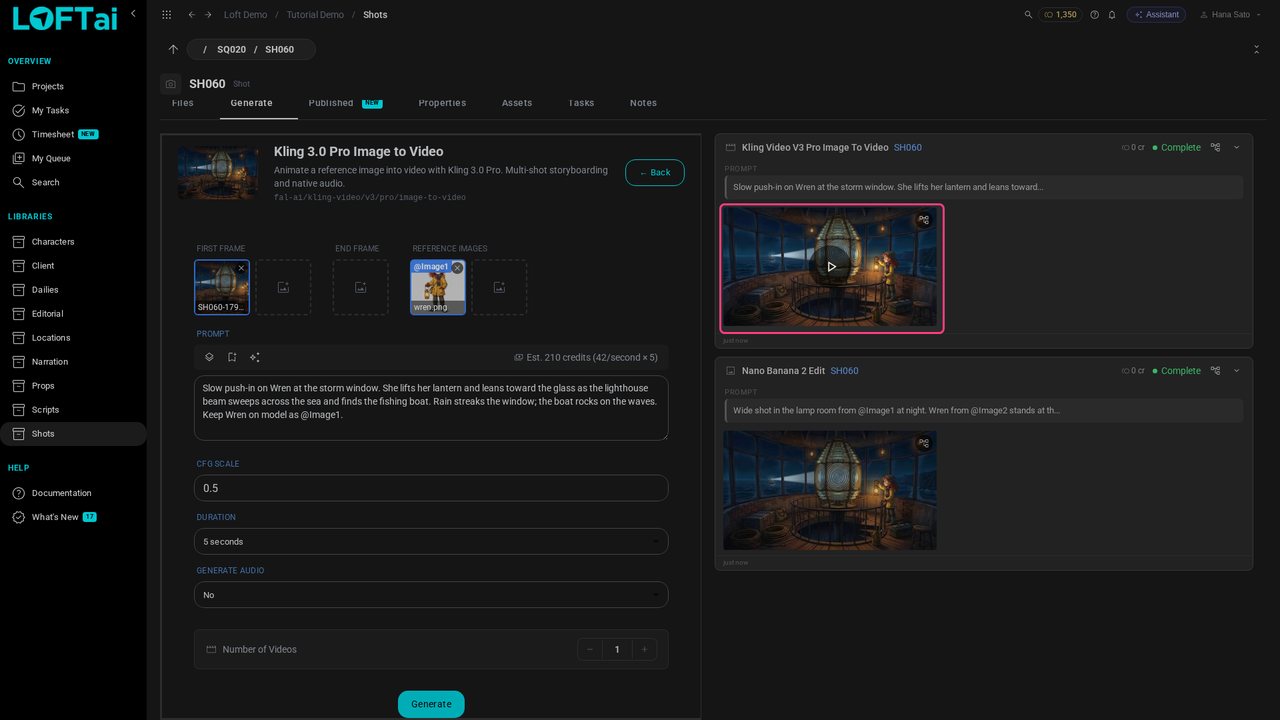
Open the video, press 2 to mark it Selected, and open Submit. Choose Director Review and say what this take is.
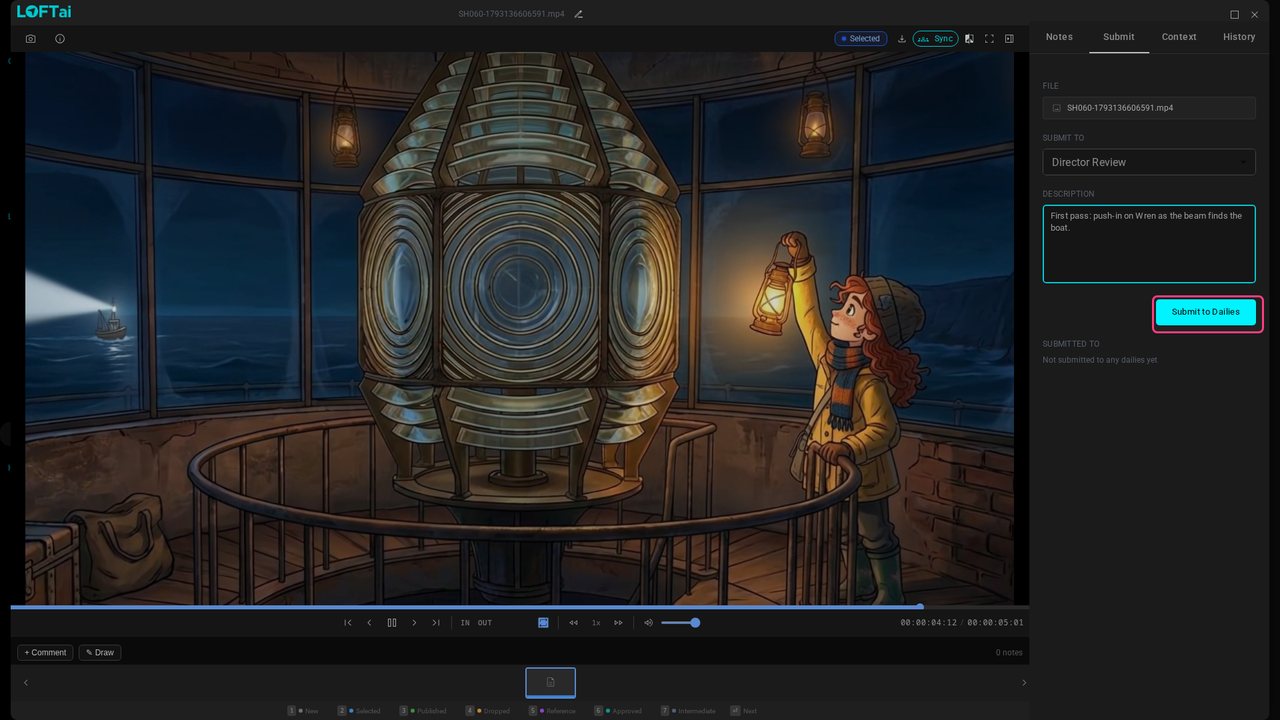
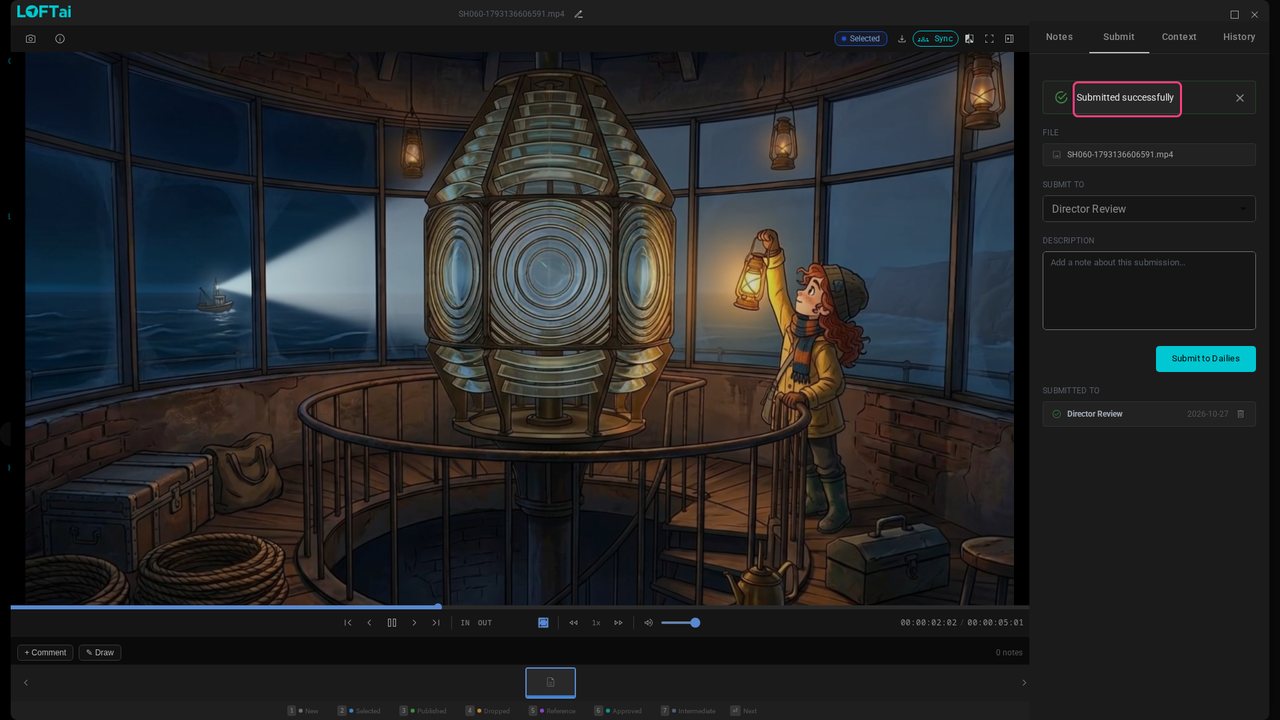
Click Submit to Dailies.
Elena is the director. She opens Dailies, then Director Review: each submission with who sent it and their note.
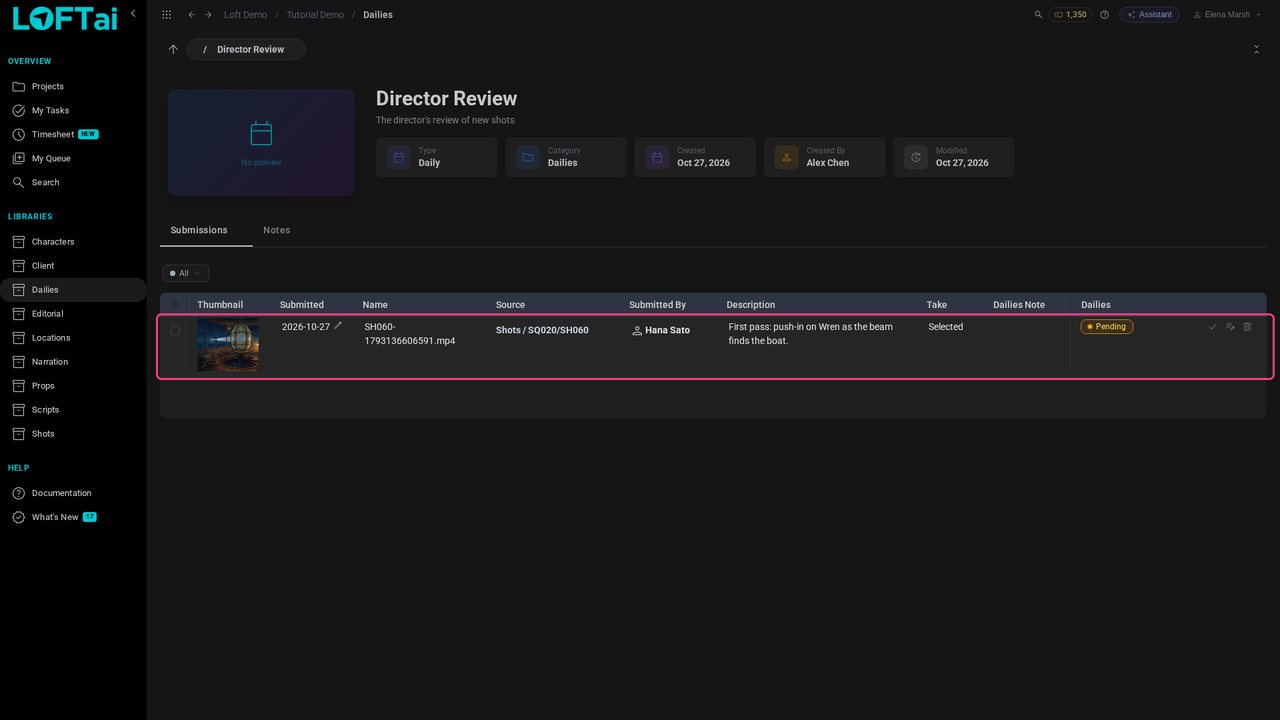
Click the thumbnail to play the take.
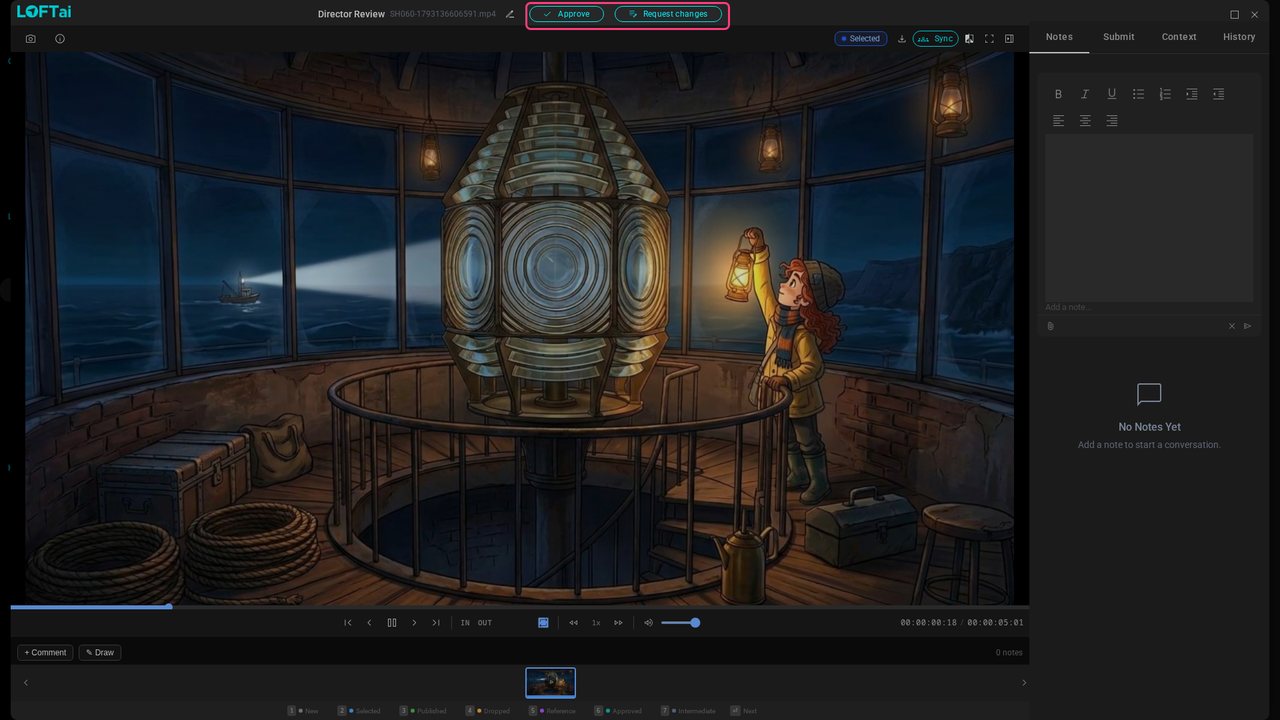
Click Draw: the take pauses. Circle Wren and say what should change. The note is pinned to this frame.
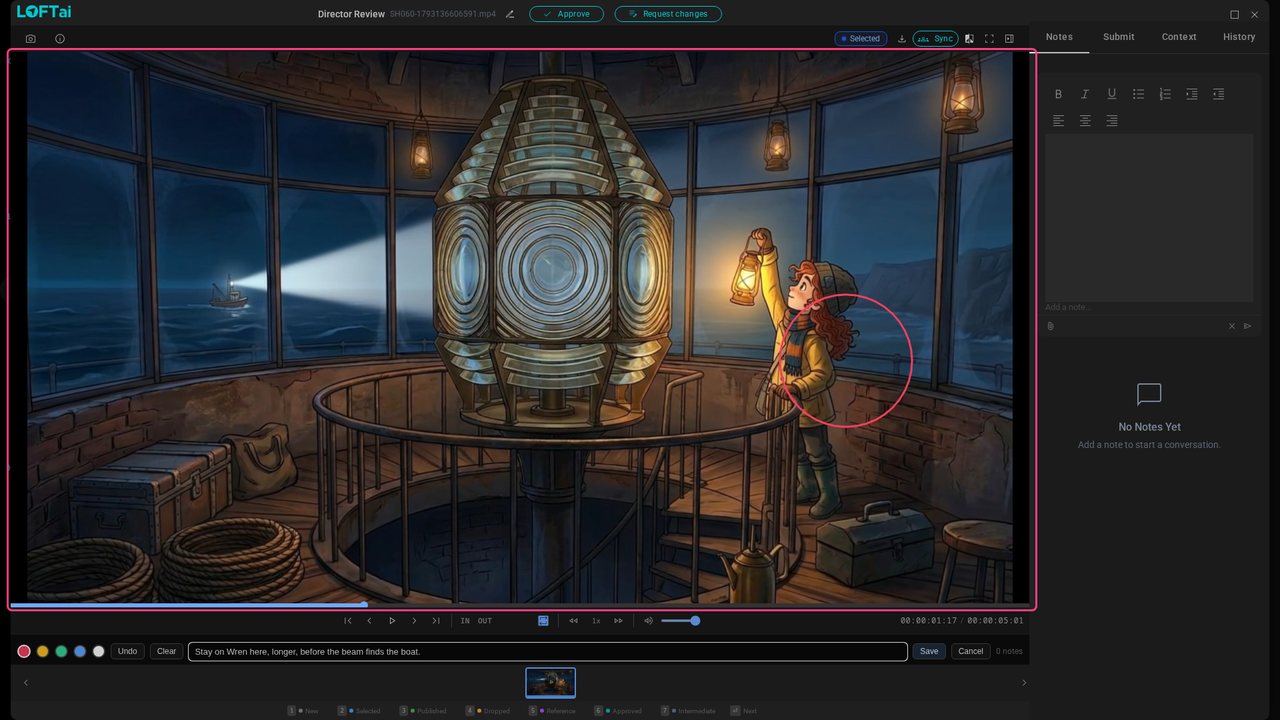
Click Save, then Request changes, and sum the note up for Hana.
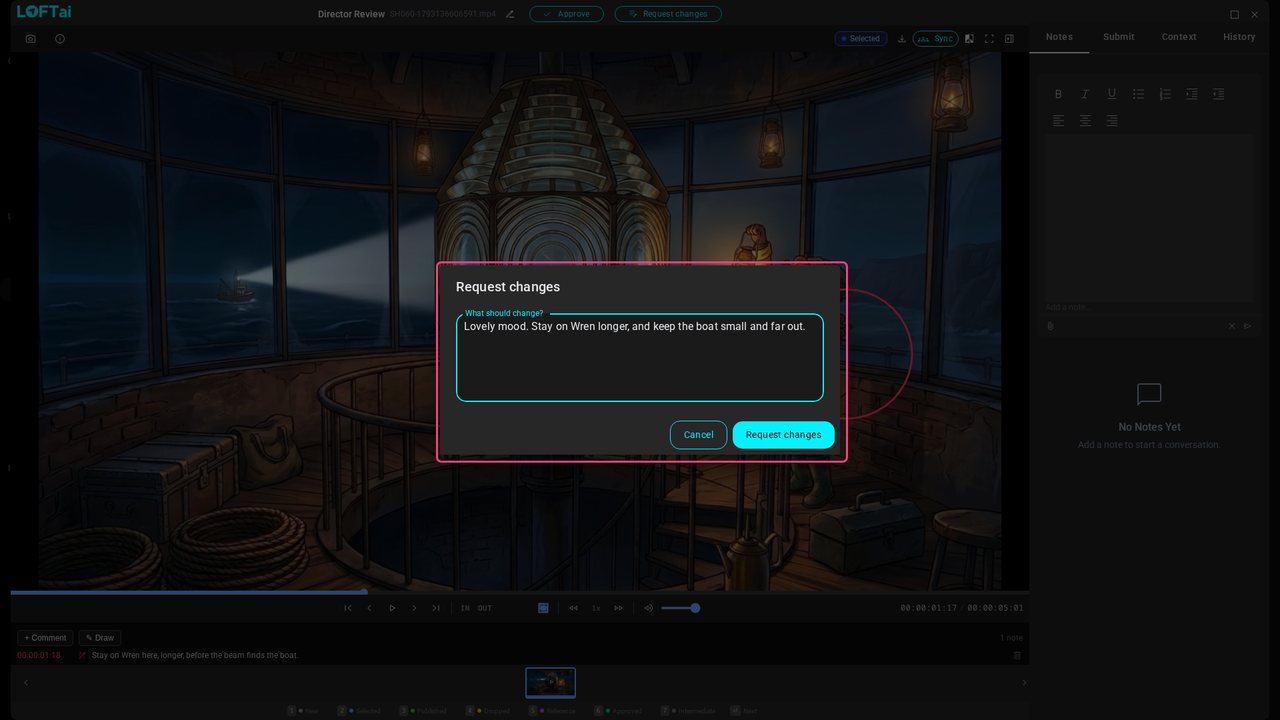
Click Request changes. The verdict goes on the submission, and Hana gets a notification.
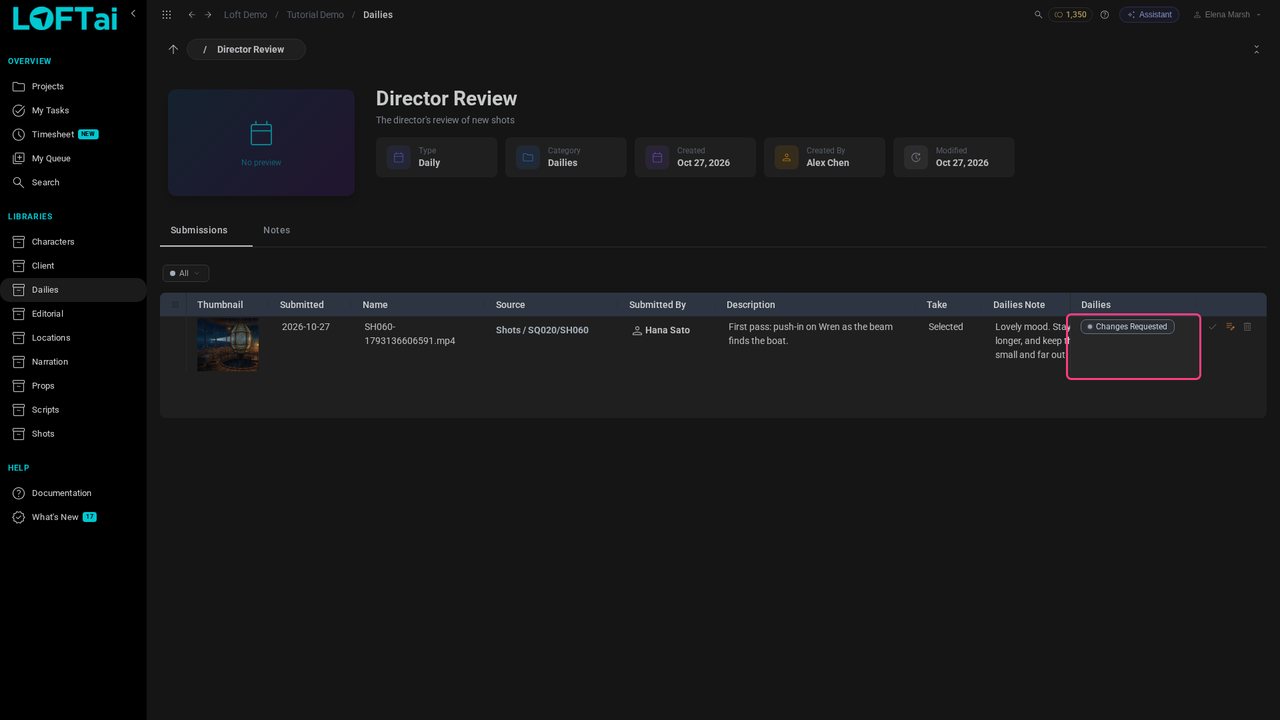
Back with Hana, the bell at the top has a notification: Elena asked for changes. Click it to go straight to the shot.
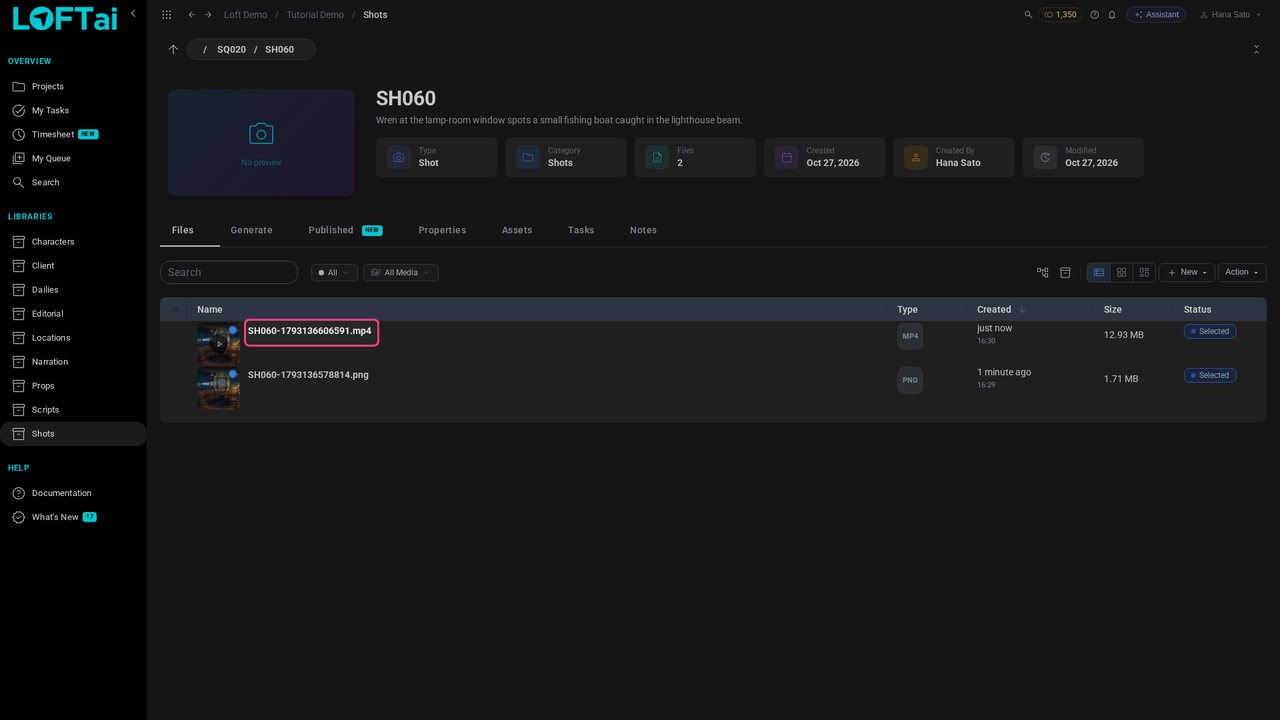
Open the video. The director's frame note sits under the player, and her summary is in Notes.
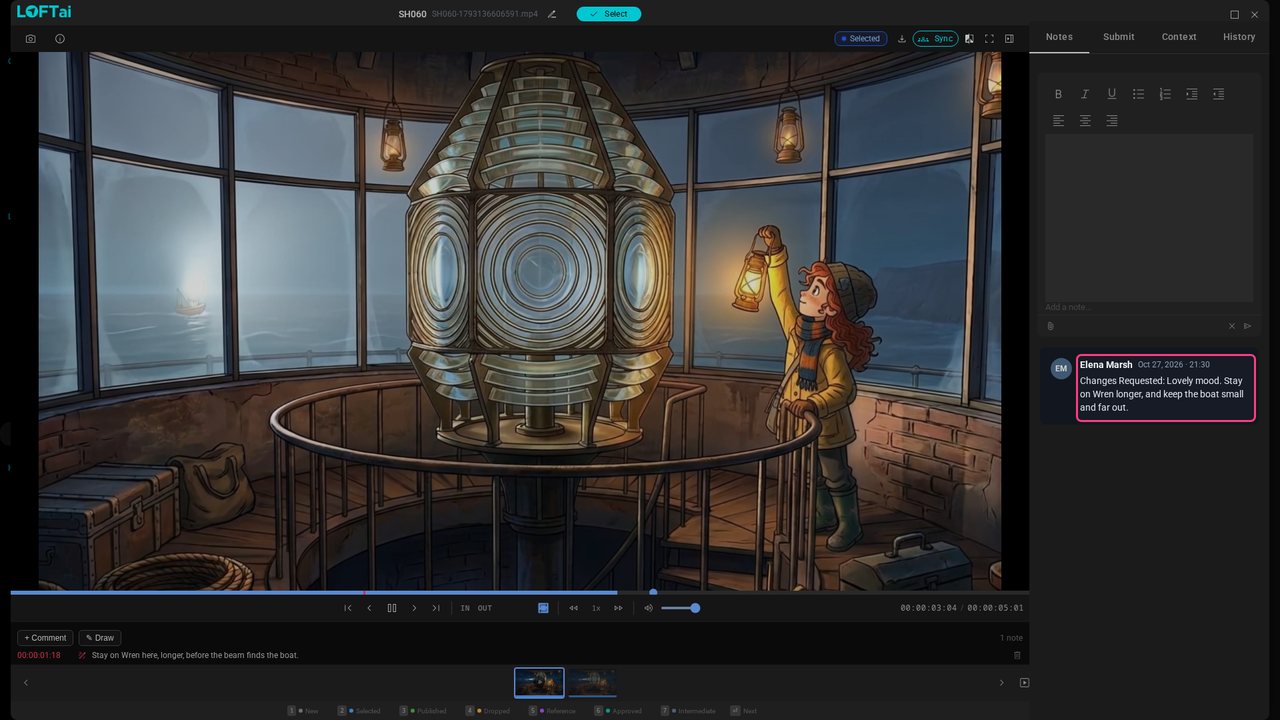
Open History and click Run again. The form comes back with the same model, first frame, reference and prompt.
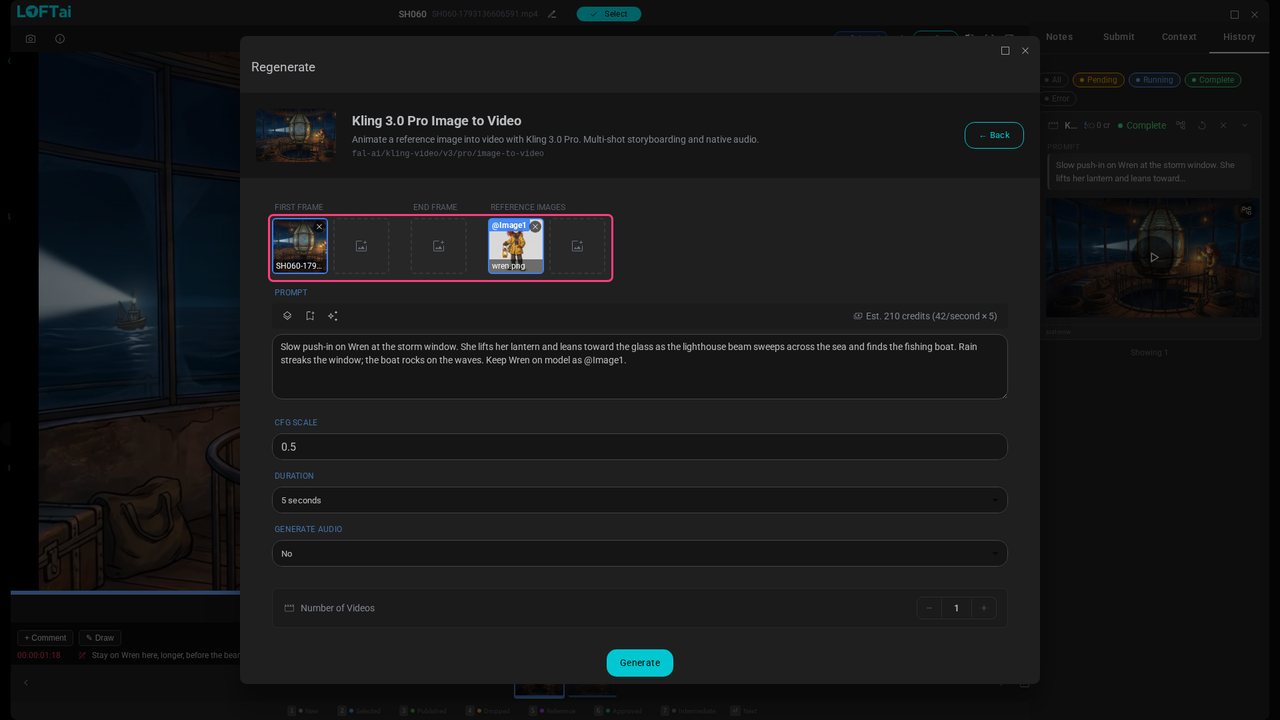
Rewrite the prompt to answer it: hold on Wren, and keep the boat tiny, far out. Then click Generate.
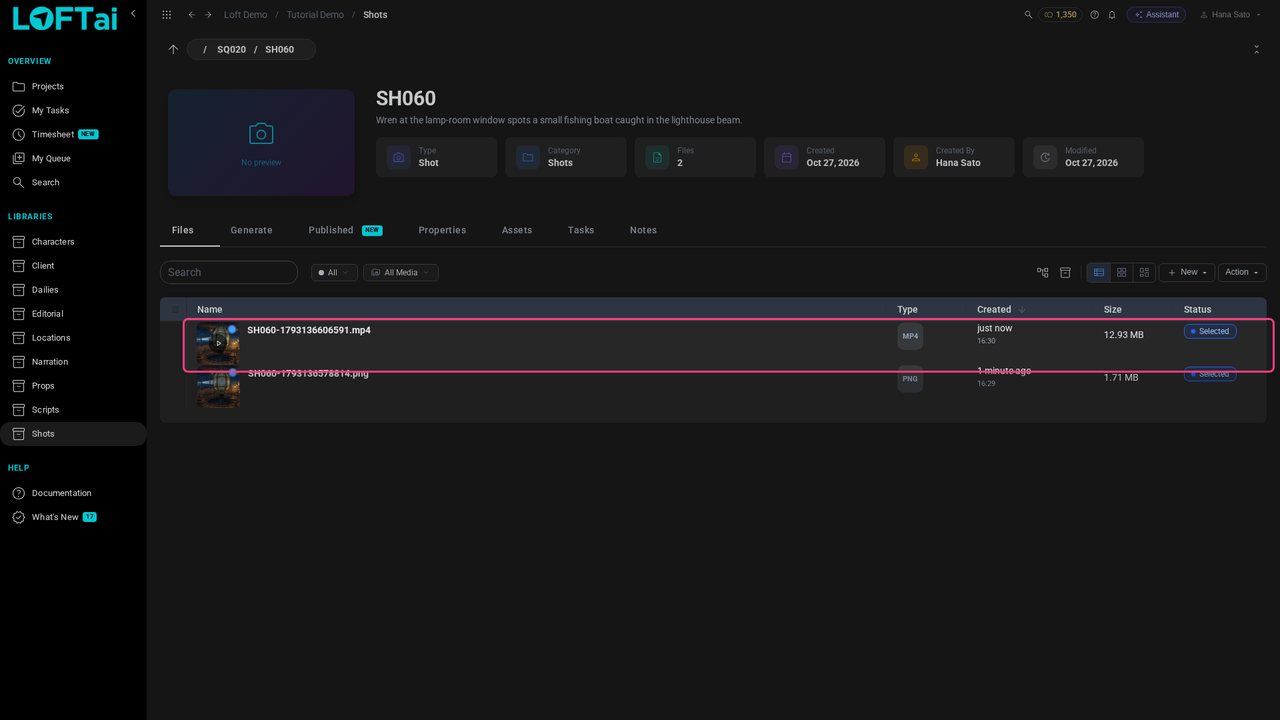
When the new take lands, open it, press 2, and submit it to Director Review the same way.
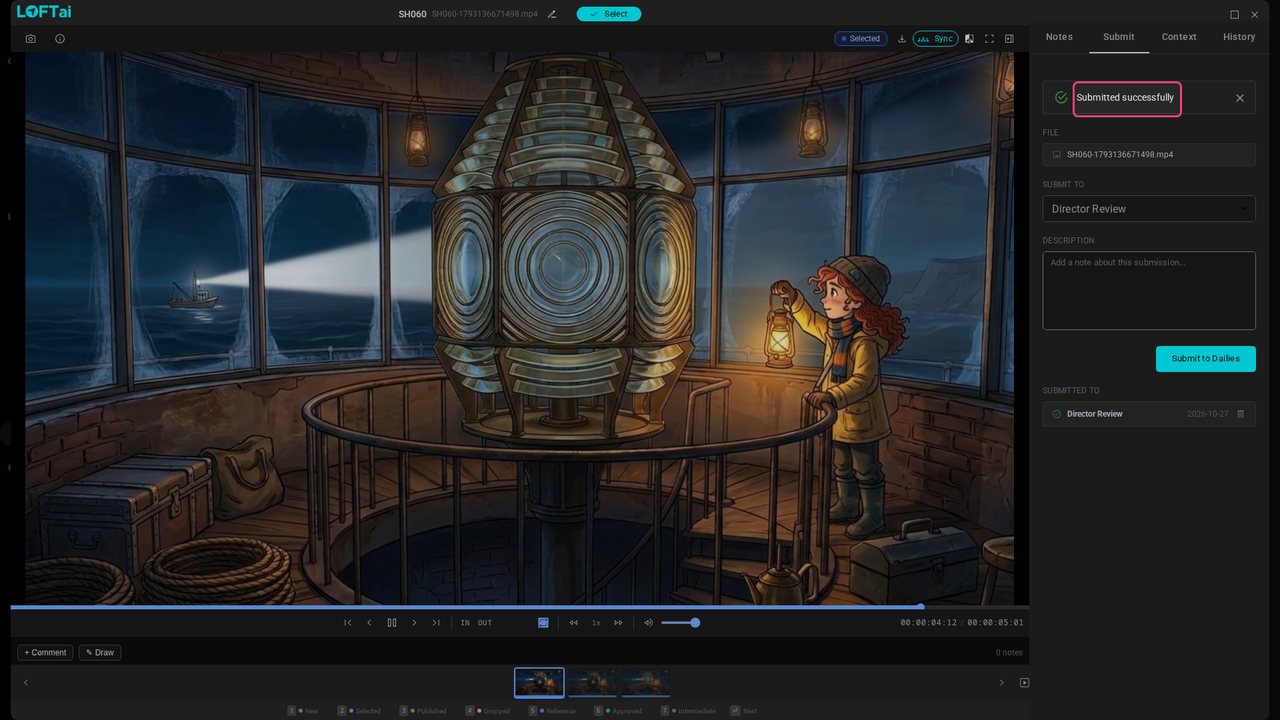
Elena plays the new take and clicks Approve.
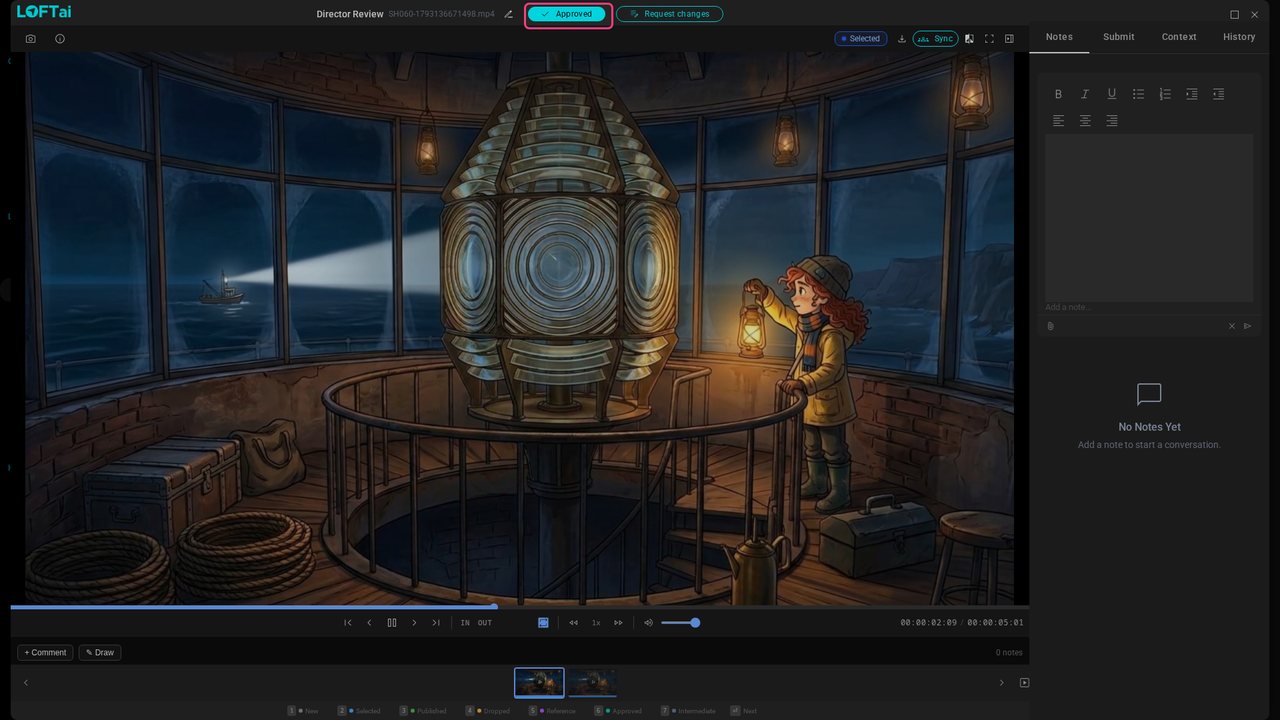
Hana opens the approved take from her notification and presses 3 to publish it. Publishing asks which pipeline step this is a version of: anim.
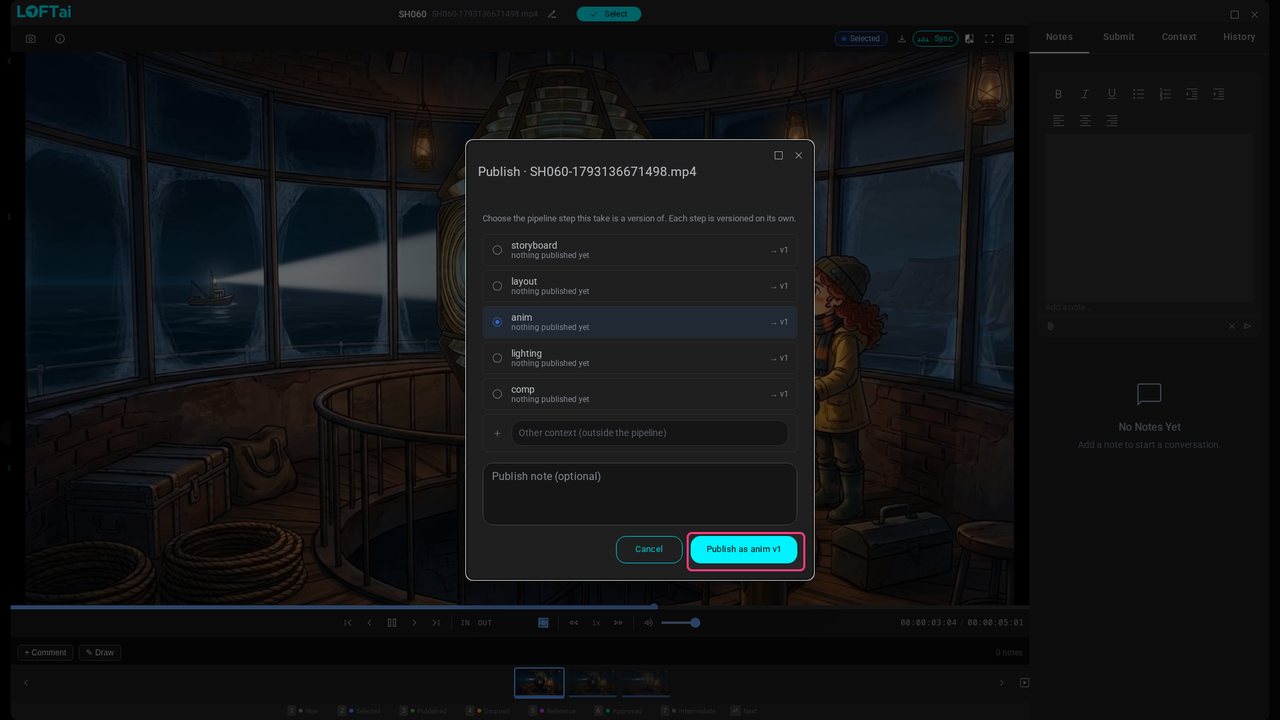
Click Publish. The take is SH060's anim, version 1: what the rest of the production sees, and the shot's thumbnail.
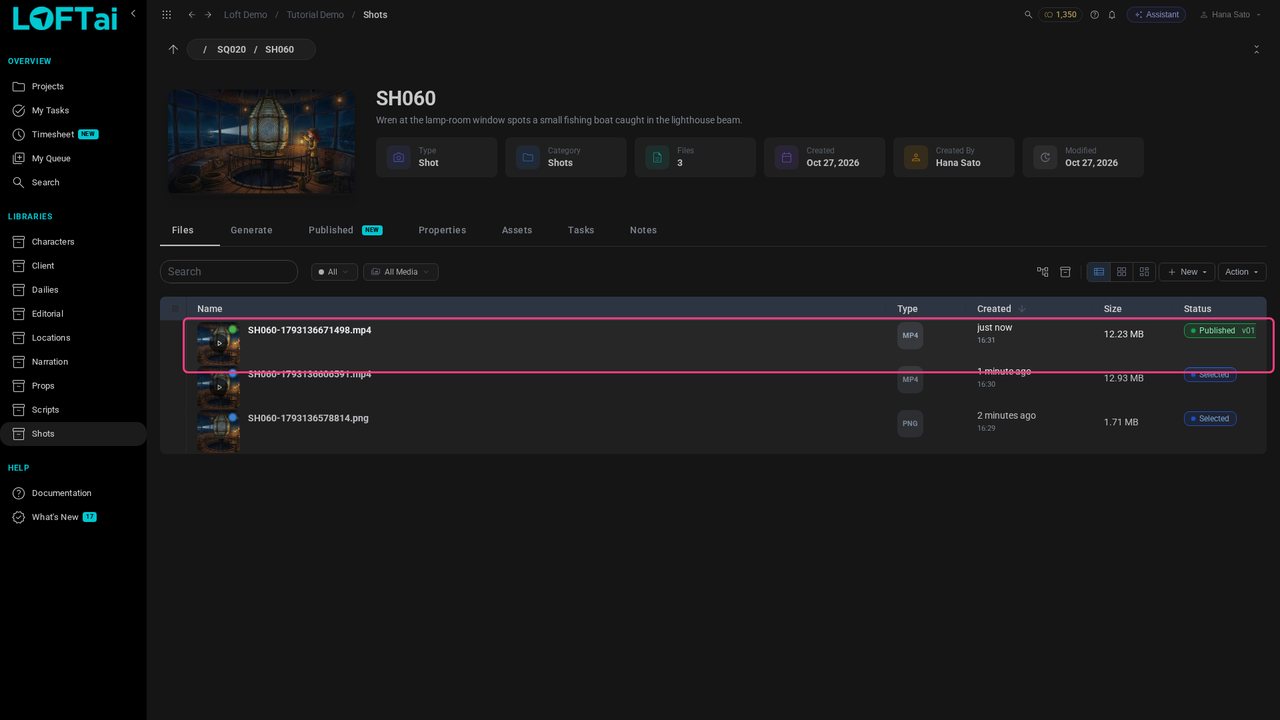
Open Editorial, then the Lamp Room Animatic. In Actions, choose Add clips, and tick SH060.
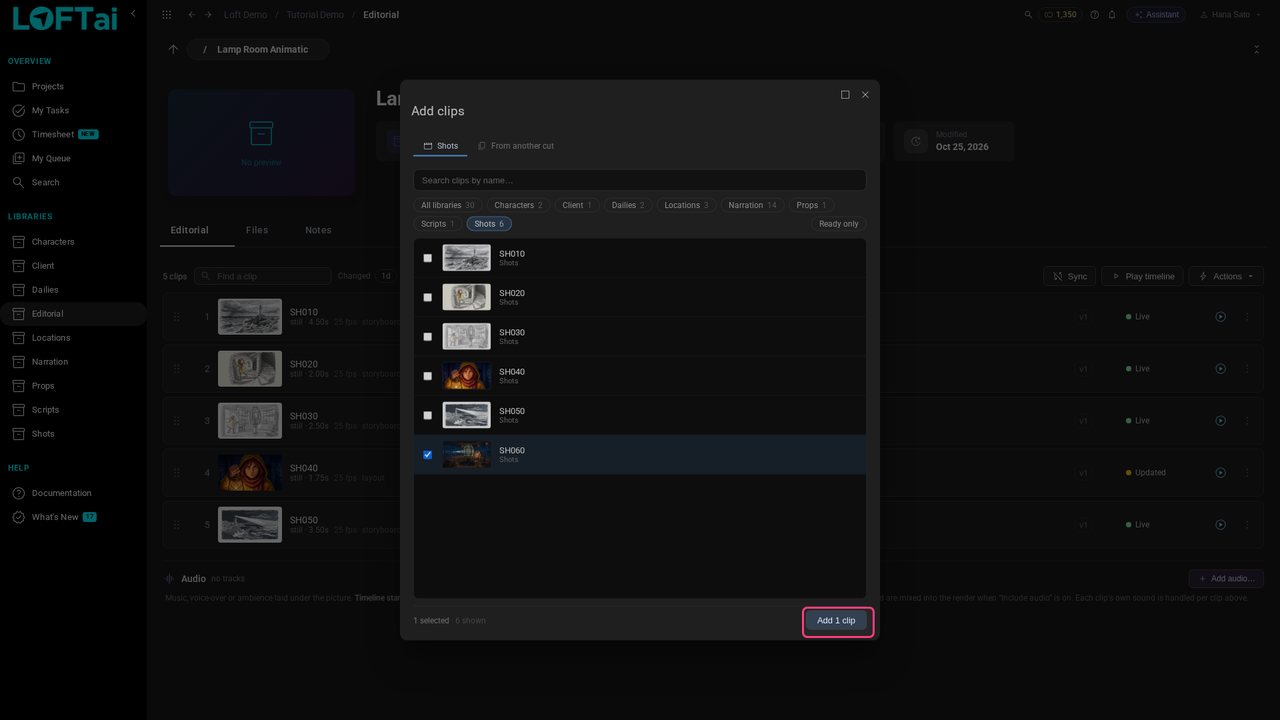
Click Add 1 clip. SH060 joins the cut after SH050, playing its published video.
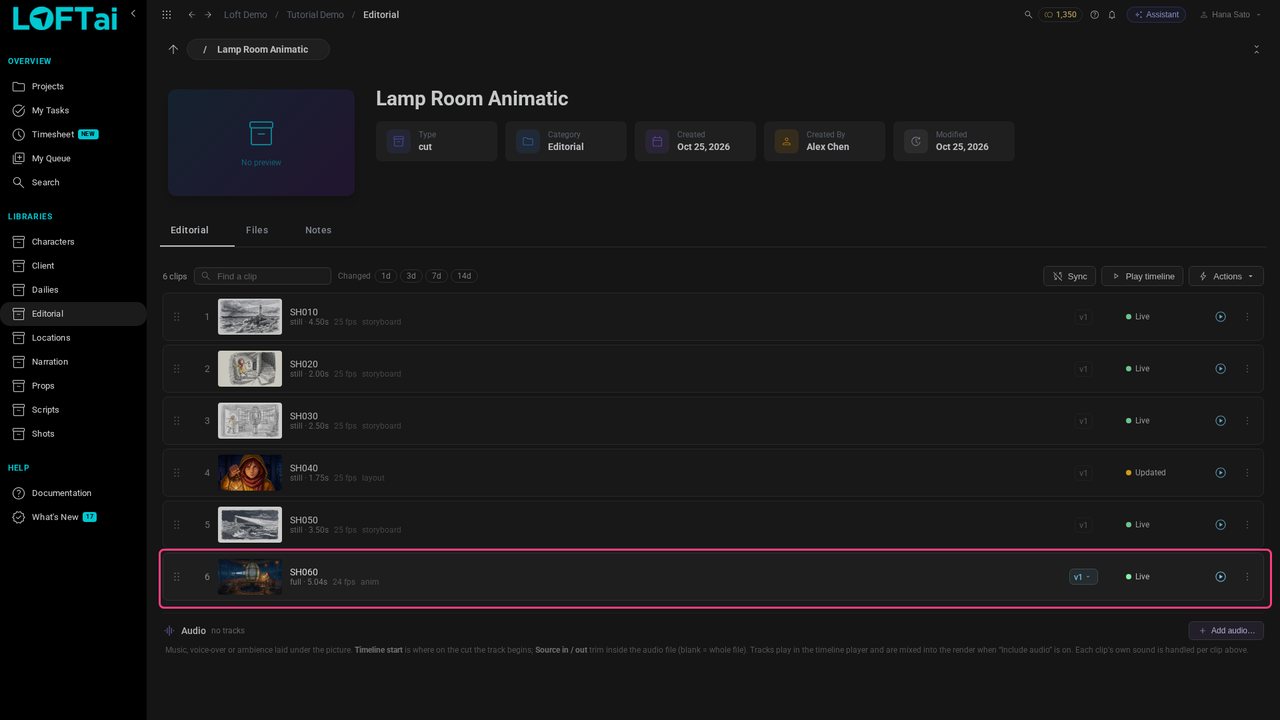
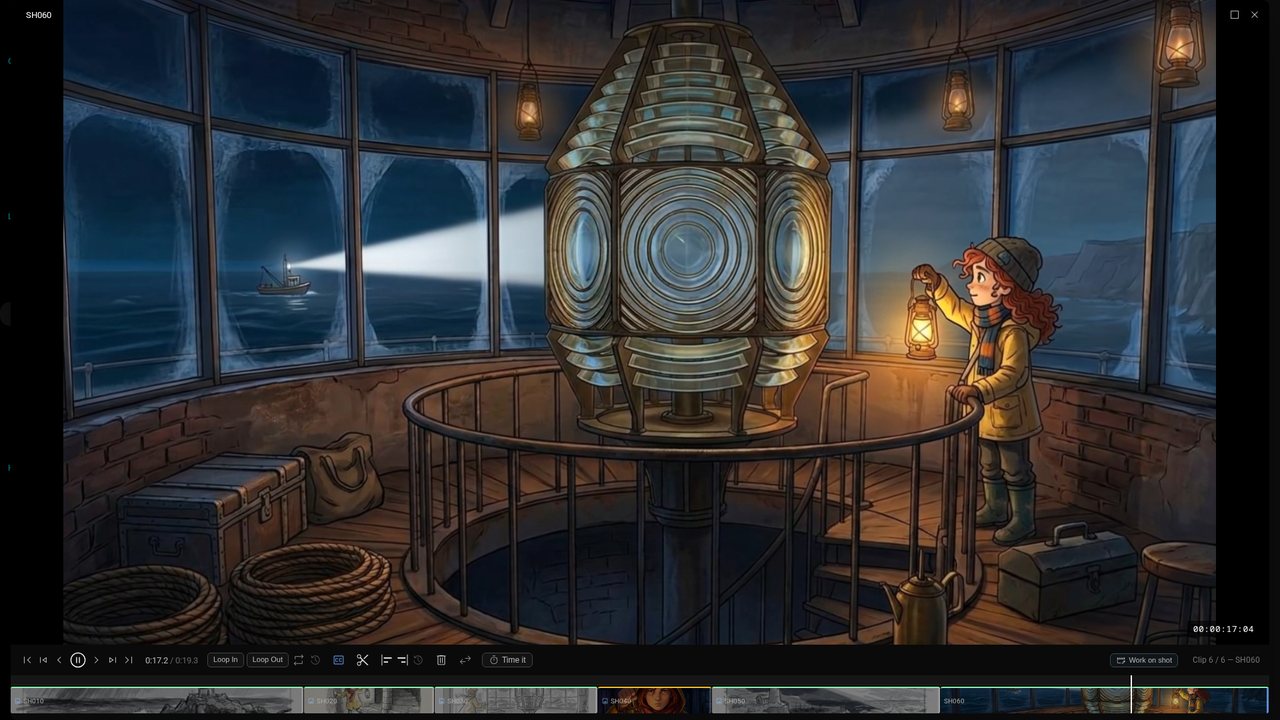
Click Play timeline, then SH050, and play: the storyboards lead into the finished shot.