Loft

Loft  /  for studios making animation and VFX with AI

Professional production
runs on Loft

Bid, crew, schedule, generate, review and cost: every part of a production in one platform, with AI built in. Your numbers agree, and a slipping show shows up while there's still time.

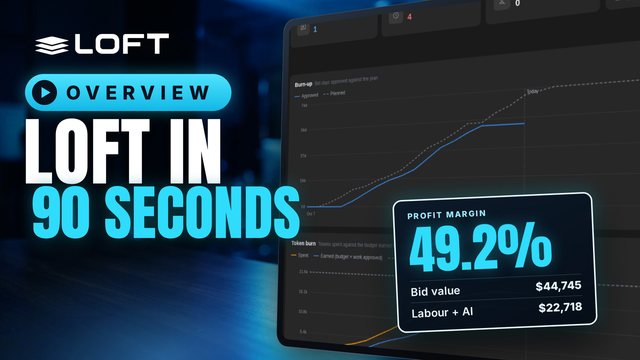
One AI short, from its bid to its P/L Overview · 1:45 · narrated

The Keeper's Light · 9 shots · six weeks

One show, start to finish

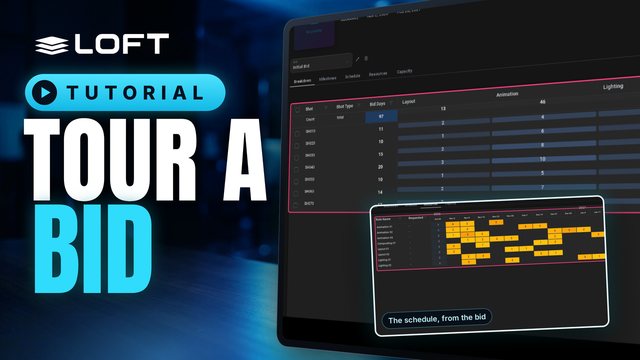
  1. 01Bid74 daysEvery shot, every step, plus 21,500 AI tokens.
  2. 02Schedule39 tasksPublishing the bid creates the tasks, dates and crew bookings, with no retyping.
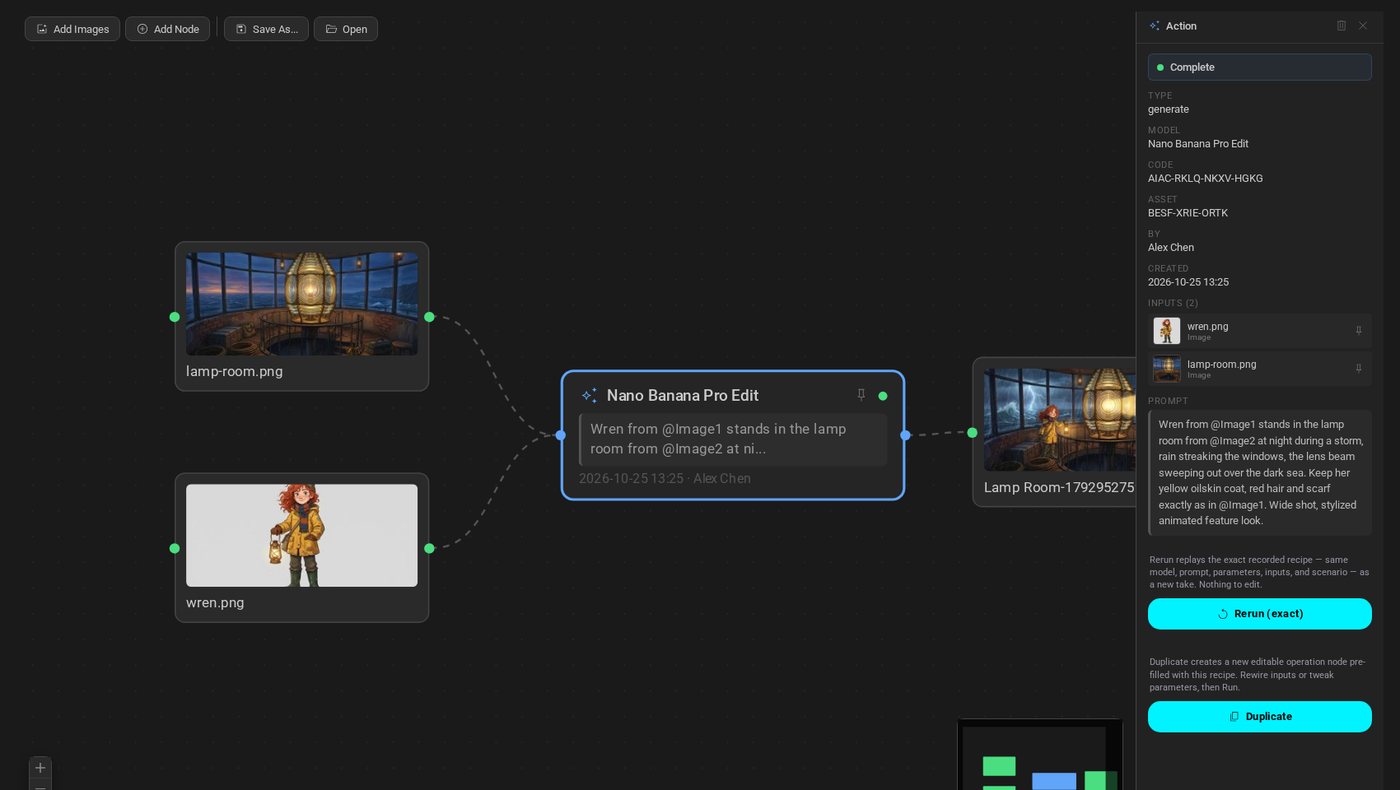
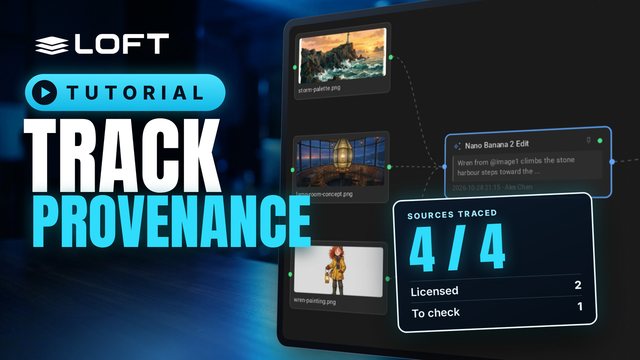
  3. 03GenerateOn the shotEach image keeps the model, inputs and prompt that made it.
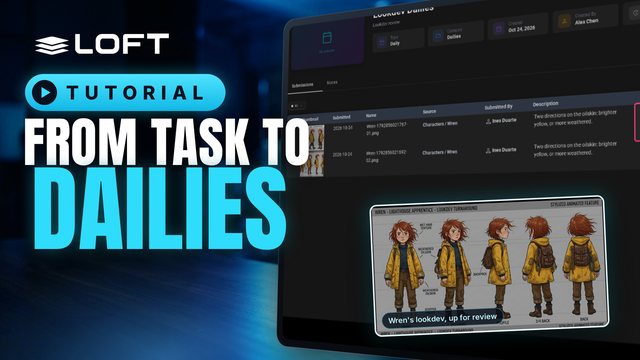
  4. 04ReviewDailiesApprove a take or send it back with a note. Clients see only what you share.
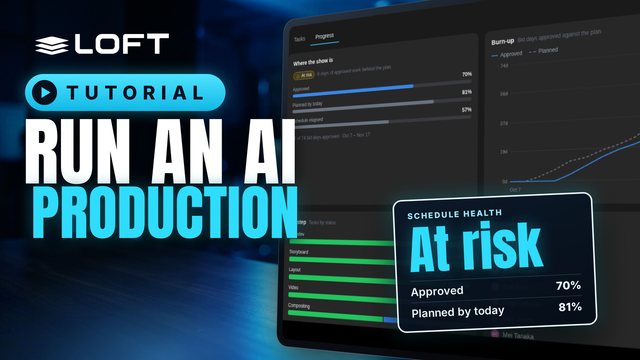
  5. 05Progress70% / 86%Work approved against work planned, so you see how far behind you are and where.
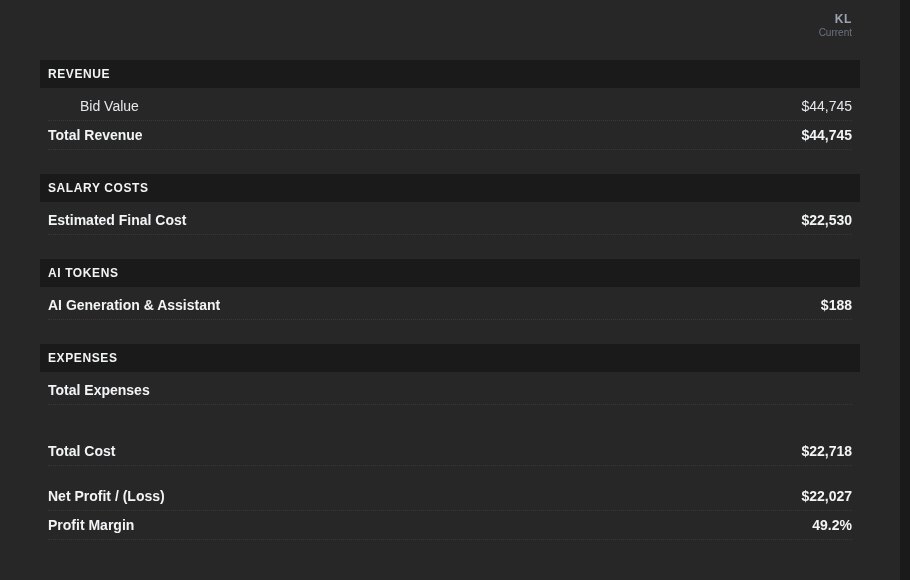
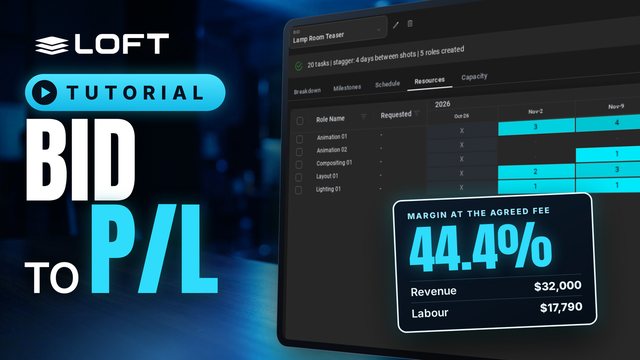
  6. 06P/L49.2%Labour and AI spend against the bid, on one page.

Who it's for

Built for the people who answer for the show

Producers & heads of production

Bid it, staff it, and know you're behind before the client does.

The bid becomes the schedule and the crew bookings. Progress then compares approved work with the plan, every day.

  • Check capacity by department before you sign.
  • Assign a whole column of tasks in two clicks, or in one sentence to the Assistant.
  • The late list shows what slipped, whose it is, and what it's holding up.
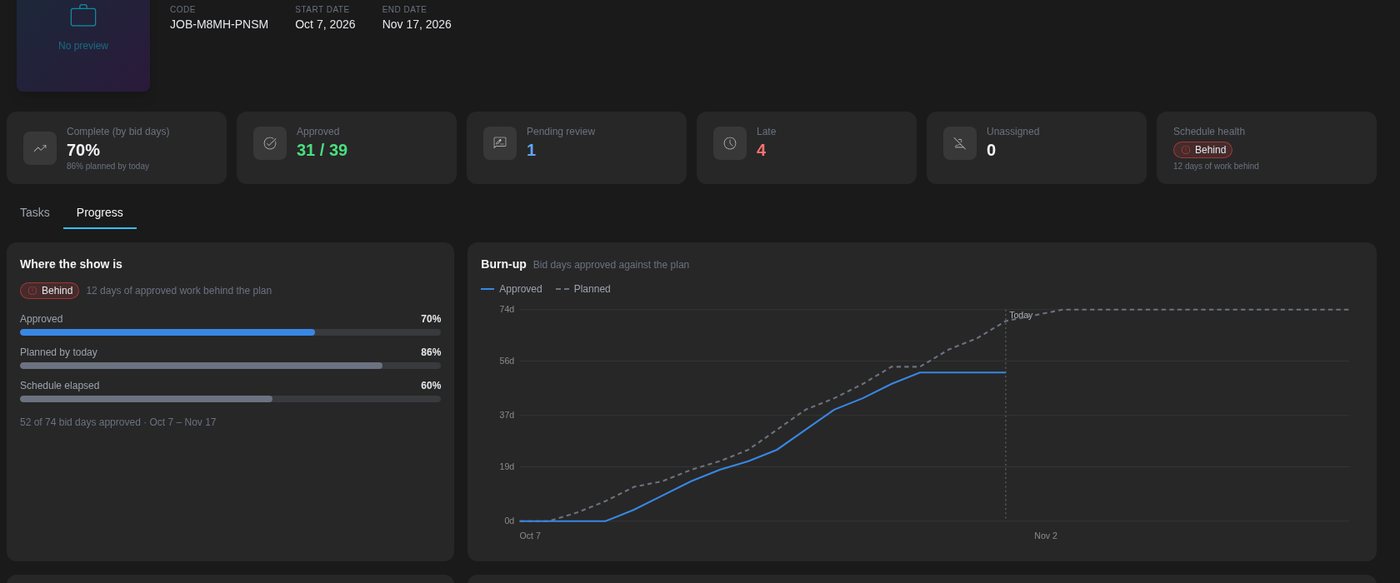
Progress for The Keeper's Light: 70% approved against 86% planned, with a burn-up chart

Artists & leads

Generate on the shot, and keep the recipe.

Image and video models run inside the project, on the asset they're for. Linked characters and locations are ready as references.

  • Every take records its model, inputs and prompt. Run it again or switch models in one click.
  • Directors draw on the frame. The note lands on the take and you're notified.
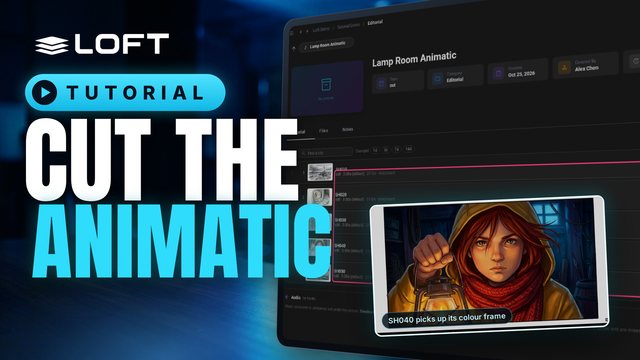
  • The animatic picks up each shot's latest published take.
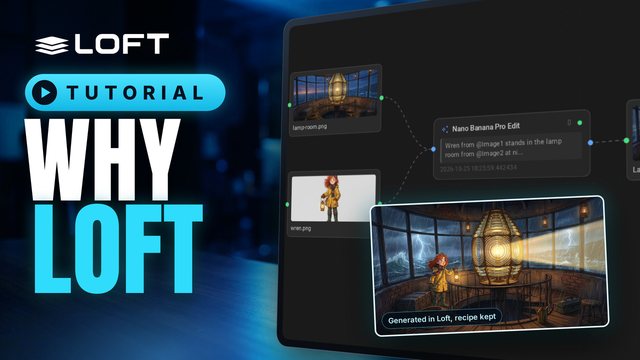
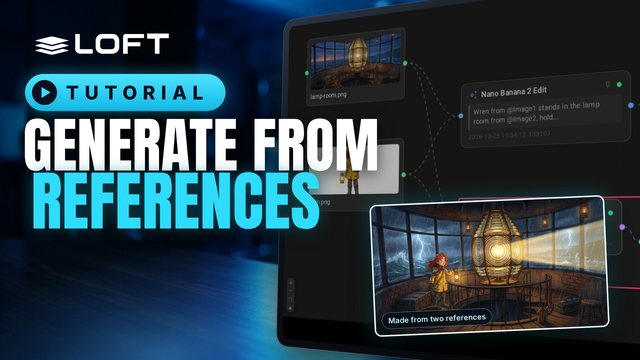
A generation flow: two reference images feed a Nano Banana Pro edit that made the Lamp Room keyframe

Studio owners & finance

AI spend and labour in the same P/L.

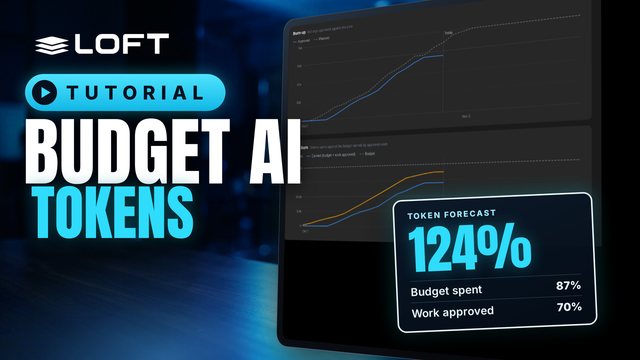
Every generation is costed on its shot, against a budget that comes from the bid. Hours and tokens land in the project's P/L.

  • Soft budgets flag overspend. Hard limits stop a take before it runs.
  • See spend by shot, by artist, by model and by month.
  • Clients get their own library, and see nothing else.
Project P/L: bid value $44,745, total cost $22,718 including $188 of AI generation, margin 49.2%

Everyone

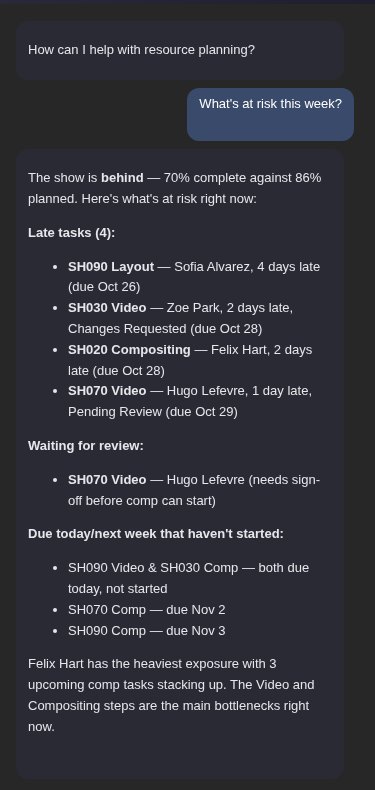
Or just ask.

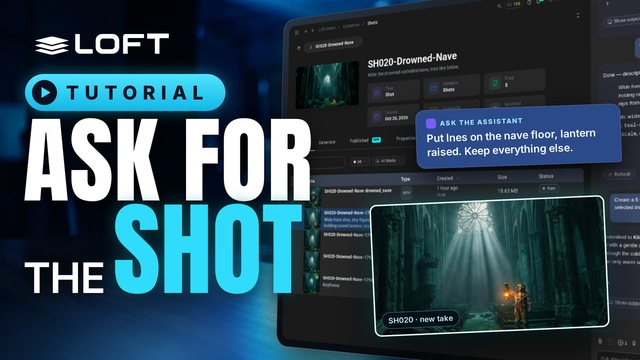
The Assistant reads the same data you do. Ask what's at risk this week, and it names the late shots, who has them and what's waiting on review. It can also open the page that shows it, or make the change.

  • An API and an MCP server let your own pipeline tools and agents in too.
The Assistant answering 'What's at risk this week?' with late tasks, work waiting for review and what's due next

Tutorials

Learn it in an afternoon

Each video does real work in a demo studio, start to finish. Pick the playlist for your role.

Browse all tutorials

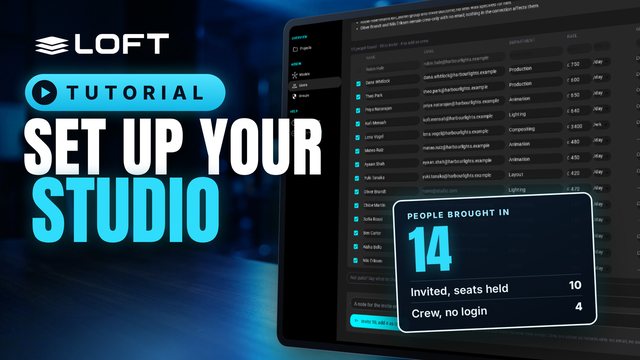
Set up your studio

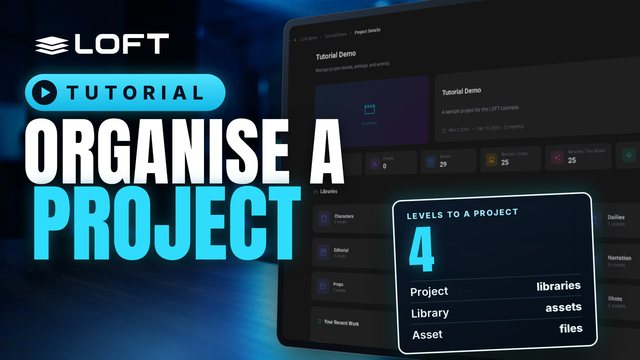
Bring in your people, start a project and bid your first show. The tutorials walk you through each step.