
STEP 01
A studio on day one
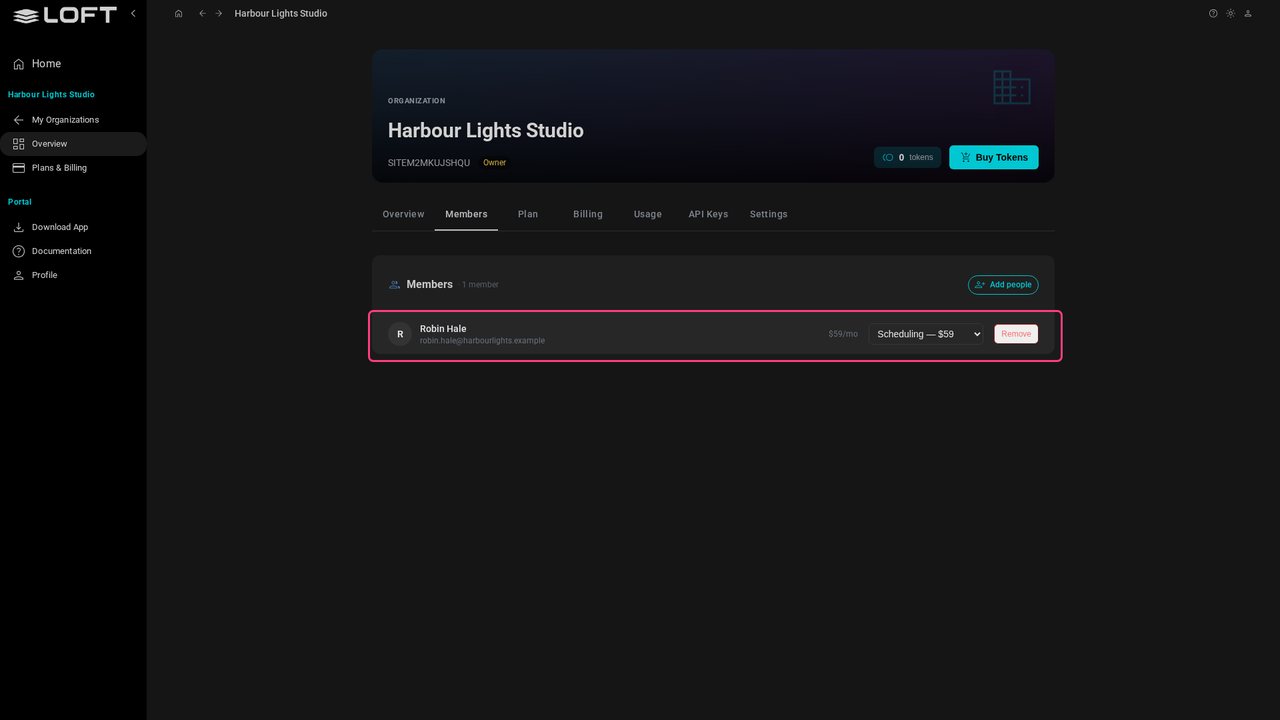
Harbour Lights Studio has just signed up. Creating the organization took a name, and the studio has bought its seats. Robin, the owner, already holds the best of them: a Scheduling seat, given automatically.
Tutorials/Start here
A studio's first hour in Loft: bring your people in from the crew list you already keep, see who logs in and who is only scheduled, check what each department costs, start a first project, and ask the Assistant about it. Harbour Lights Studio has just signed up; nothing else is set up yet.
Follow along
Harbour Lights Studio has just signed up. Creating the organization took a name, and the studio has bought its seats. Robin, the owner, already holds the best of them: a Scheduling seat, given automatically.
Click Add people. Everyone comes in through one page in Loft, whether they will log in or are only scheduled and costed.
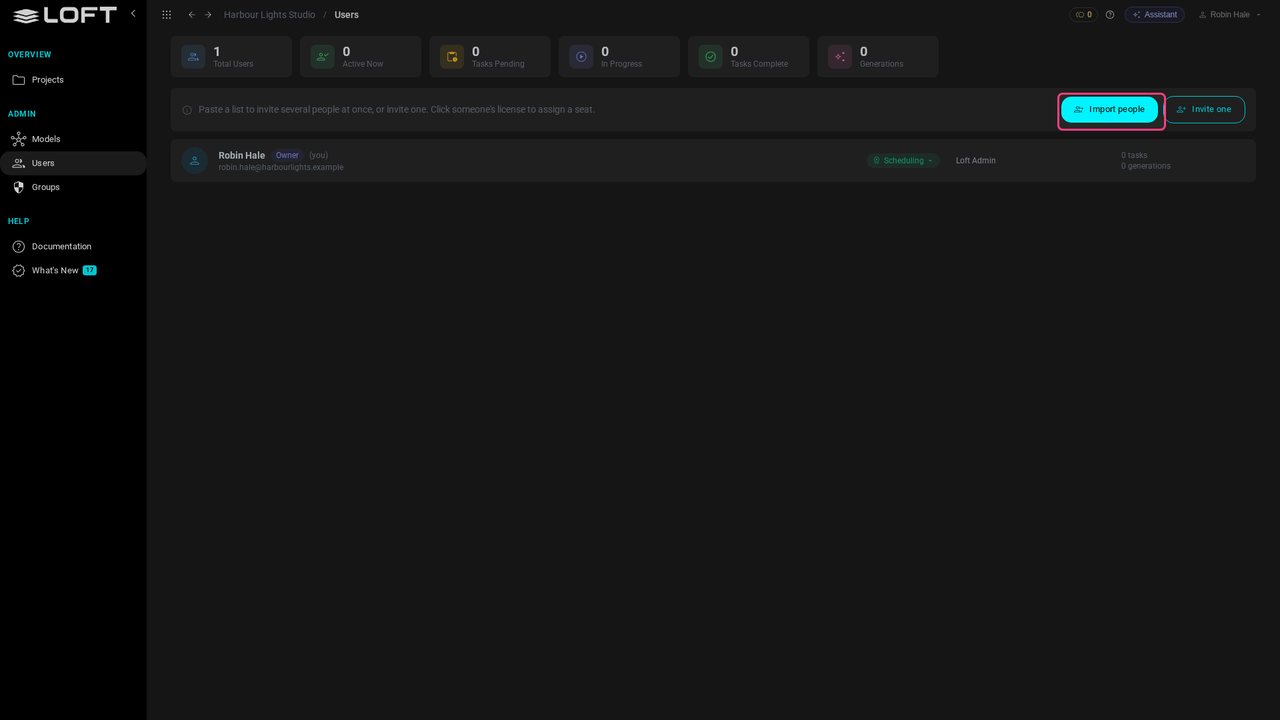
Click Import people. You don't need a template: paste anything with names in it, or upload the spreadsheet you already keep.
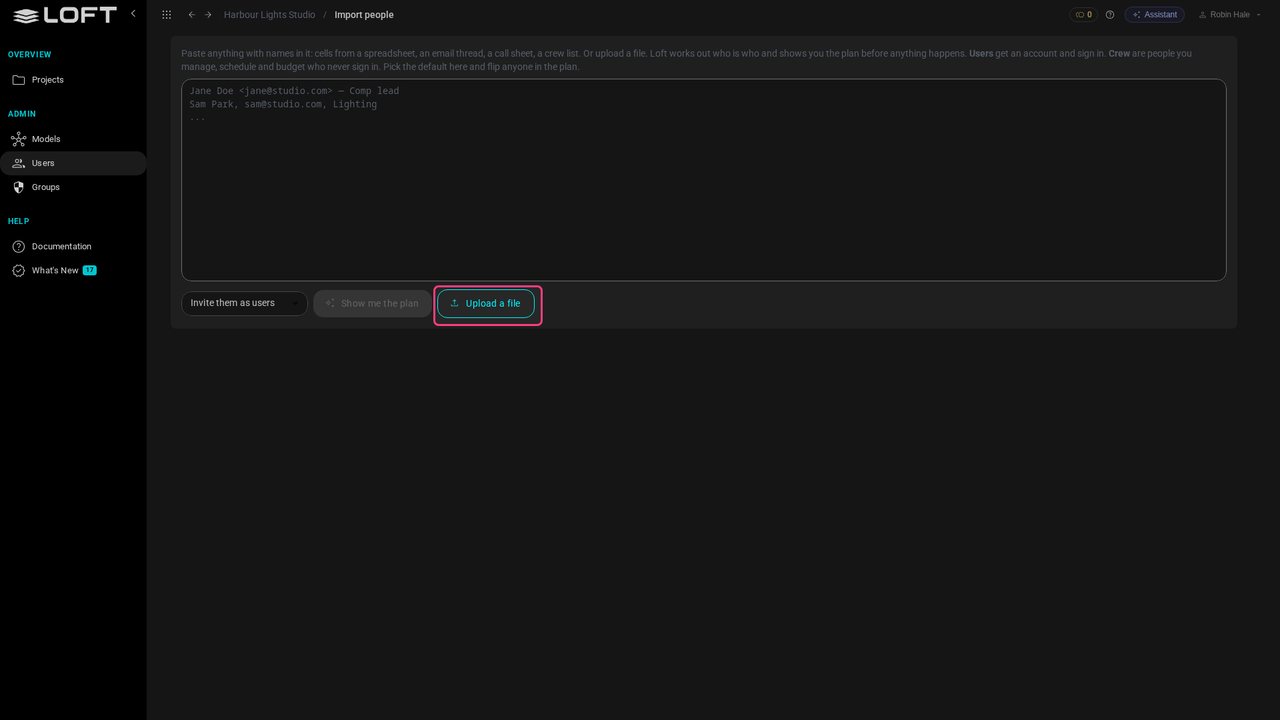
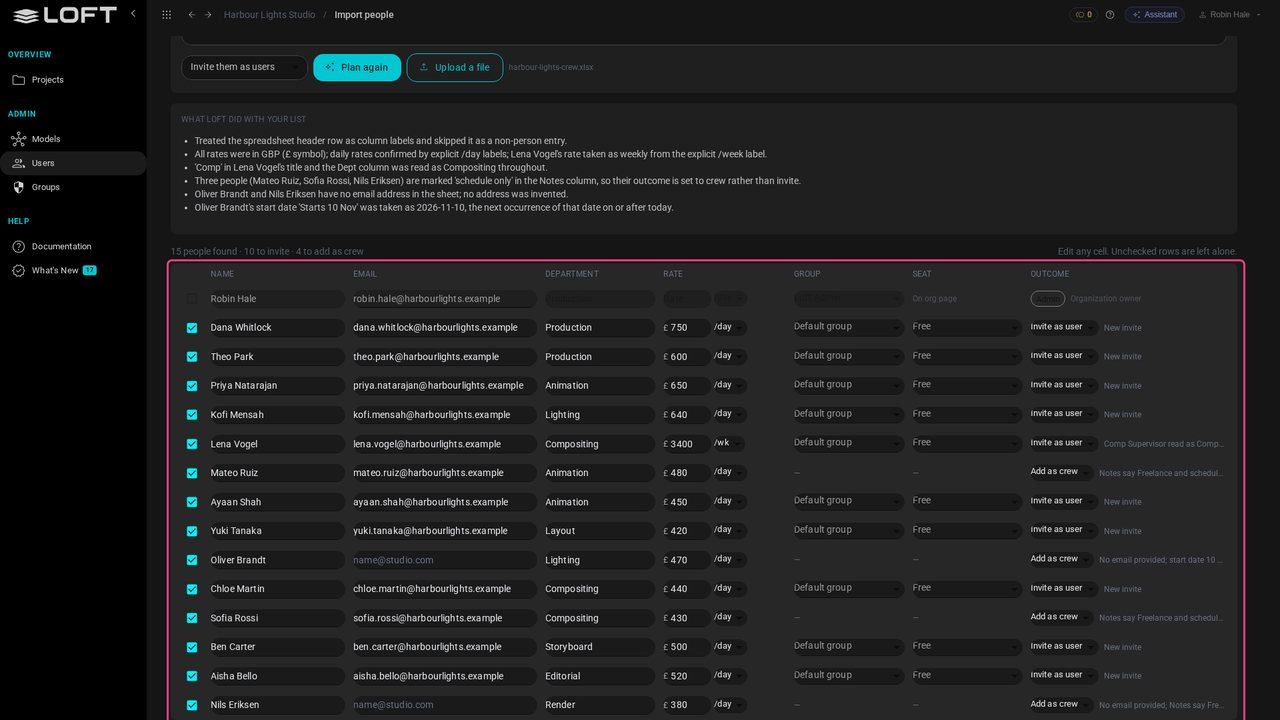
Upload the studio's crew sheet. Loft reads it and shows a plan before anything happens, with a note of every judgment call it made.
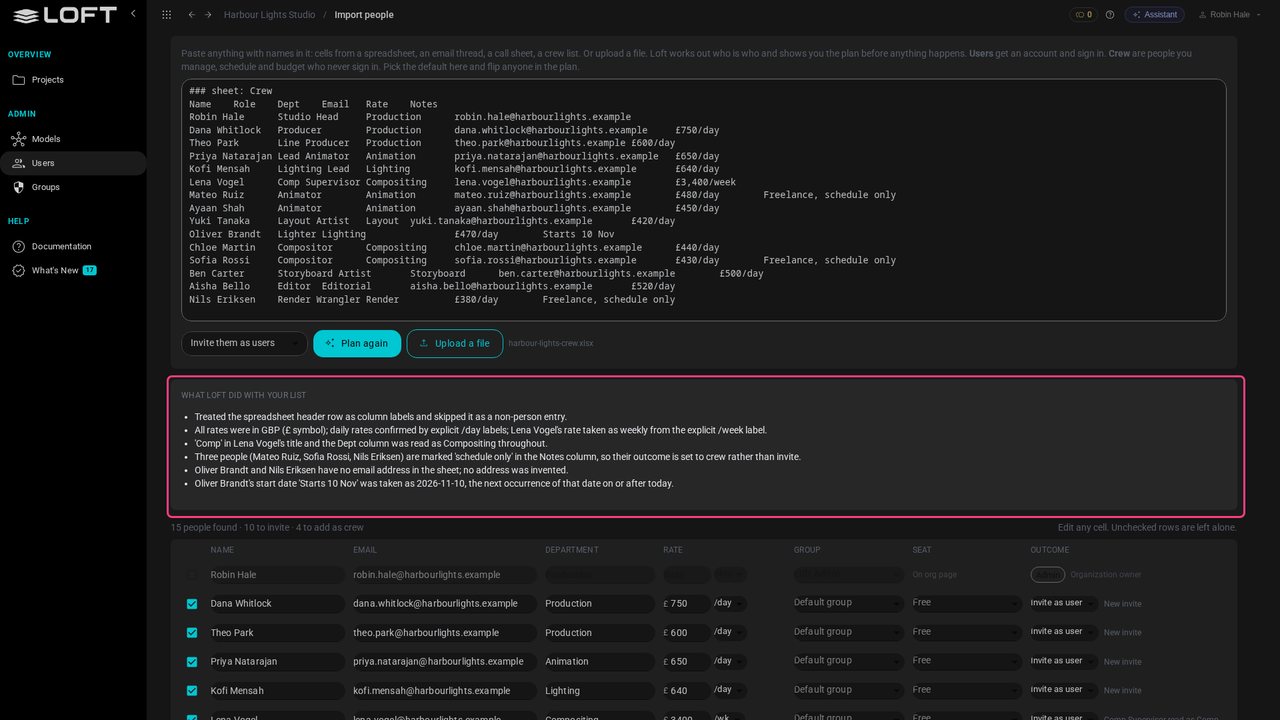
Each person arrives with a department and a rate, in pounds, per day or per week as the sheet says. The freelancers marked schedule only, and Oliver, who has no email yet, come in as crew: scheduled and costed, no login.
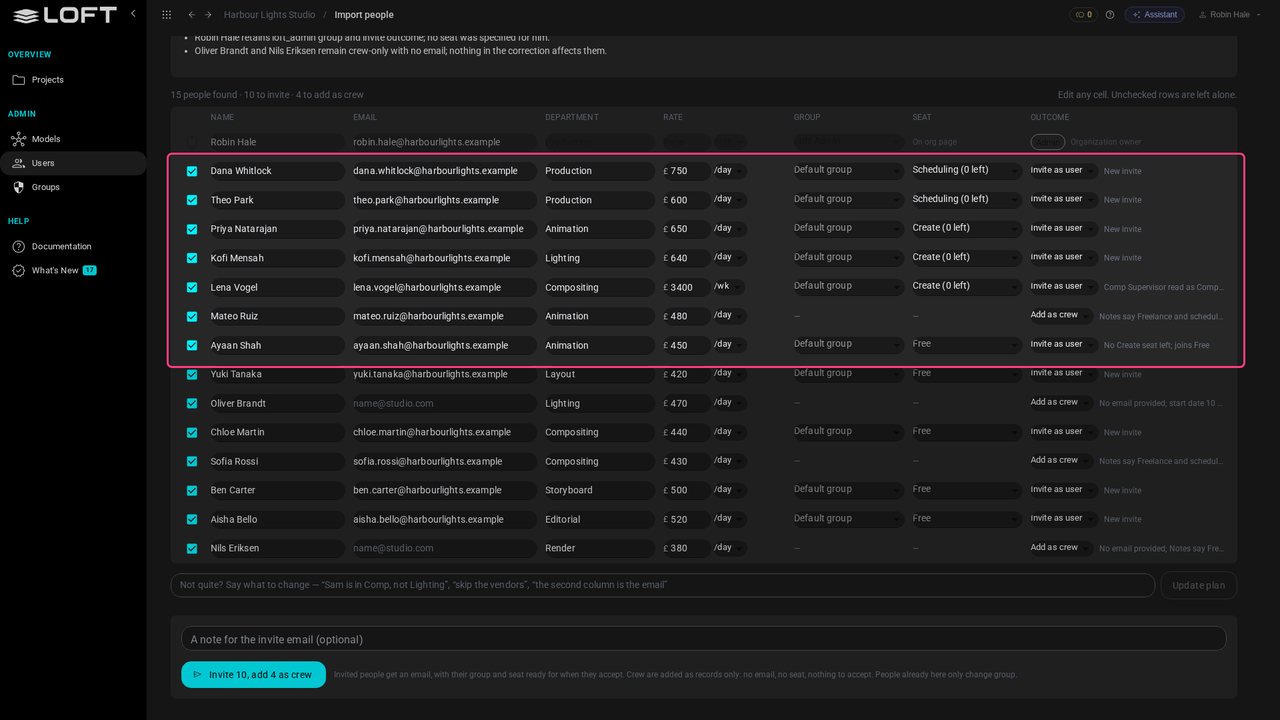
Hand out the seats in a sentence. Type who gets which seat and update the plan. The studio has two Scheduling and three Create seats left, so Ayaan, the fourth Create, joins Free for now.
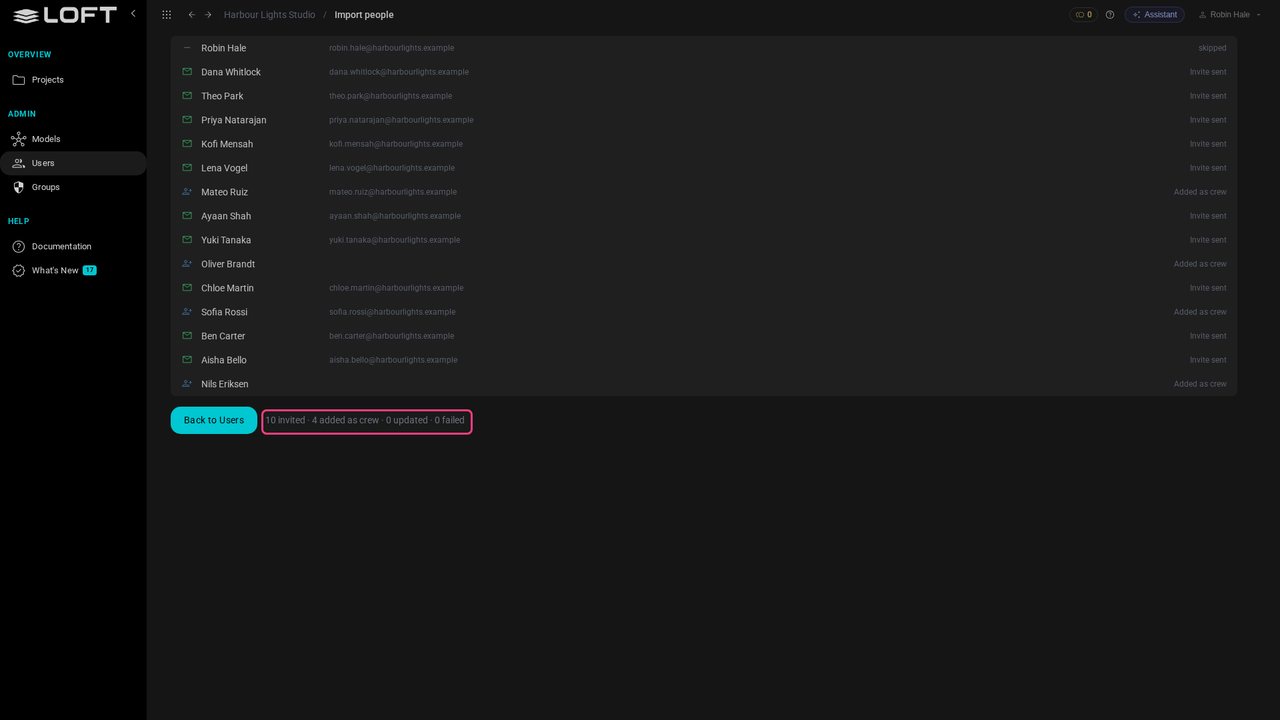
Click the button to invite and add everyone. Invites go out by email with the seat held for each person; crew are added straight away.
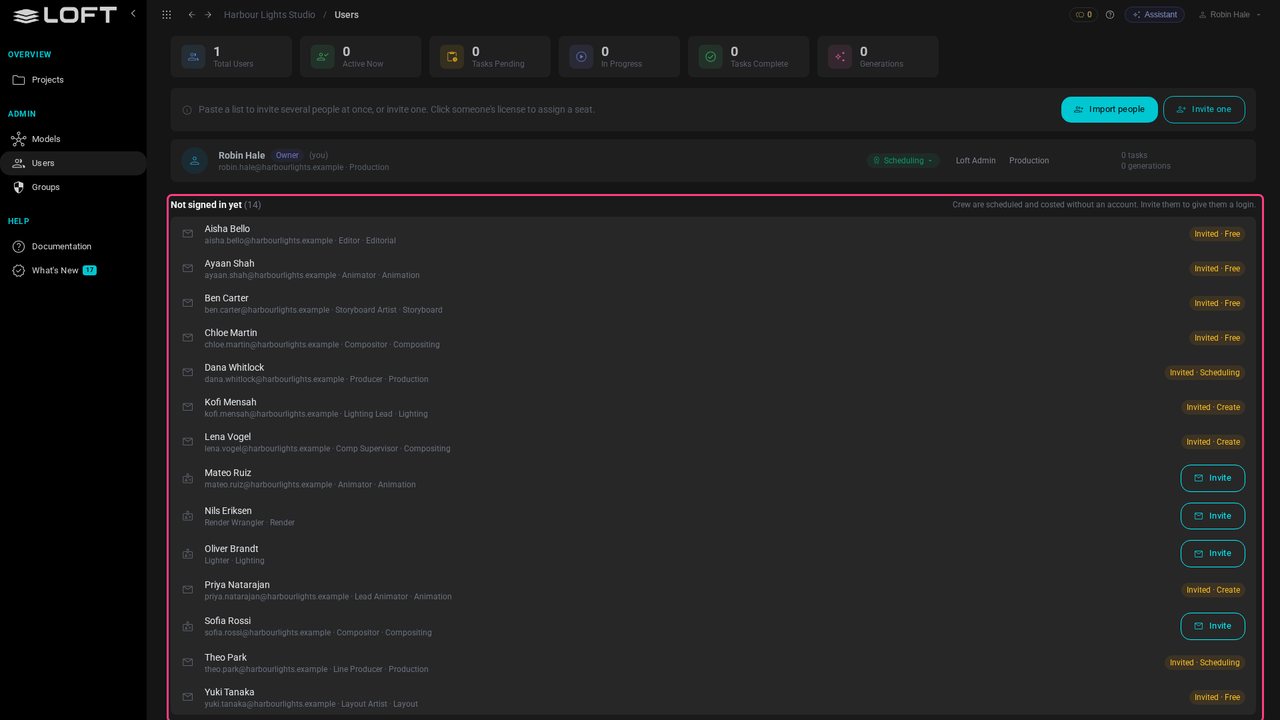
Back on Users, everyone is here. Invited people show the seat waiting for them; crew can be invited any time. It's the same person either way: the seat is the only difference.
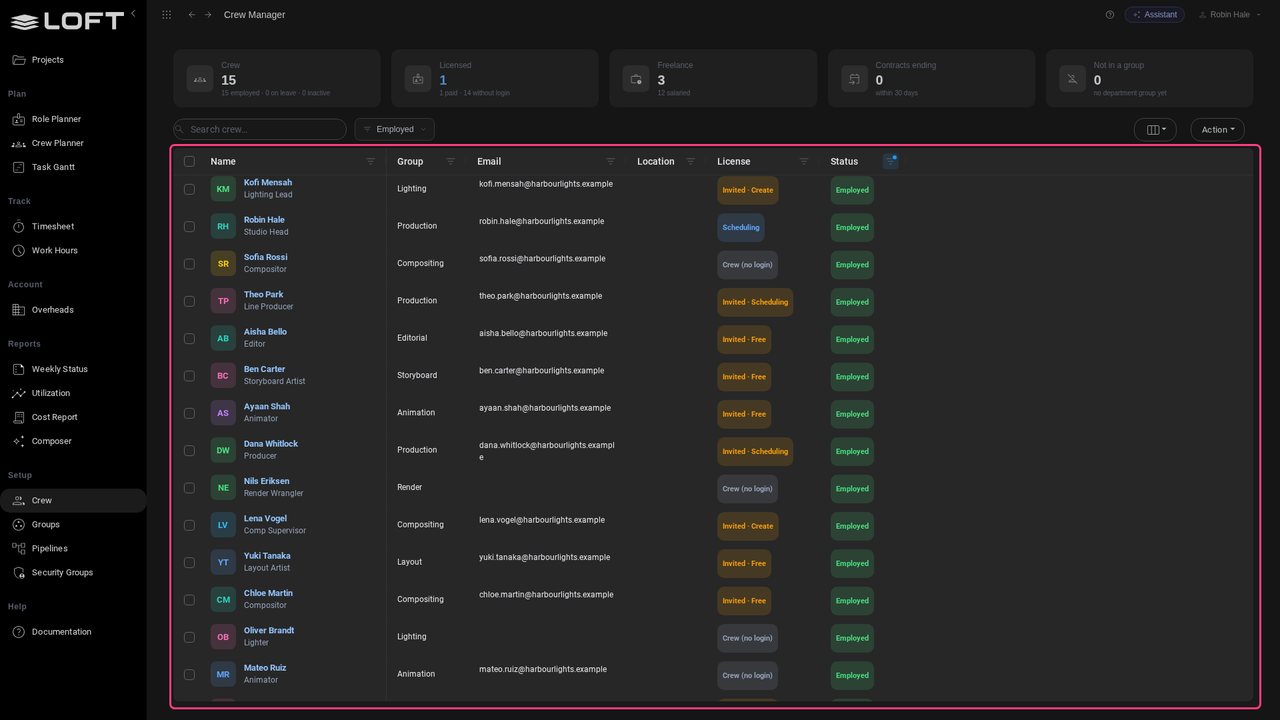
In Schedule, the Crew Manager already lists the whole studio: department, title, and who is invited or crew. They can be booked onto work before they accept.
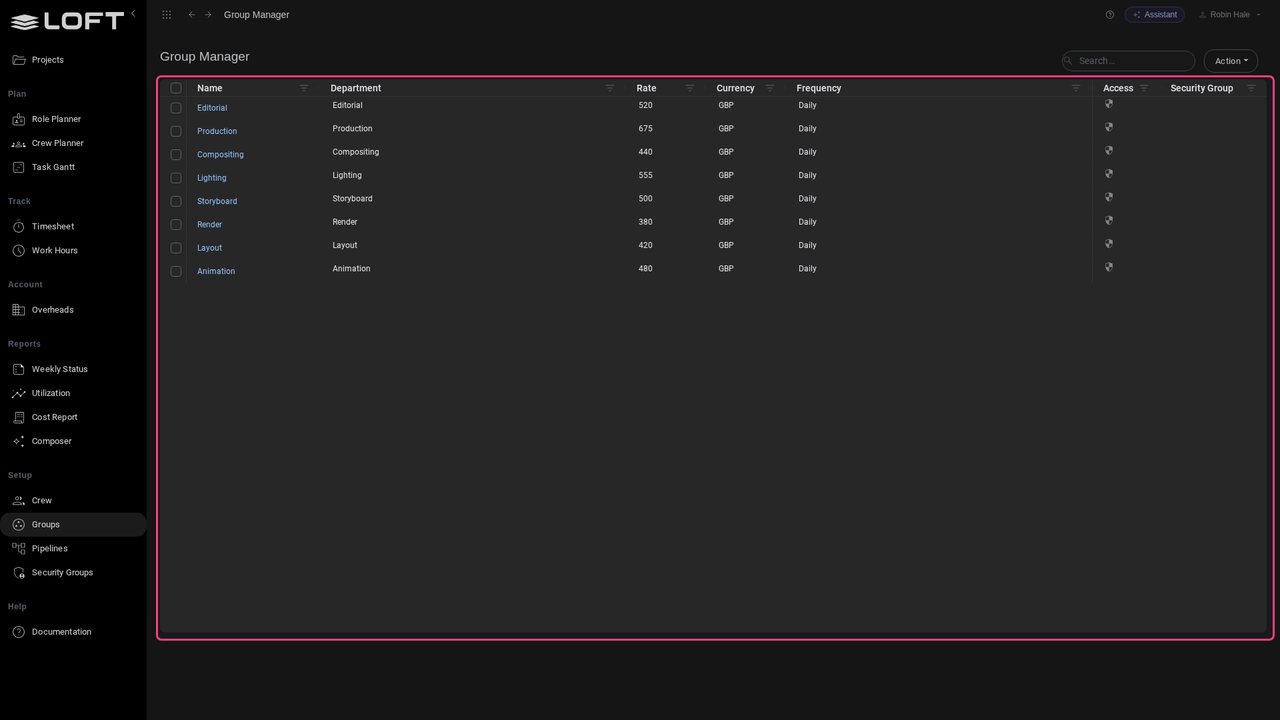
Open Groups. Each department starts at its people's day rate, and that is what bids are priced from. Change any you bid differently.
Open Projects and click New project.
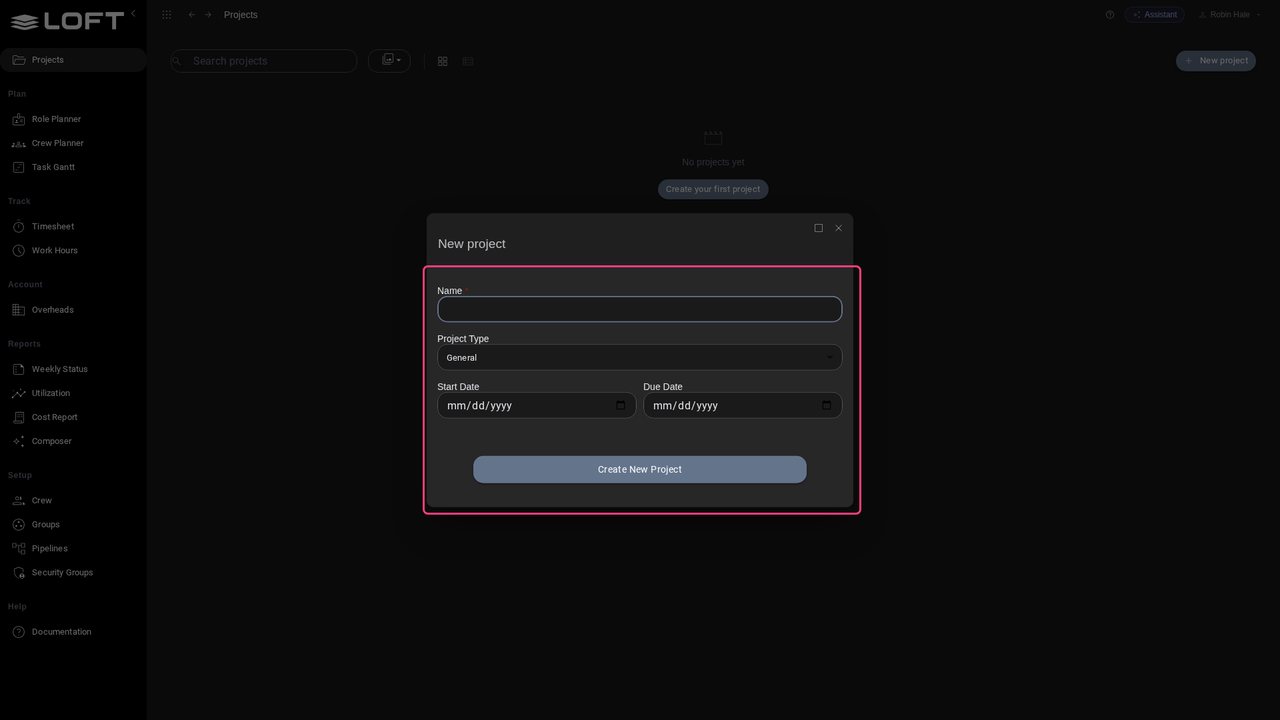
Give it a name, a type and its dates. Everything else starts from sensible defaults.
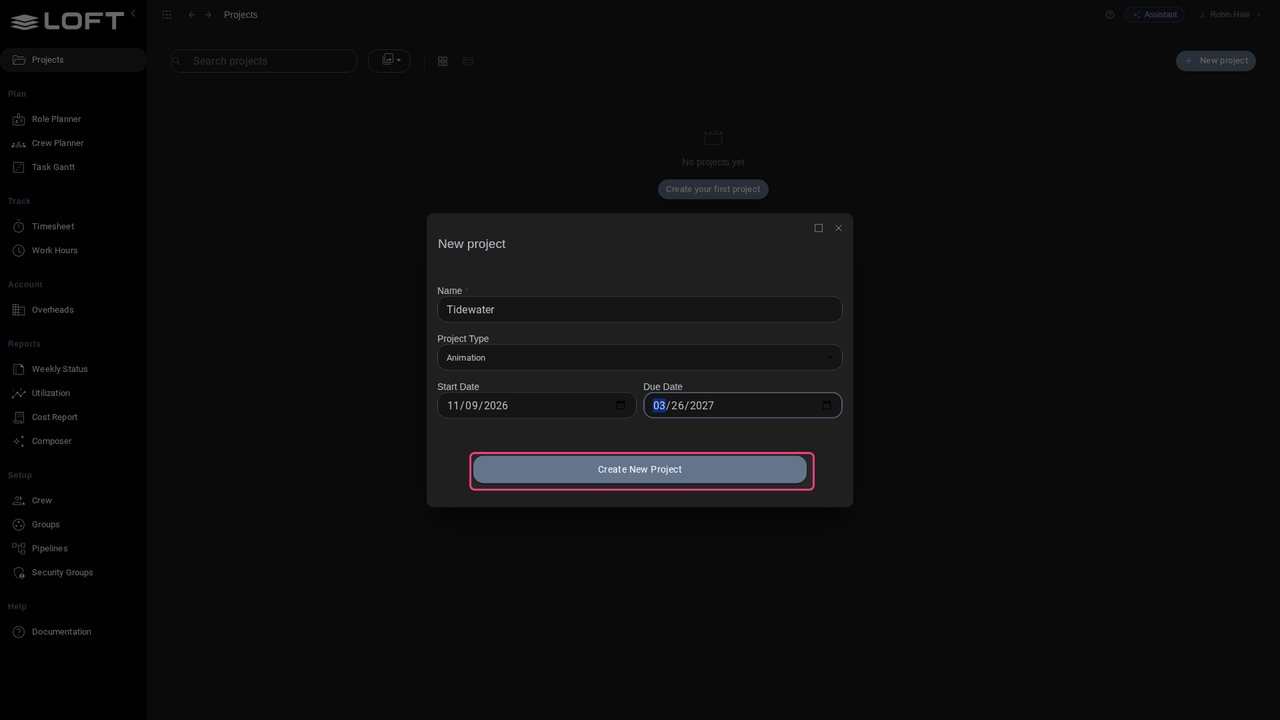
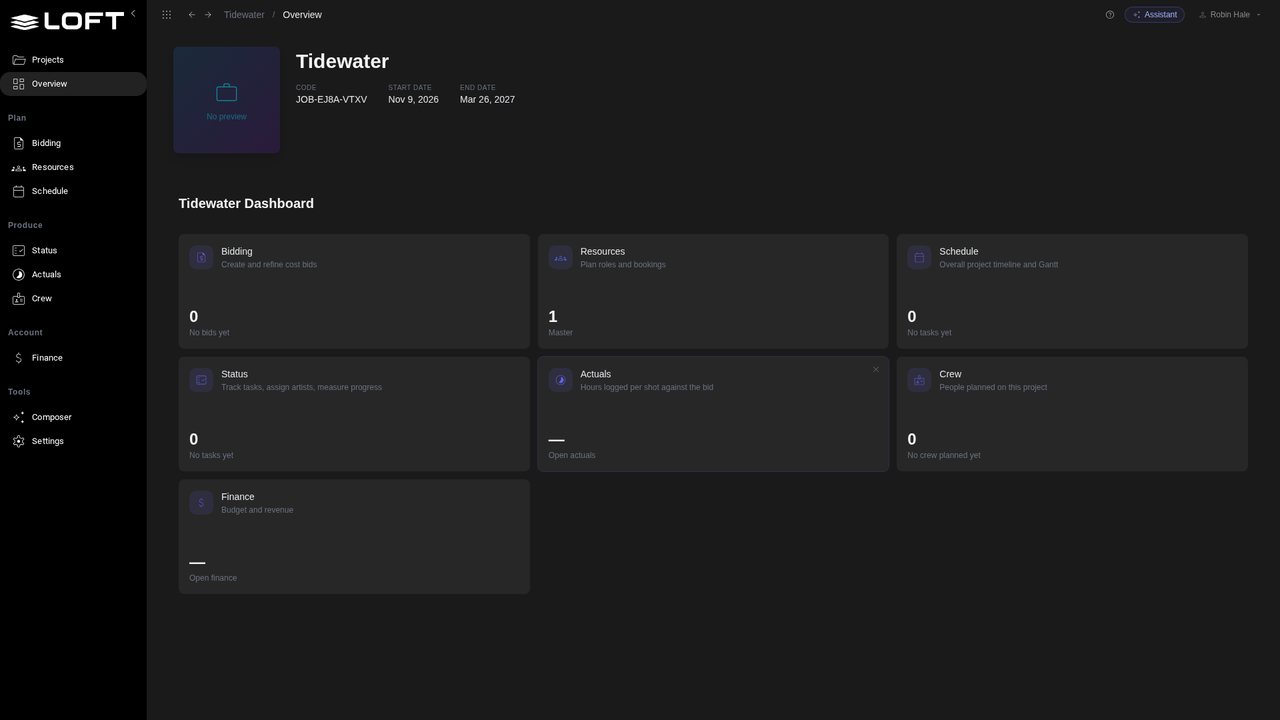
Click Create New Project. Everyone in the studio can open it; clients only ever see what you share with them.
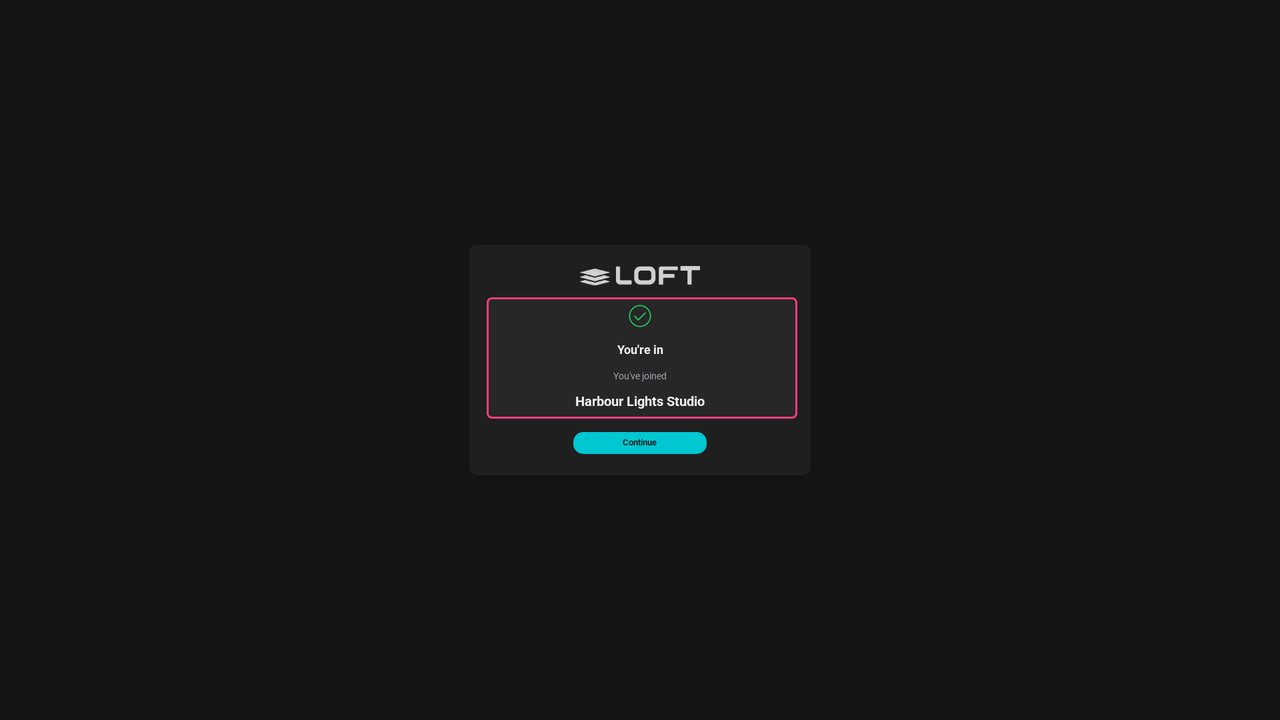
Meanwhile Dana opens her invite. Her name is already filled in; she chooses a password and she's in, with the Scheduling seat Robin gave her.
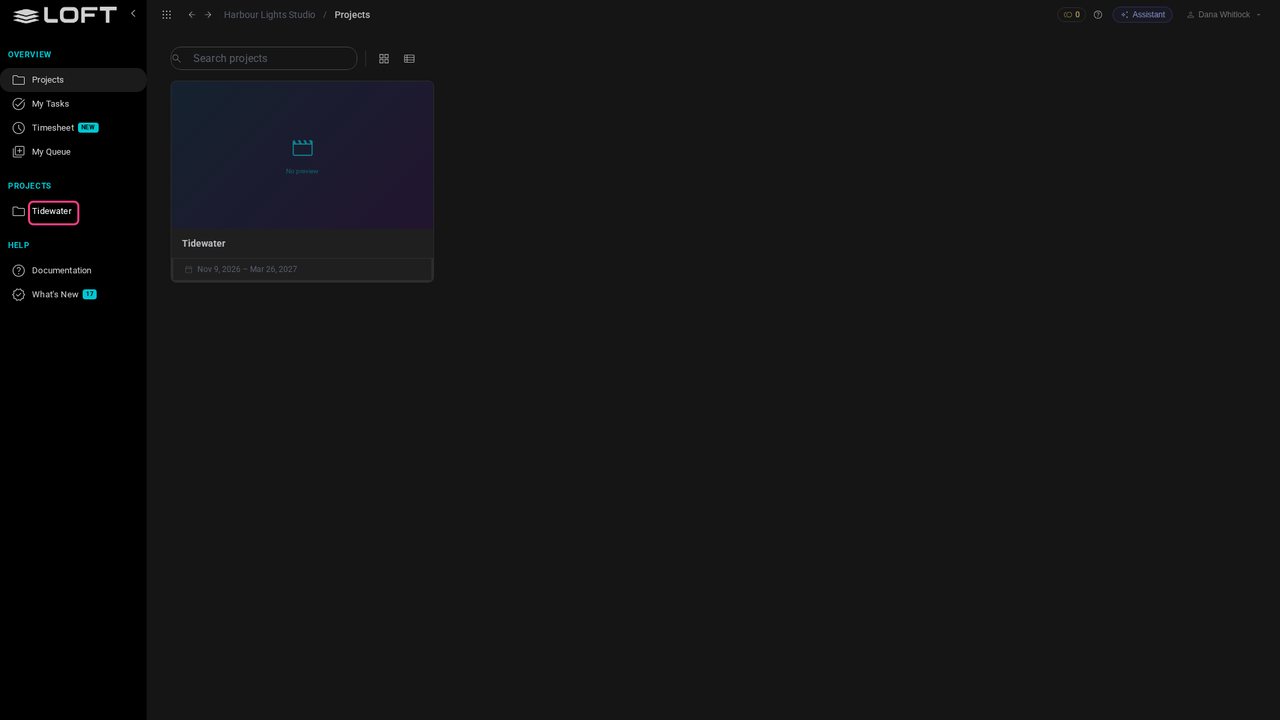
Dana lands in the studio and finds Tidewater waiting. Nobody had to add her to it.
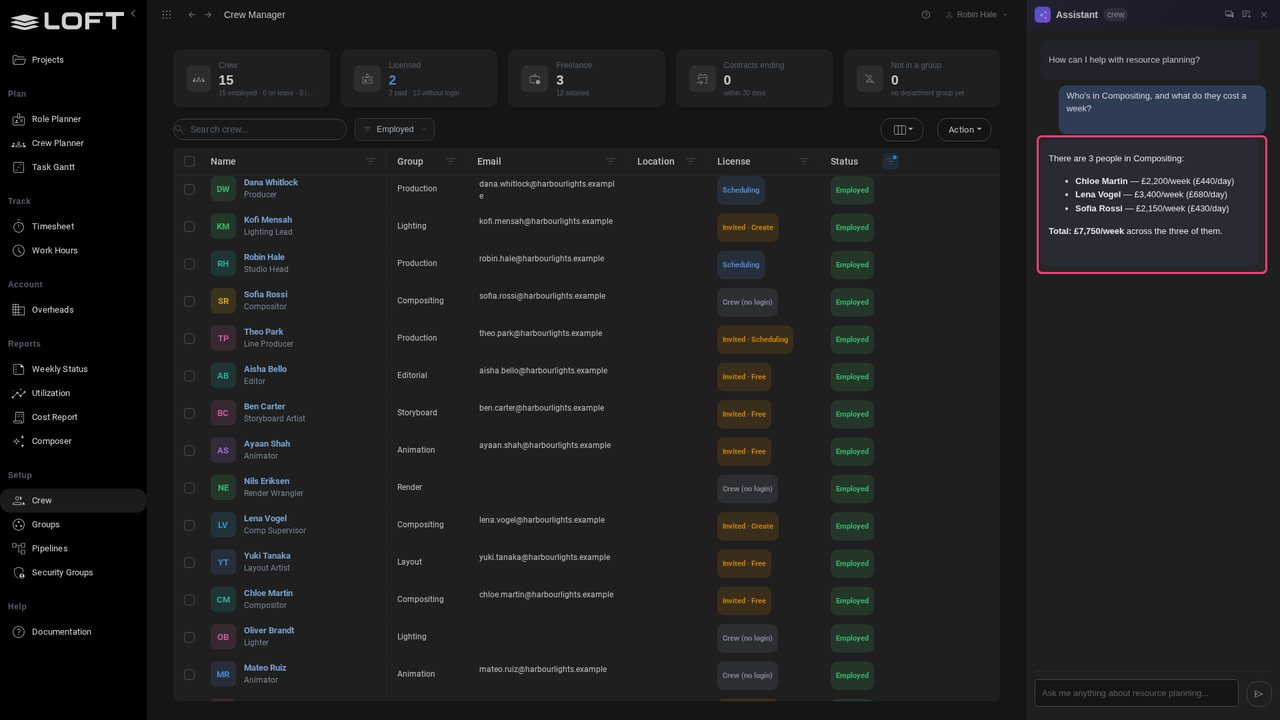
Back with Robin, ask the Assistant: who is in Compositing, and what do they cost a week? It answers from the rates the import brought in.
Up next in Start here
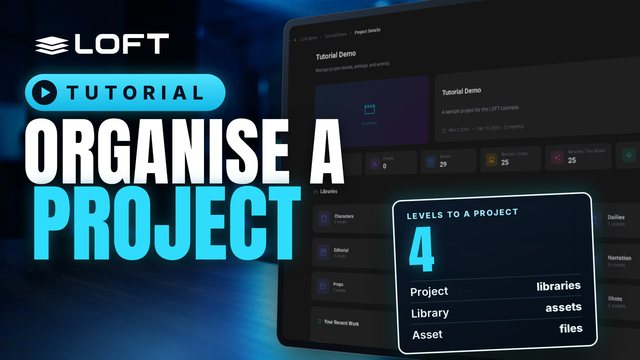
Before you make anything, it helps to know where things go. This tutorial tours a project's sidebar and explains what libraries, asset types, folders and assets are each for, and when to reach for which. Then it makes two folders and a first asset to show it in practice.
In the playlists Start here, Plan and run a production.