
STEP 01
Open the project
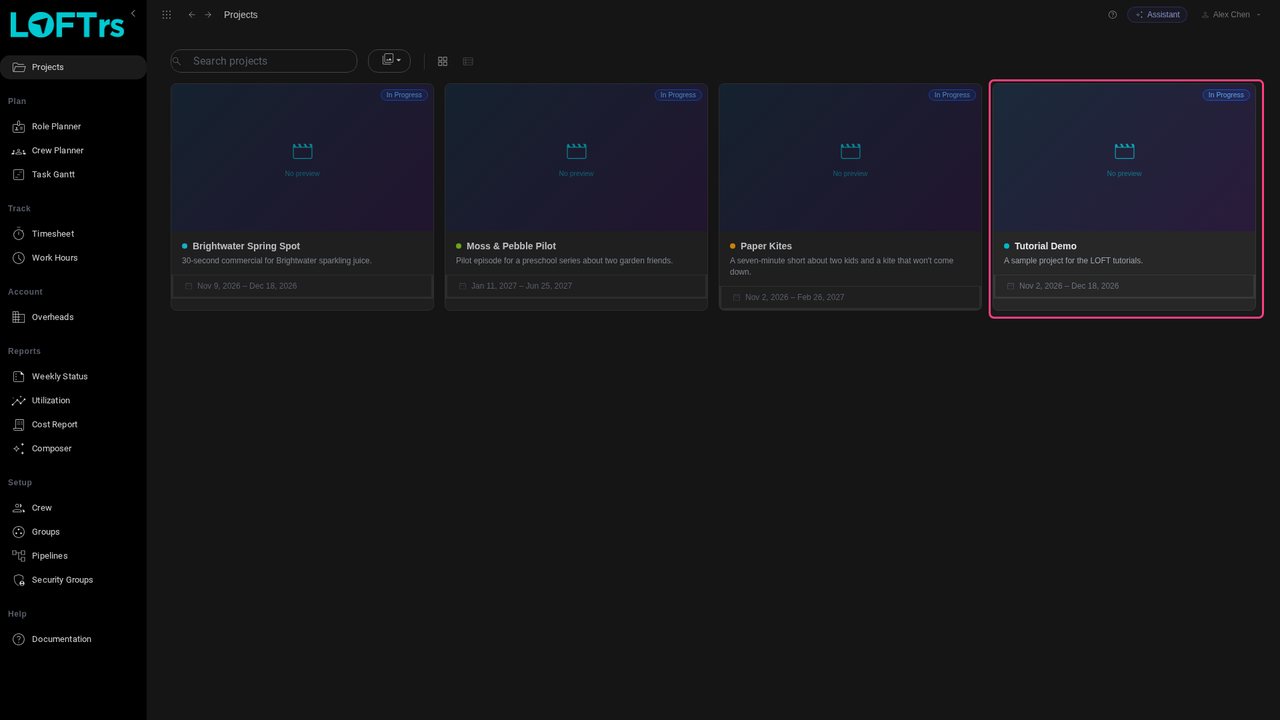
Open the project from the Projects page. We'll use Tutorial Demo, a project with nothing planned yet.
Tutorials/Plan and run a production
Resources are the people a project needs, planned as roles: an animator for four weeks, a compositor for two. This tutorial adds roles to a project, books their weeks, and requests a crew member for one of them.
Follow along
Open the project from the Projects page. We'll use Tutorial Demo, a project with nothing planned yet.
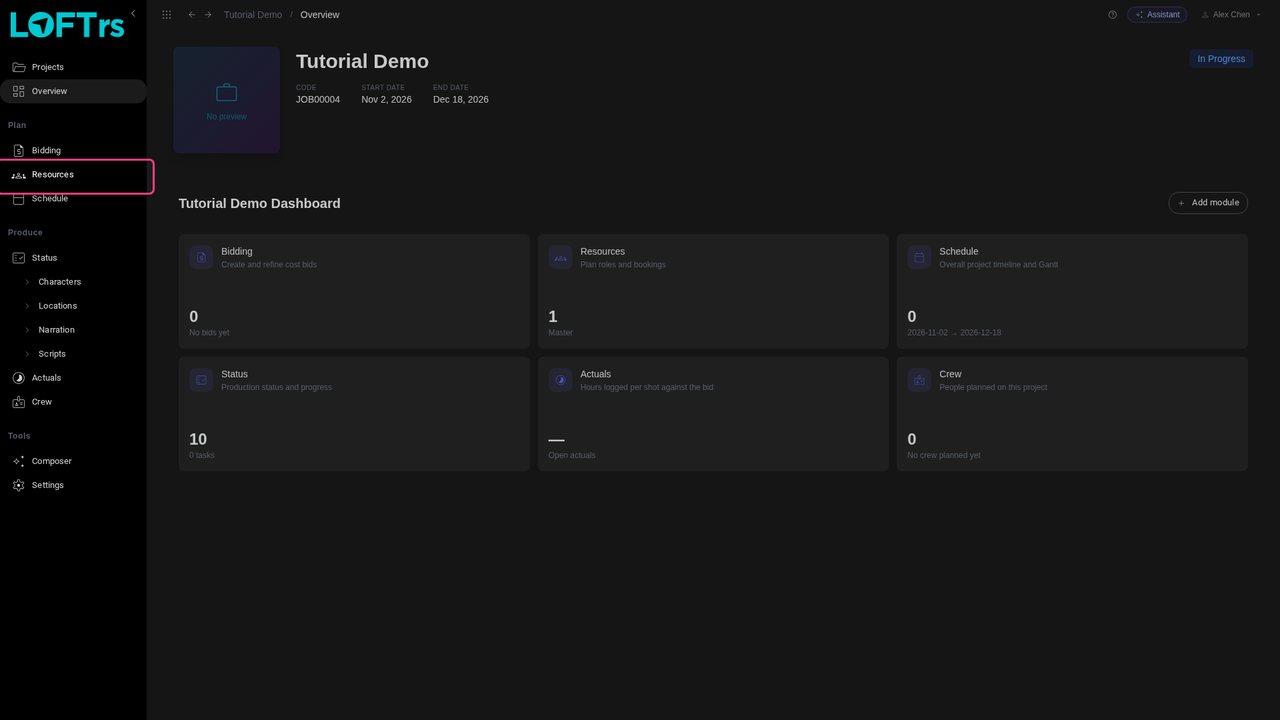
In the sidebar's Plan group, click Resources. This is where a project's roles are planned week by week.
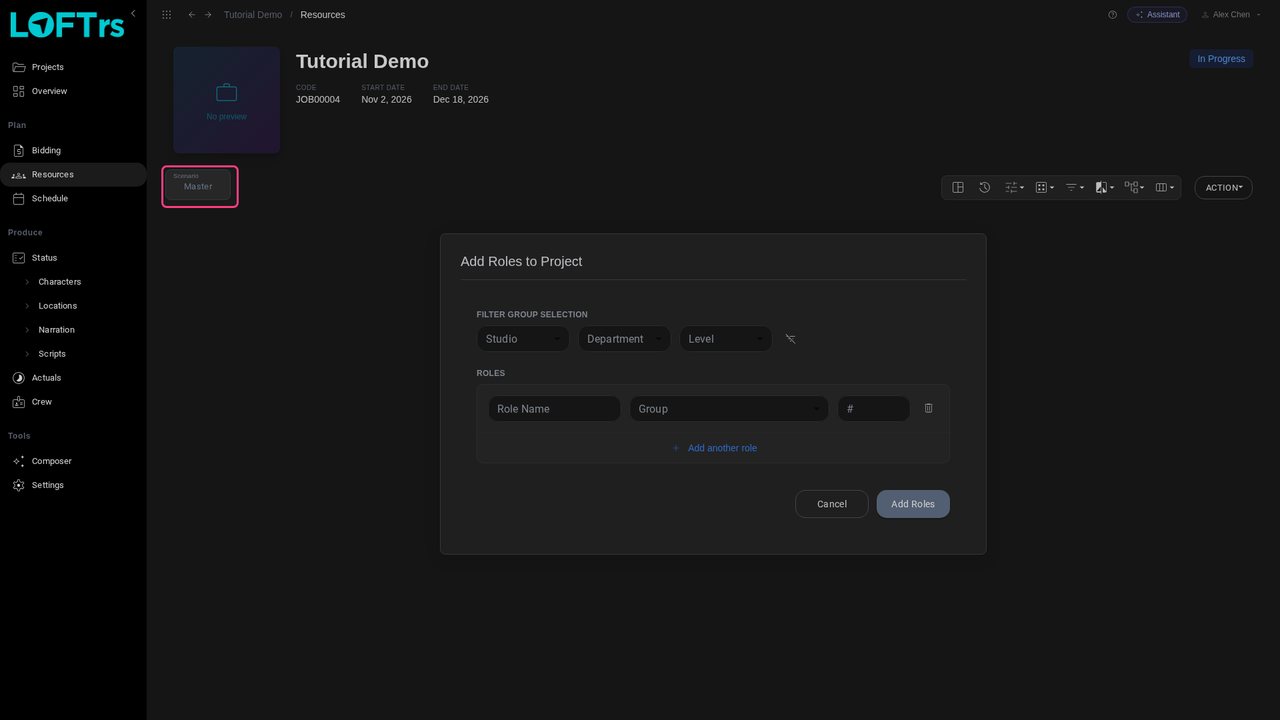
Everything you plan here belongs to a scenario, shown at the top left. Master is the project's working plan; other scenarios let you try alternatives without touching it.
A project with no roles opens straight onto Add Roles to Project. Each line is one role: a Role Name, the Group it's drawn from, and #, how many people. Here, two animators.
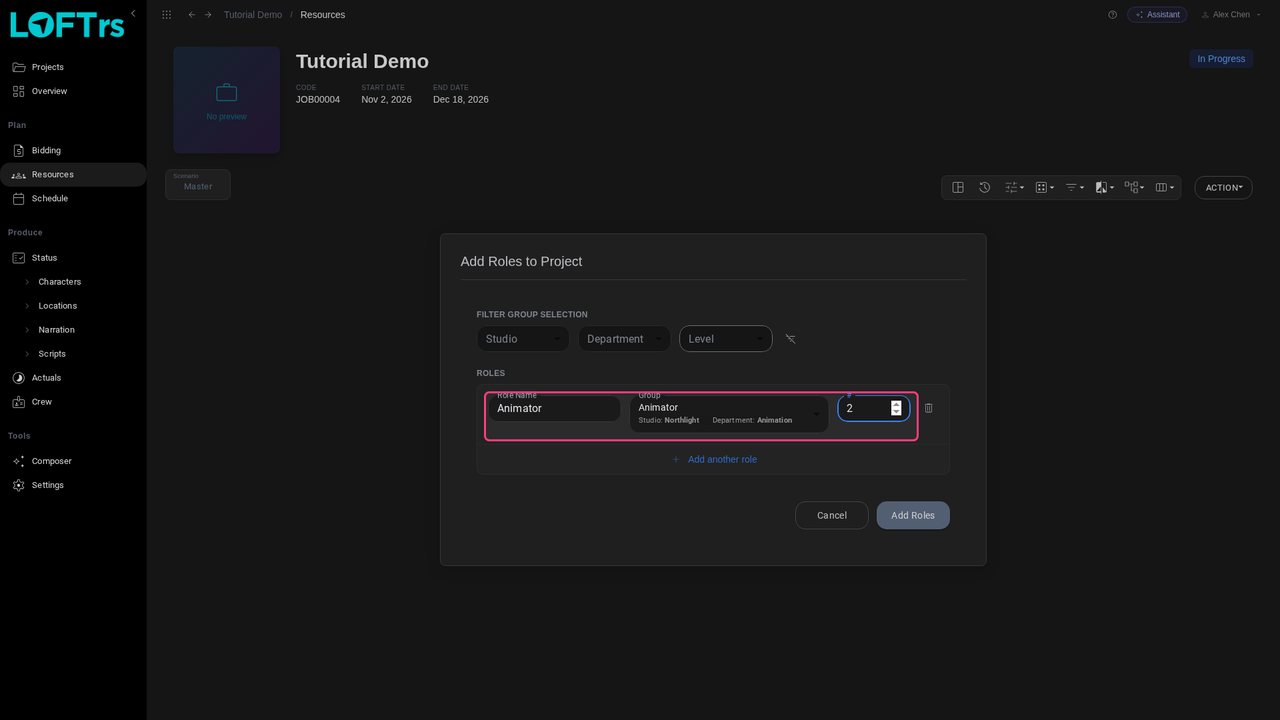
Click Add another role for a second line: one compositor. The group decides the department and the rate the role is costed at.
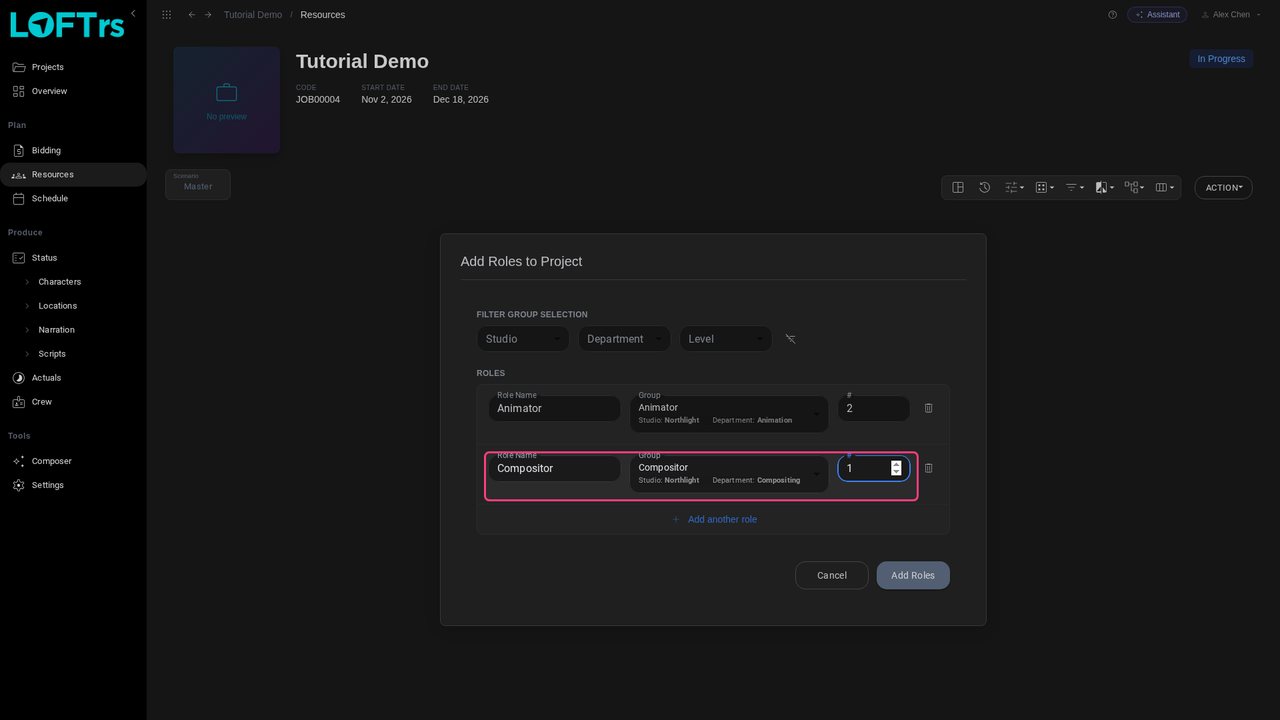
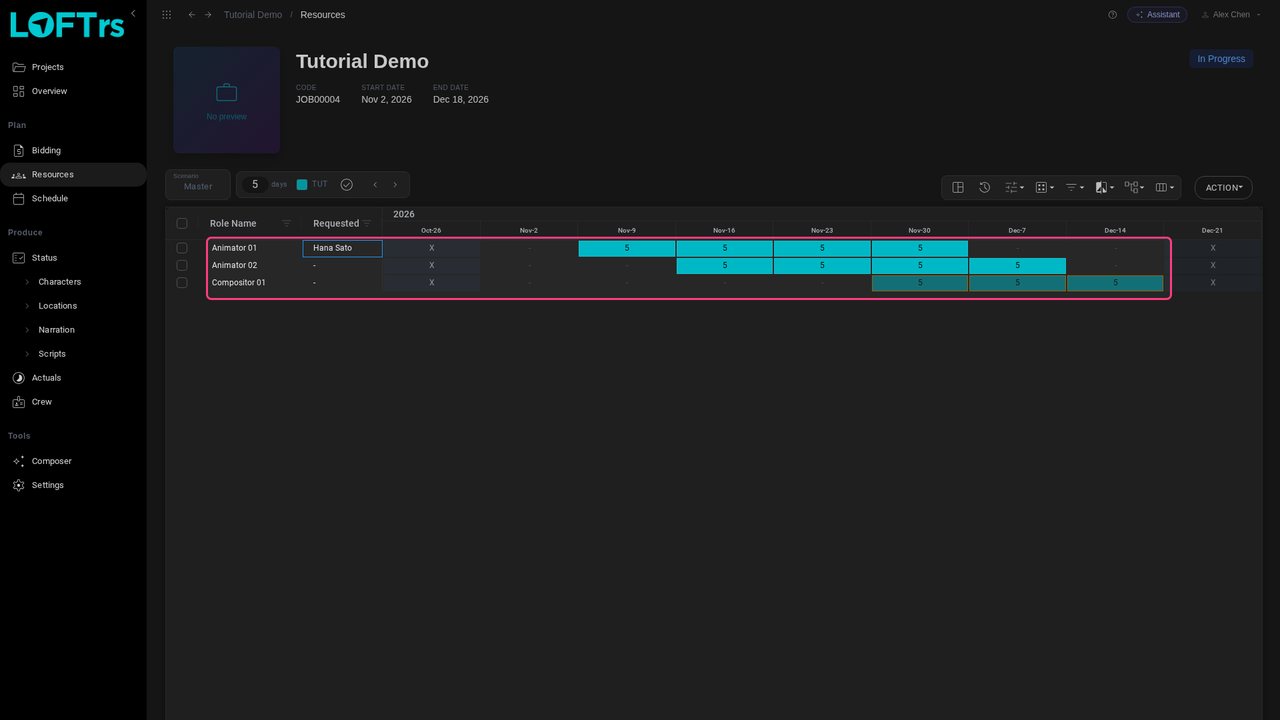
Click Add Roles. Each person becomes a numbered row in the plan: Animator 01, Animator 02 and Compositor 01.
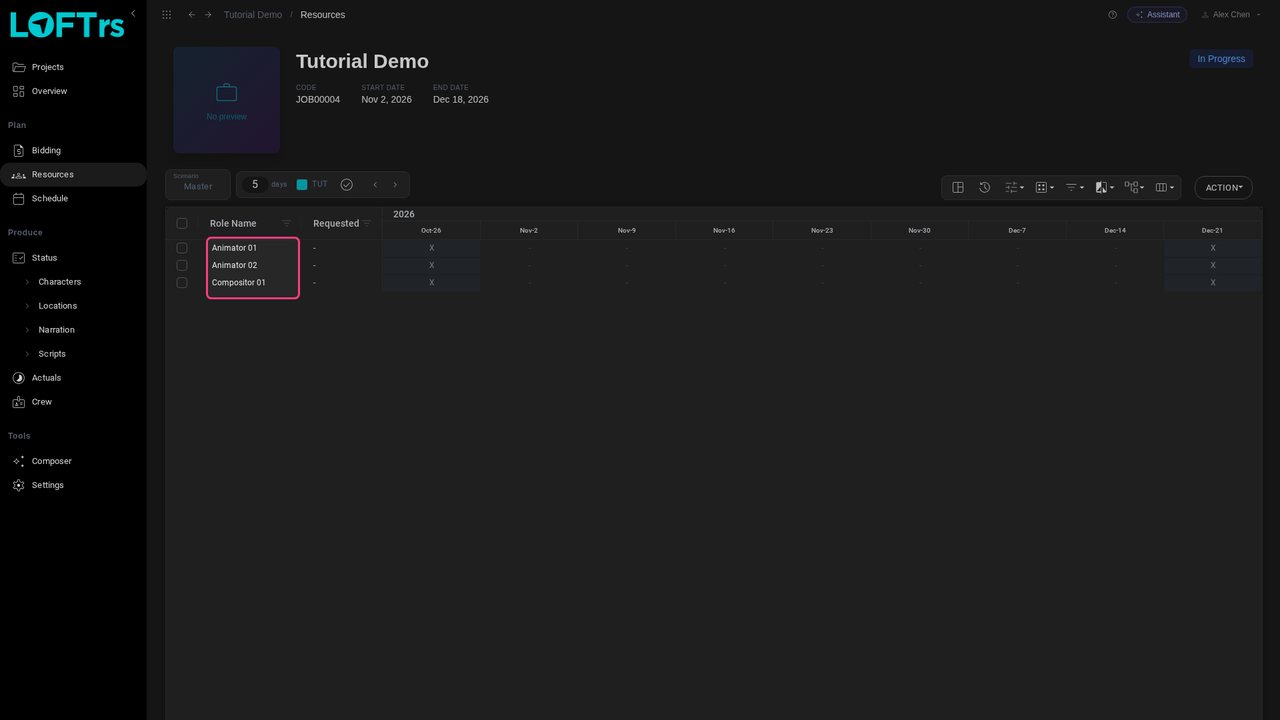
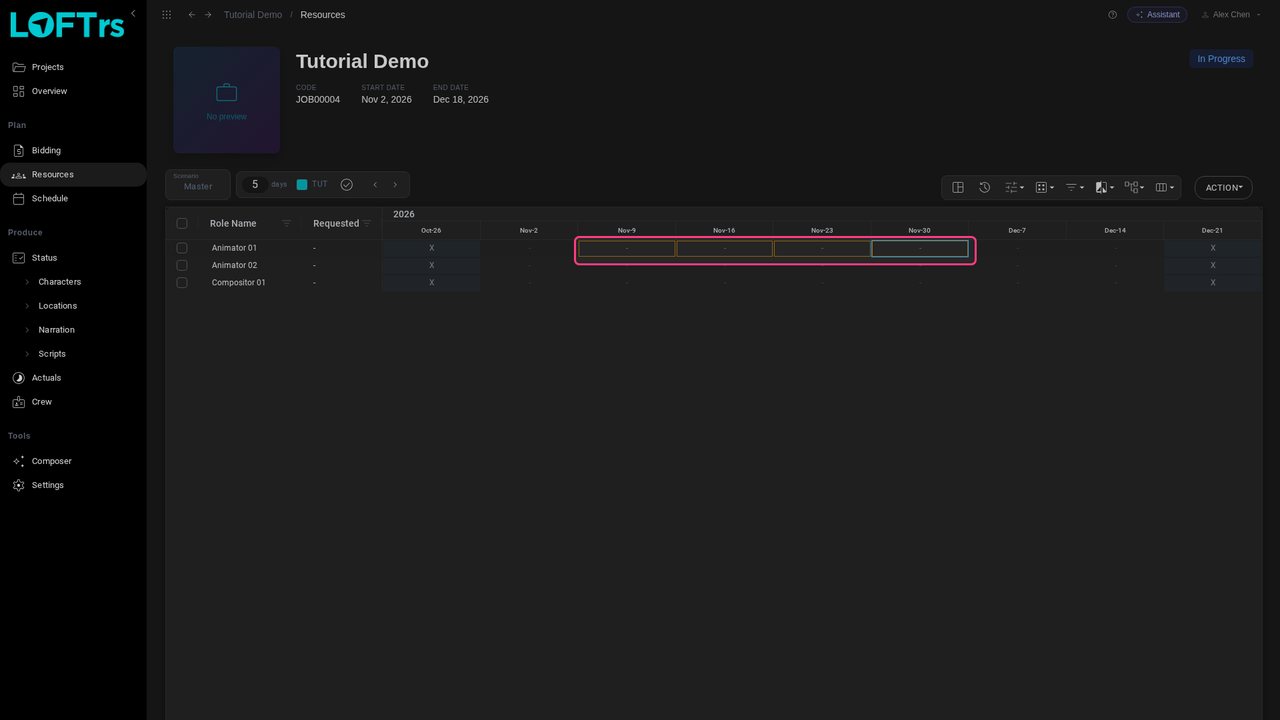
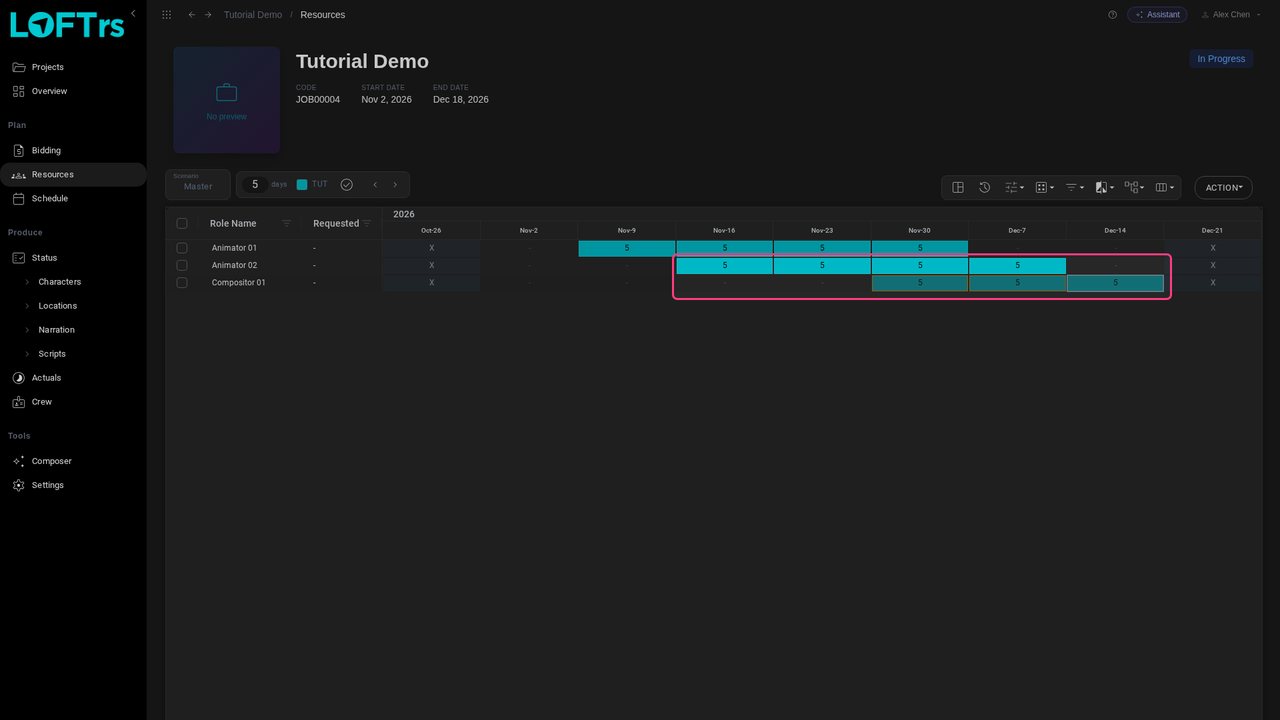
Each column is a week. Click the first week a role starts, then Shift-click the last: here Animator 01 from Nov 9 to Nov 30.
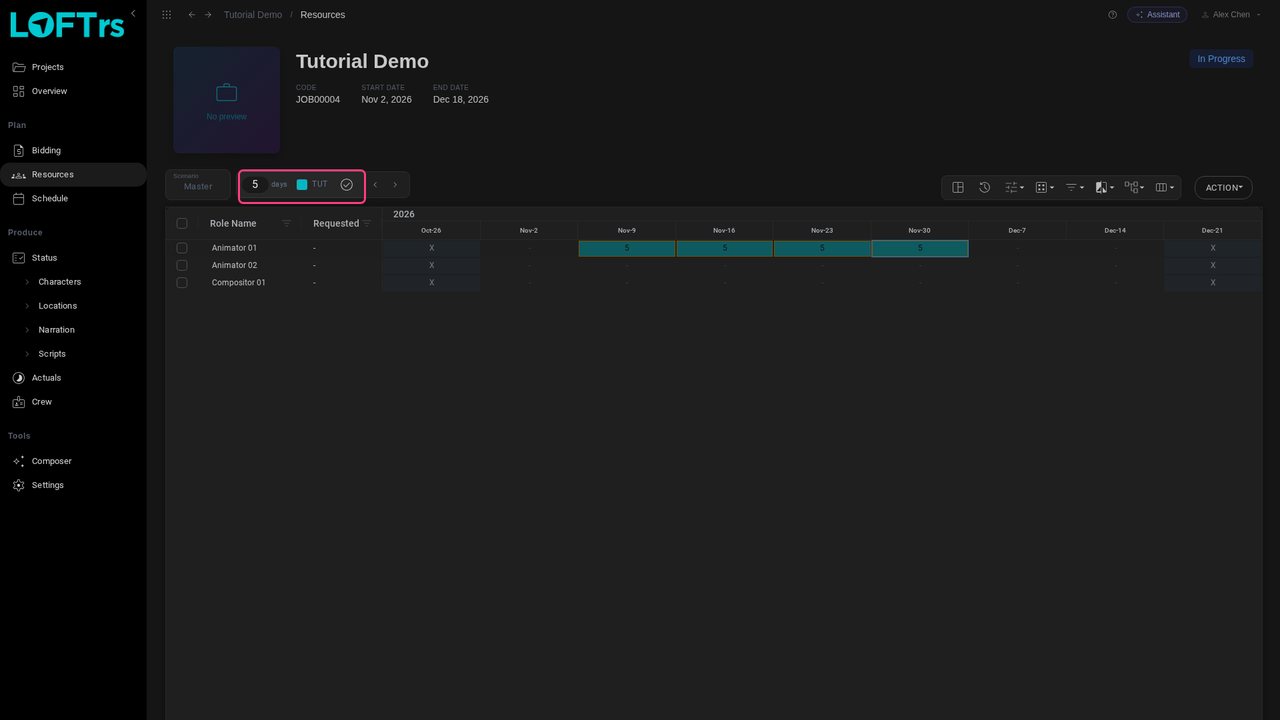
The bar above the grid holds what gets booked: 5 days a week under the project's label. Press Enter, or click the tick, to fill the selected weeks. You can also type a number straight into a cell, or press Delete to clear it.
Do the same for the others. The second animator joins a week later, and the compositor comes in for the last three weeks.
If you know who you'd like in a role, double-click its Requested cell and start typing a name.
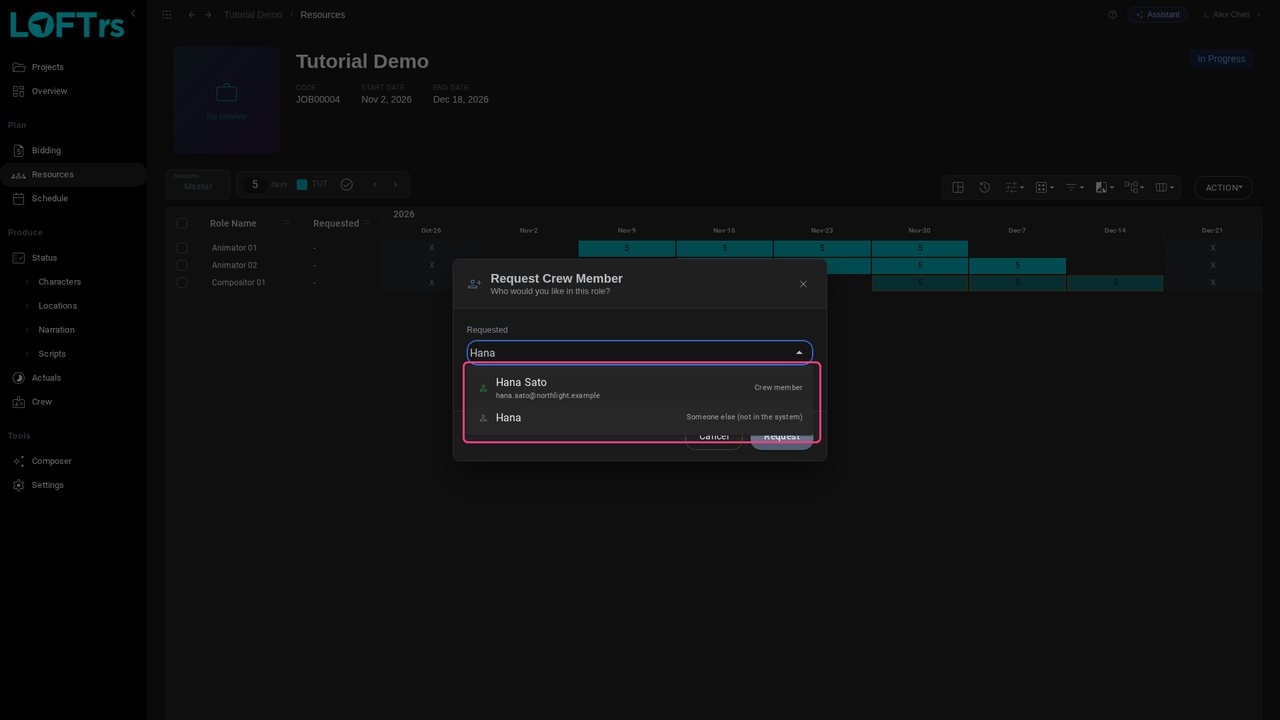
Pick someone marked Crew member to link the request to that person, so the role uses their rate and appears in their schedule. A name that isn't in the system is kept as text, and the group's rate applies. Click Request.
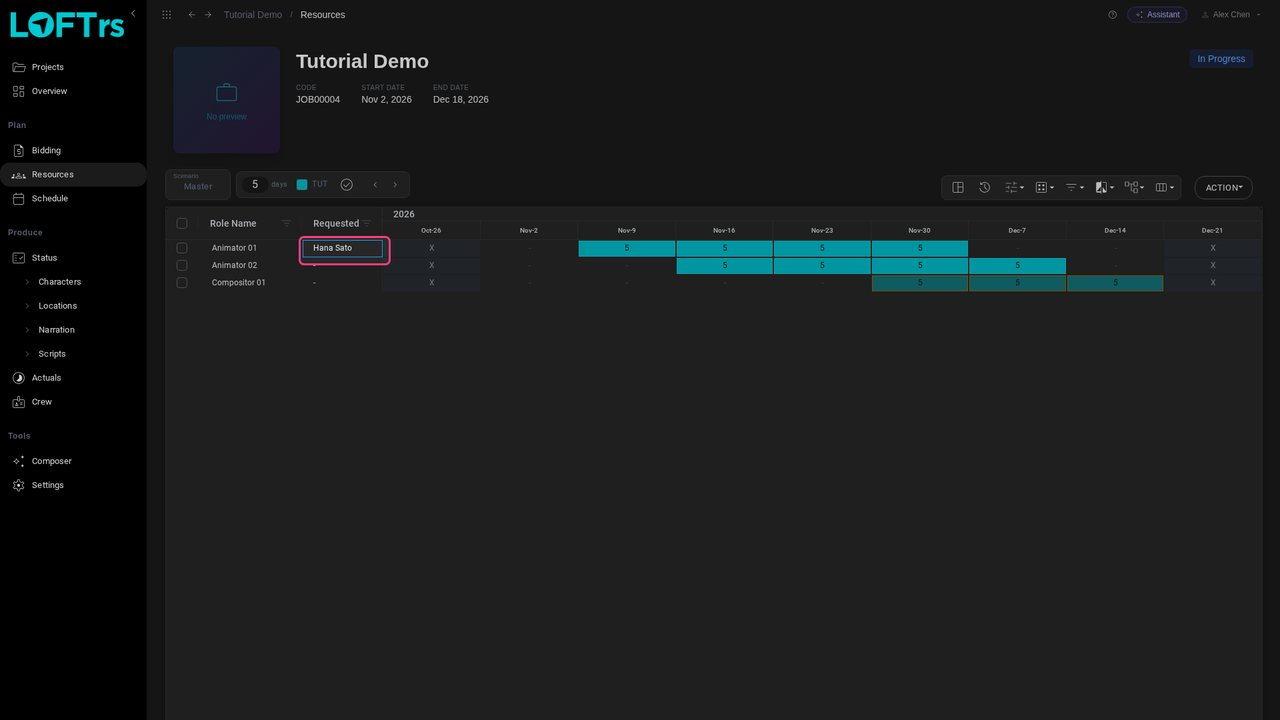
Everything here saves as you go; there is no Save button. A request is a wish, not a booking: the people themselves are assigned in the Crew Planner. Roles can also come from a bid: Generate Resources on the bid turns its days into roles like these.
Up next in Plan and run a production

After the bid, the schedule exists but nobody is on it yet. This tutorial is the production manager's side of an AI short: assign the storyboard, layout, video, compositing and lookdev work from the tracking grid, check the schedule by artist, then come back three weeks later and measure the show: what is approved against the plan, what is late, what is waiting for review, and what to do about it.
In the playlists Plan and run a production.